How RooftopIQ works
Chat with your team and keep the work with the project.
Each project brings together the conversation and the work: tasks, site photos, files and notes.
Start in chat
Open Chats, choose your project and open General to talk with your team. You can send photos, share files and create a task from the conversation.
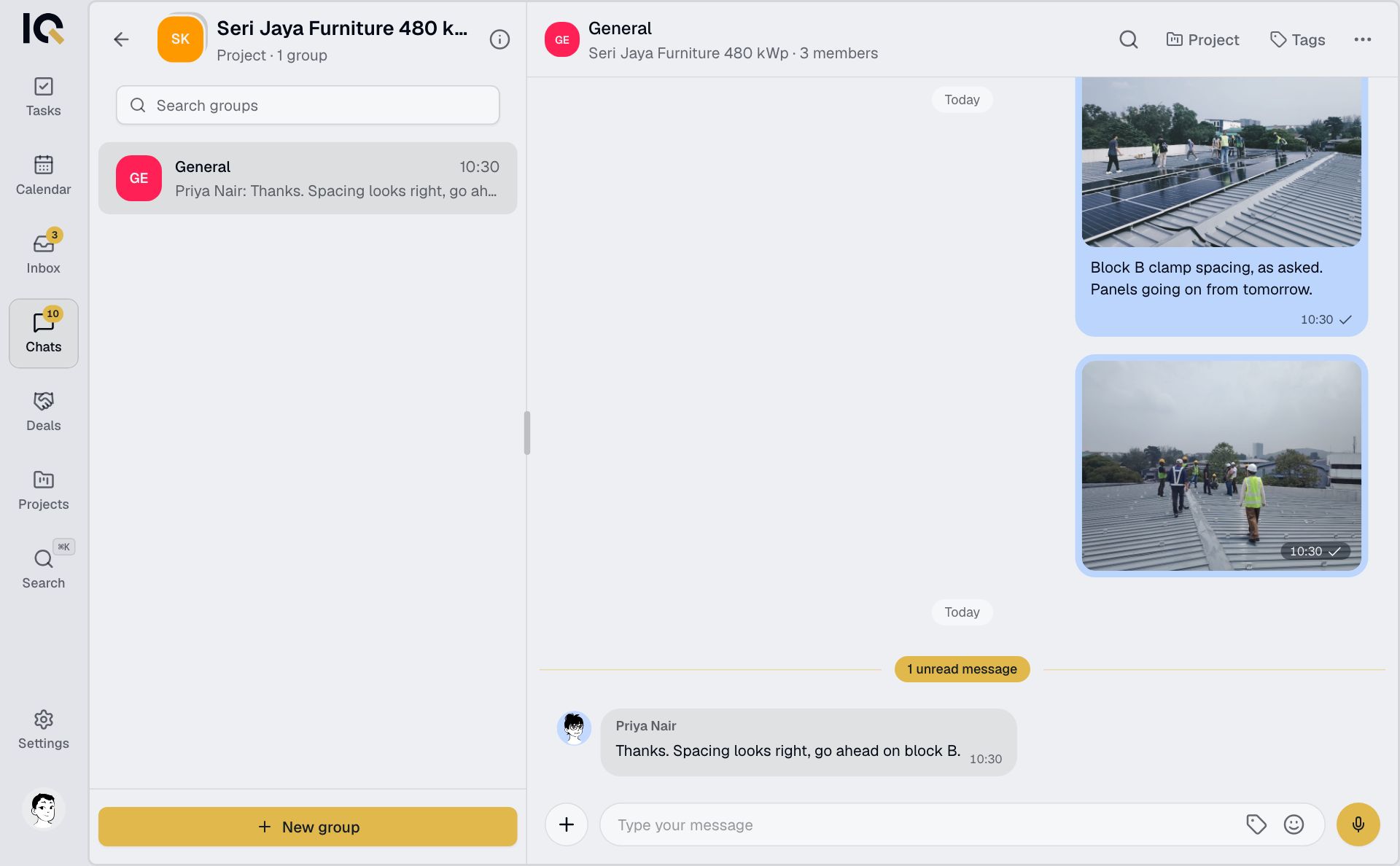
Photos and files sent in a project chat also appear in the project's Files tab.
Follow the work
Open Projects and choose a project. Use Tasks to see who is doing what, Files for documents and photos, and Notes for decisions and follow-ups. Project meetings and site visits appear in Calendar.
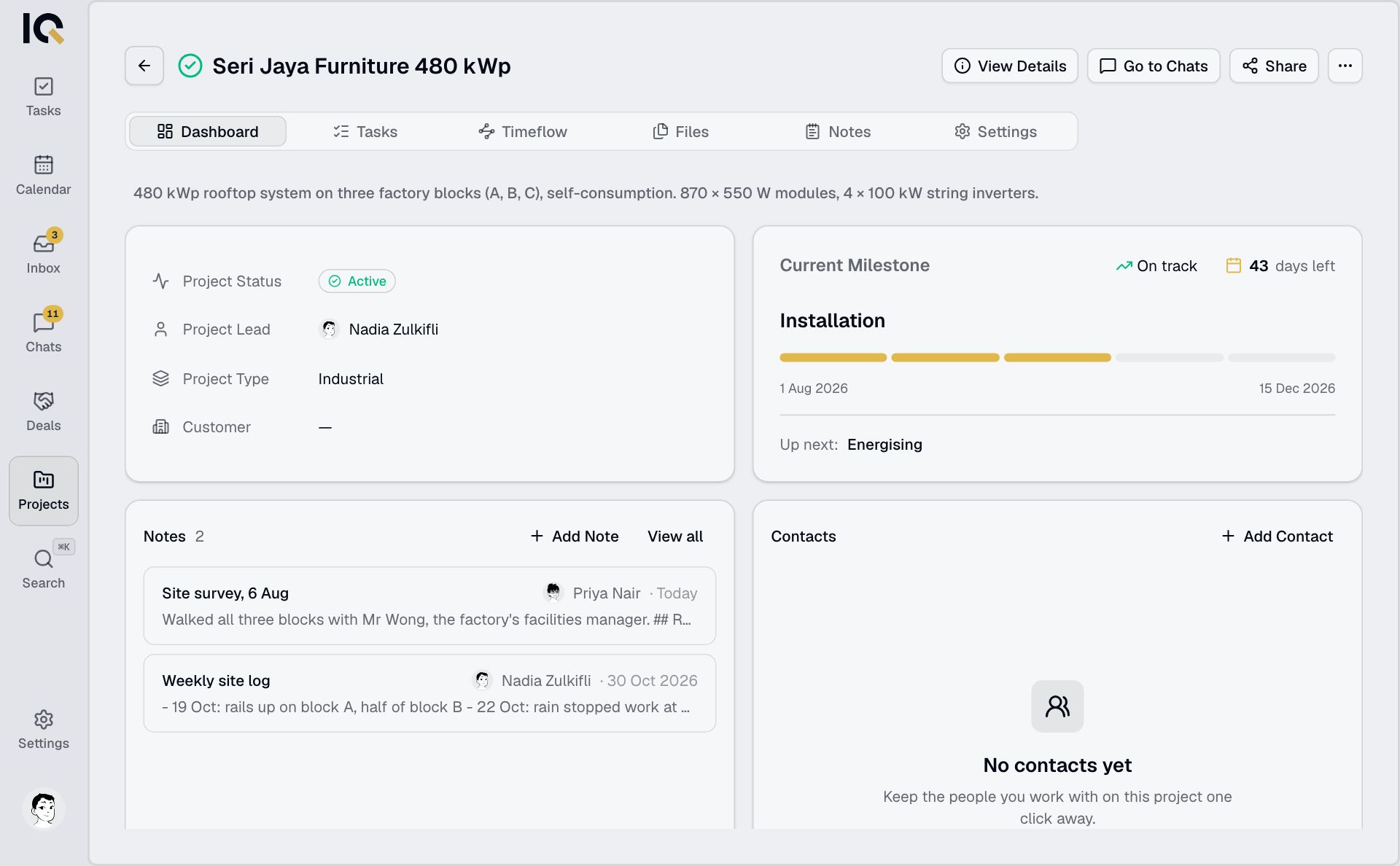
If a project is missing, ask its lead to add you.
Bring other companies in
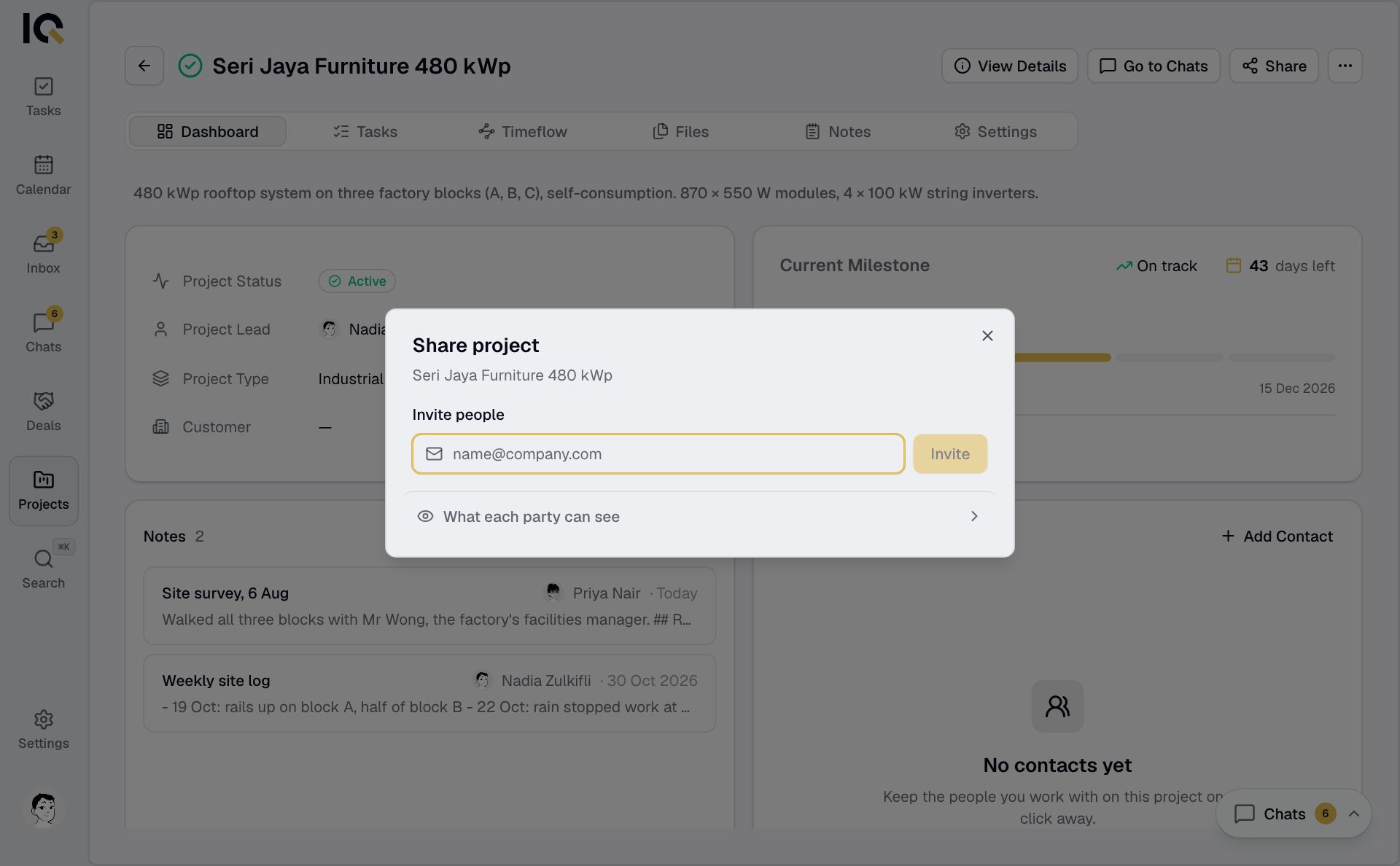
Share a project with a subcontractor or invite someone as a guest. Use the All chat for shared conversations. Your company's internal chats stay private.
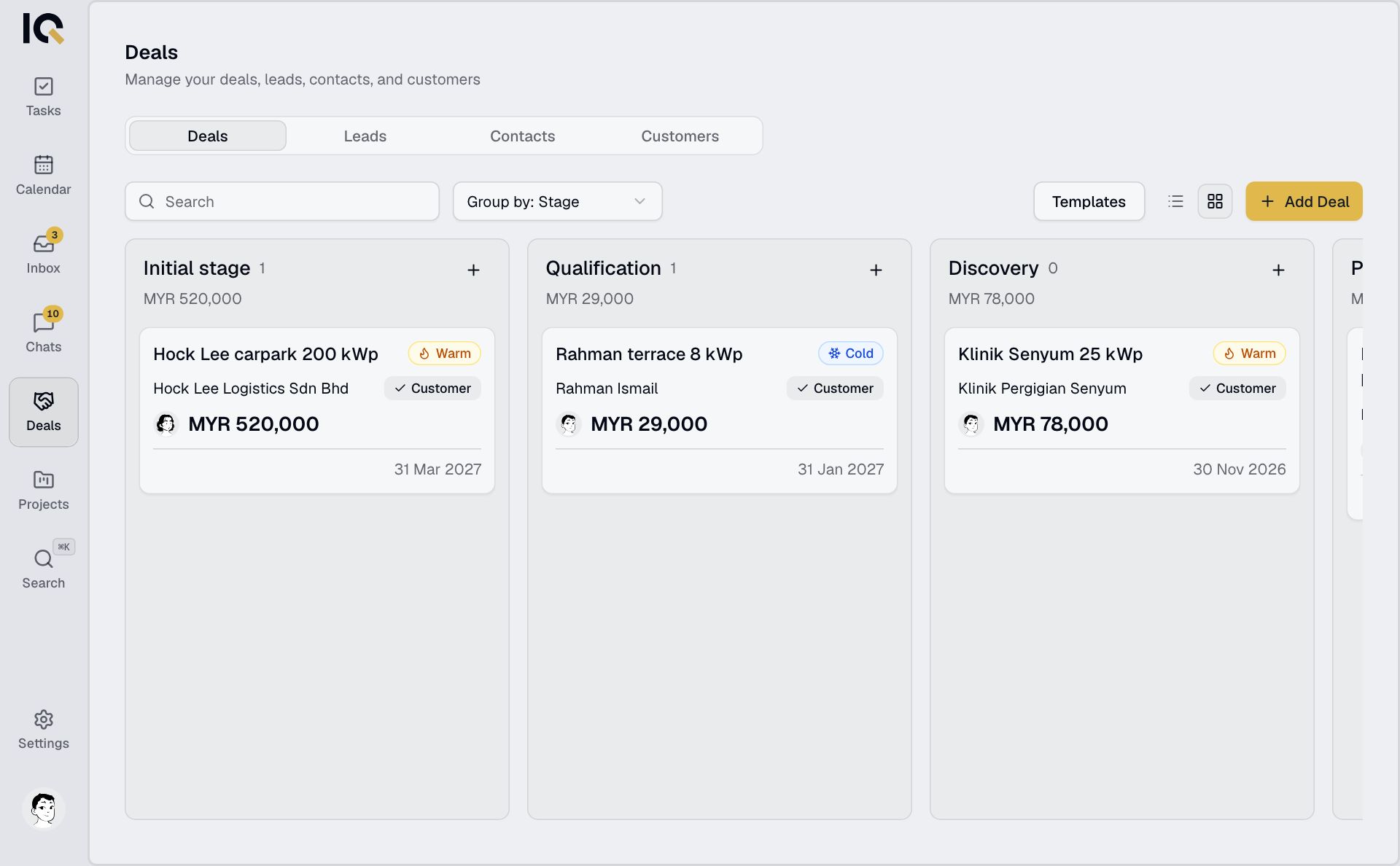
Before the project starts
Track a sales opportunity in Deals. When it is won, hand it over to a project with the contacts, files and notes the delivery team needs.