Docs
Getting startedFinding your way
Finding your way
Find chats, tasks, projects and settings.
RooftopIQ opens on Chats. Use the menu on the left on a computer, or the tabs at the bottom on a phone.
- Chats: conversations with your team.
- Tasks: work you lead or help with.
- Calendar: events and task due dates.
- Deals: sales opportunities.
- Projects: the jobs you are working on.
Check your Inbox
On a computer, select Inbox in the menu. On a phone, tap the Inbox button at the top left.
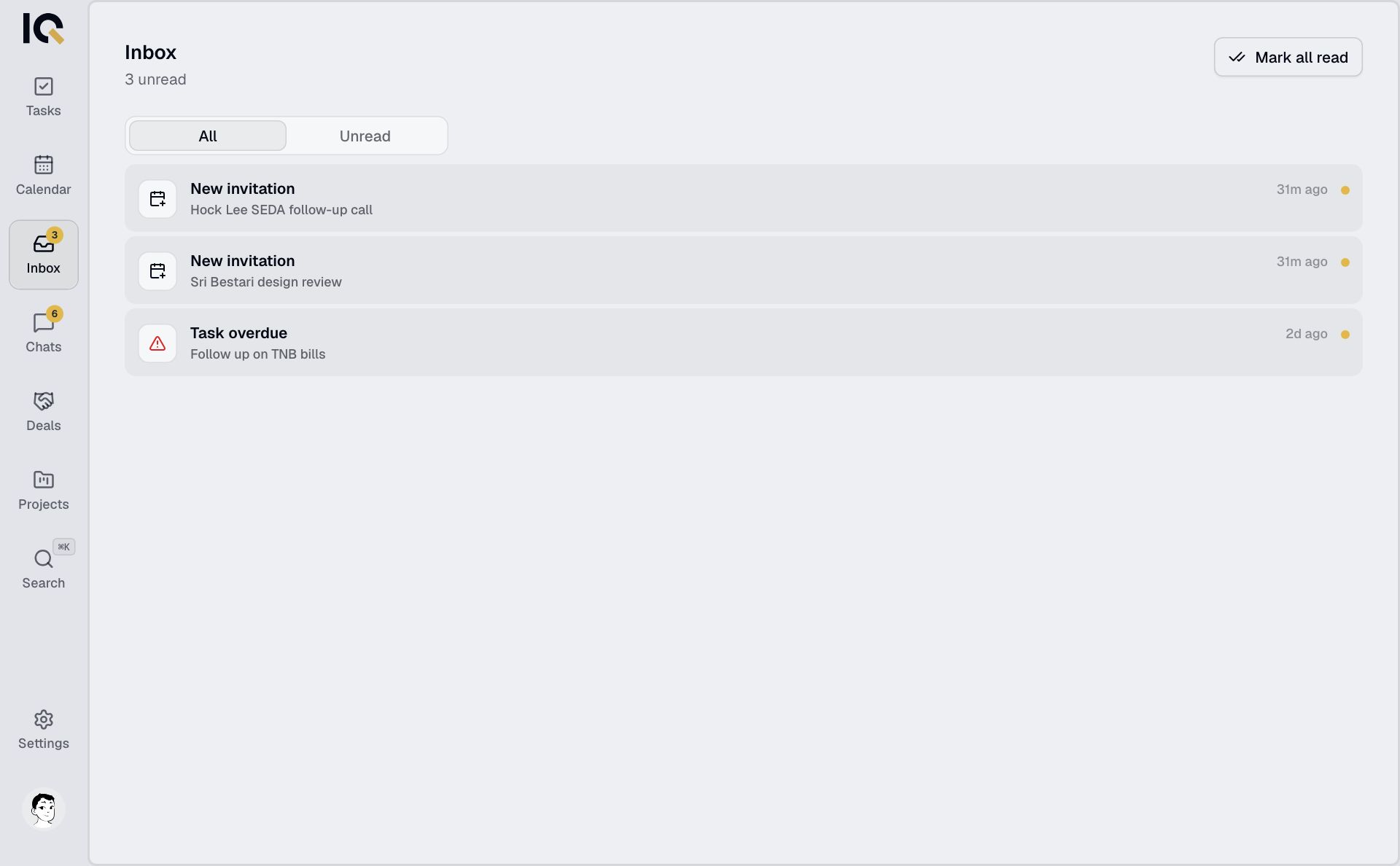
Open a notification to go to the task, conversation or invitation that needs your attention. More about Inbox.
Open Settings
On a computer, select Settings at the bottom of the menu. On a phone, tap your photo at the top right.
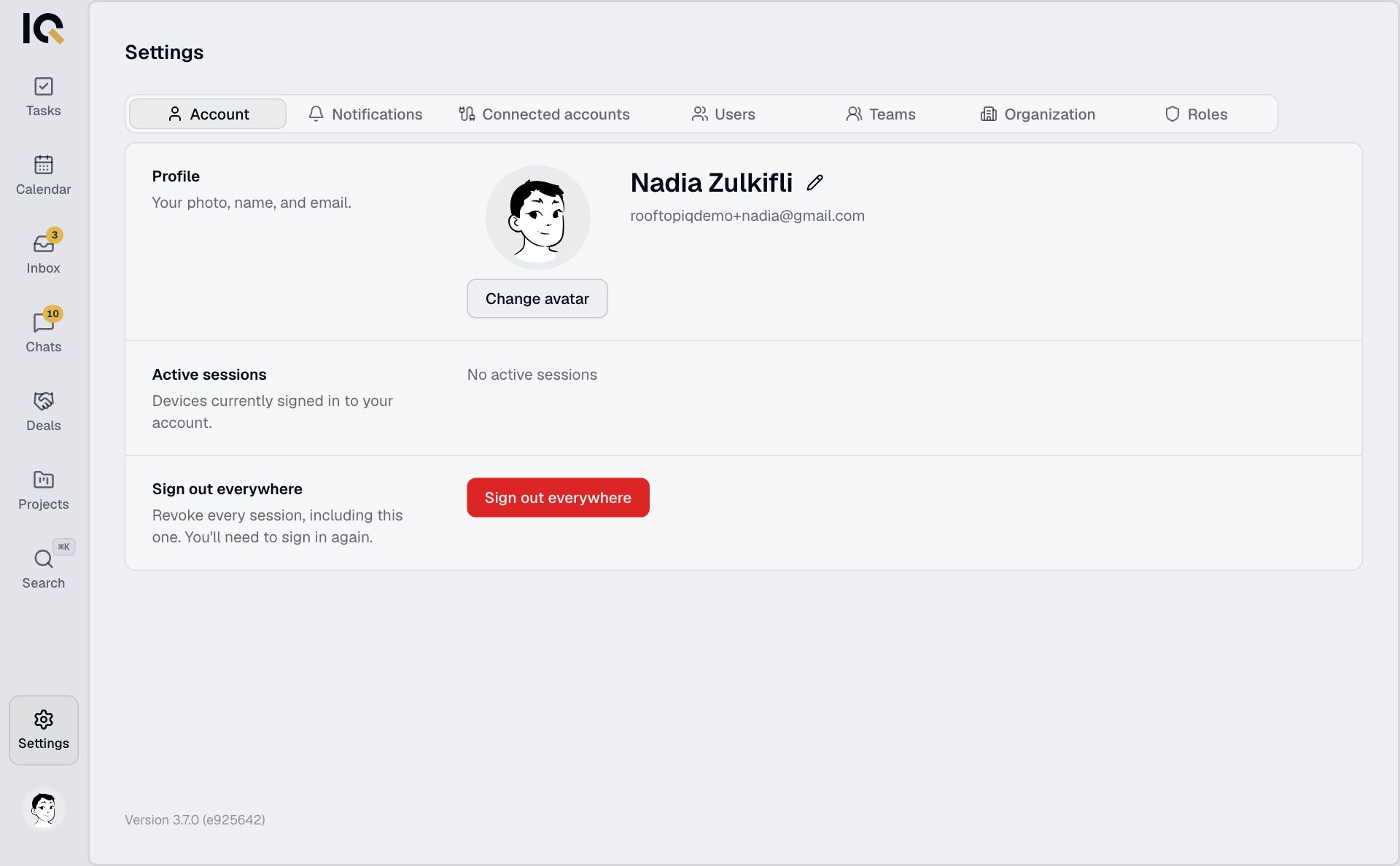
This is where you change your name and photo and turn on notifications.