Docs
Getting startedQuick start
Quick start
Join your team and finish your first task.
Start with the invitation your company's RooftopIQ admin sent you.
Join and sign in
- Open the invitation link.
- Set a password and tap Activate account, then sign in. You can also choose Continue with Google using the email you were invited with.
- If asked, enter your name and tap Continue.
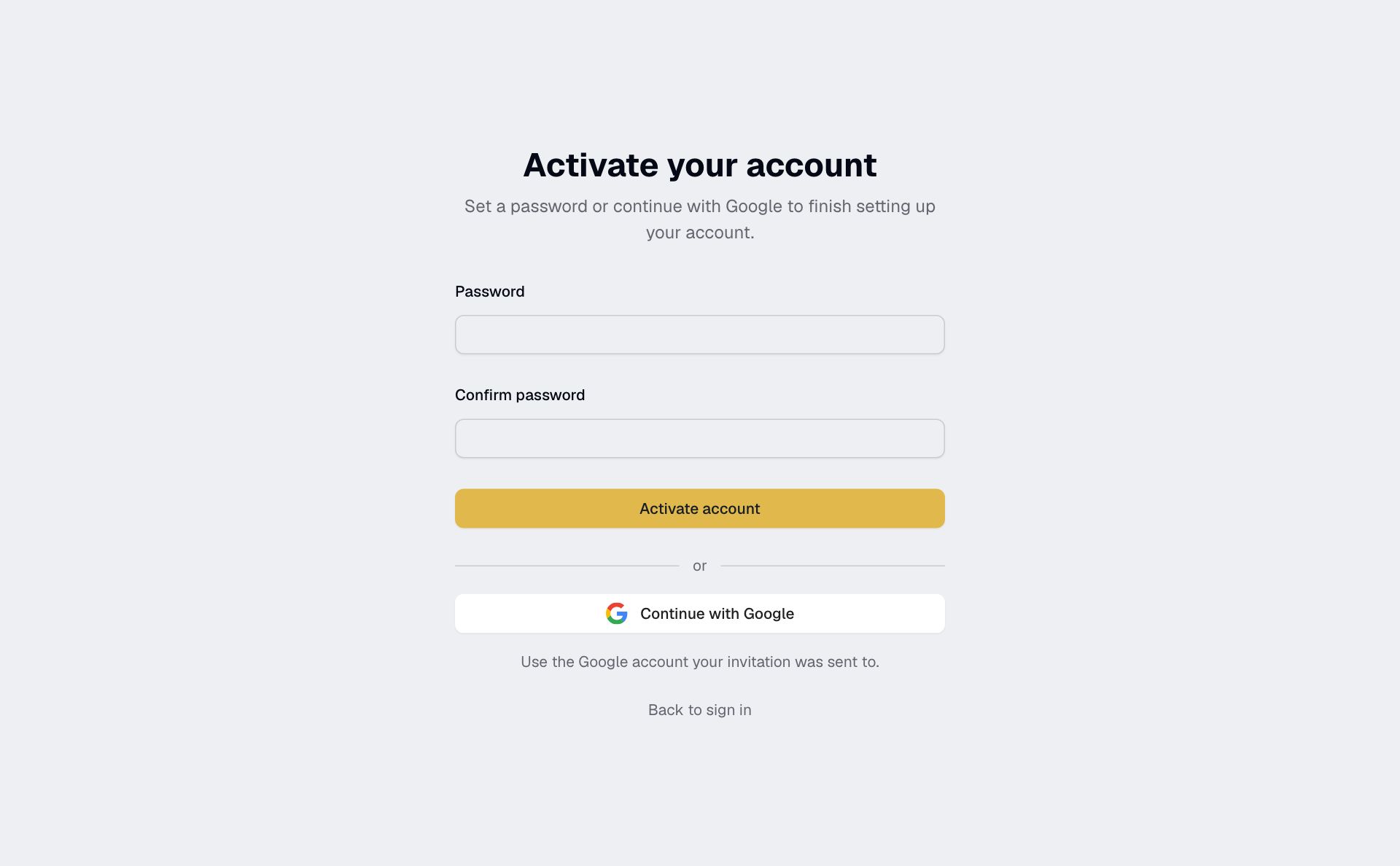
If your invitation has expired, ask your admin for a new one. For sign-in help, see Sign in.
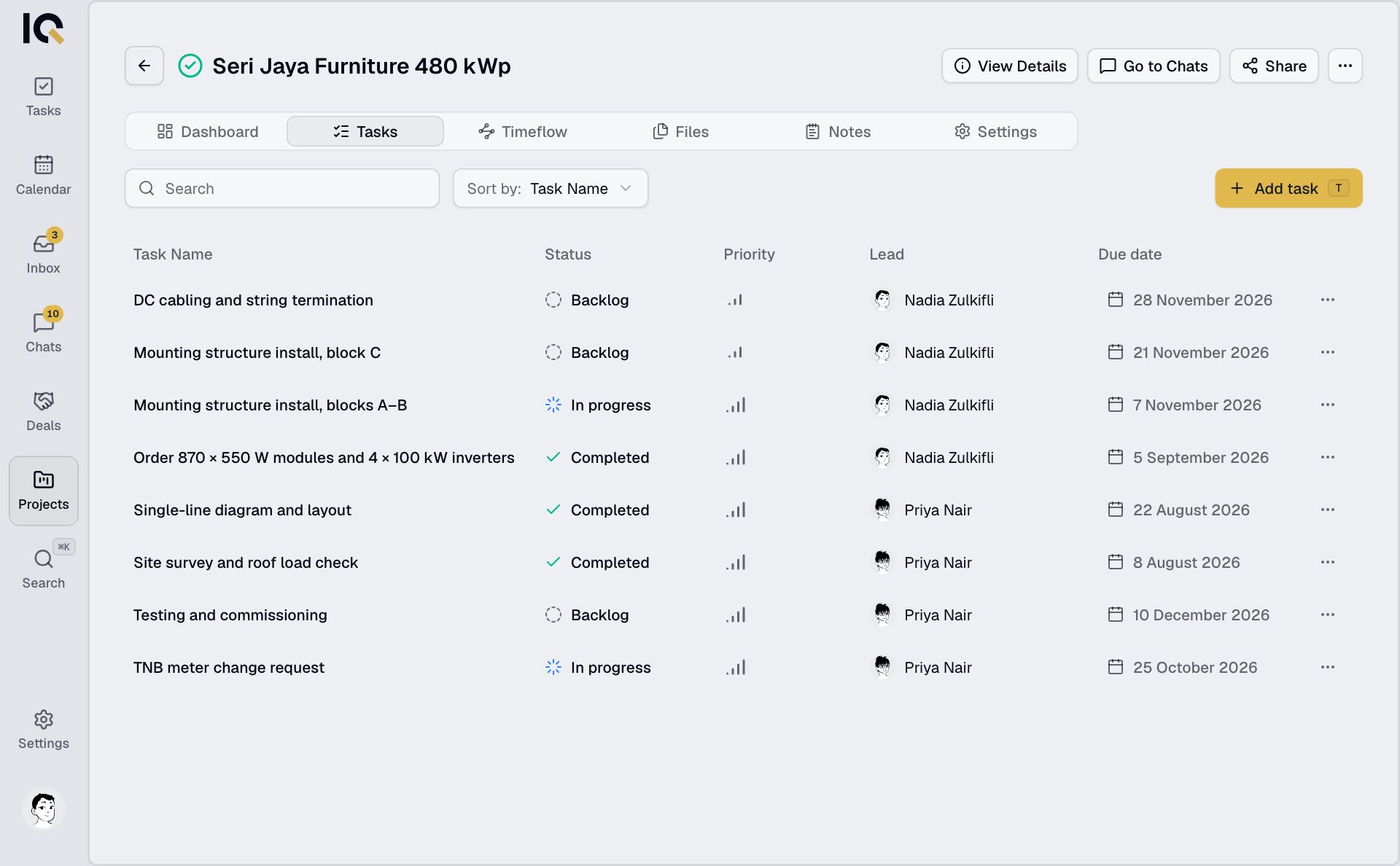
Open your project
Tap Projects, choose your project and open Tasks. If the project is missing, ask its lead to add you.
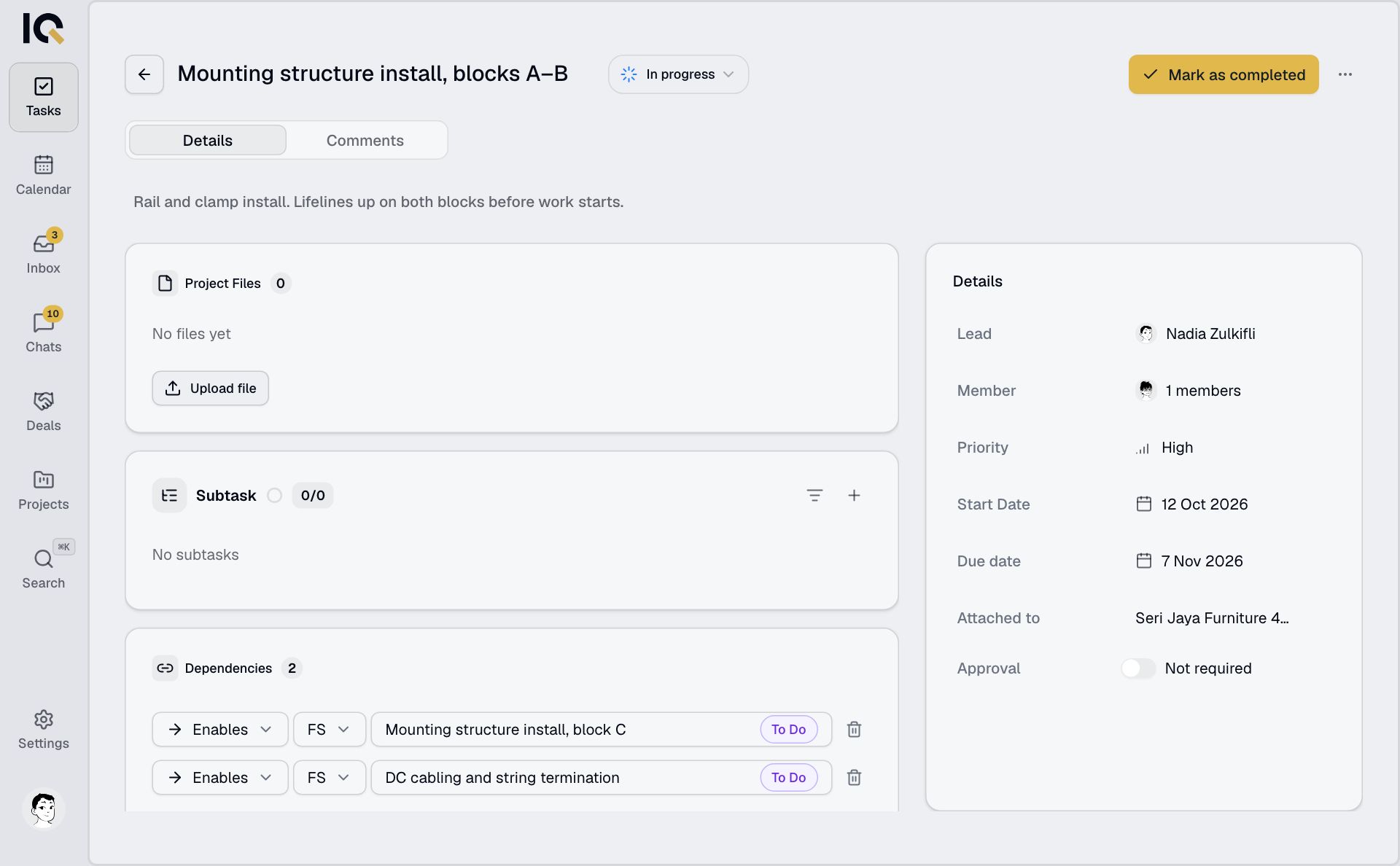
Finish a task
Open a task and tap Mark as completed when the work is done. If it needs a review, tap Request approval and choose a reviewer. More about tasks.
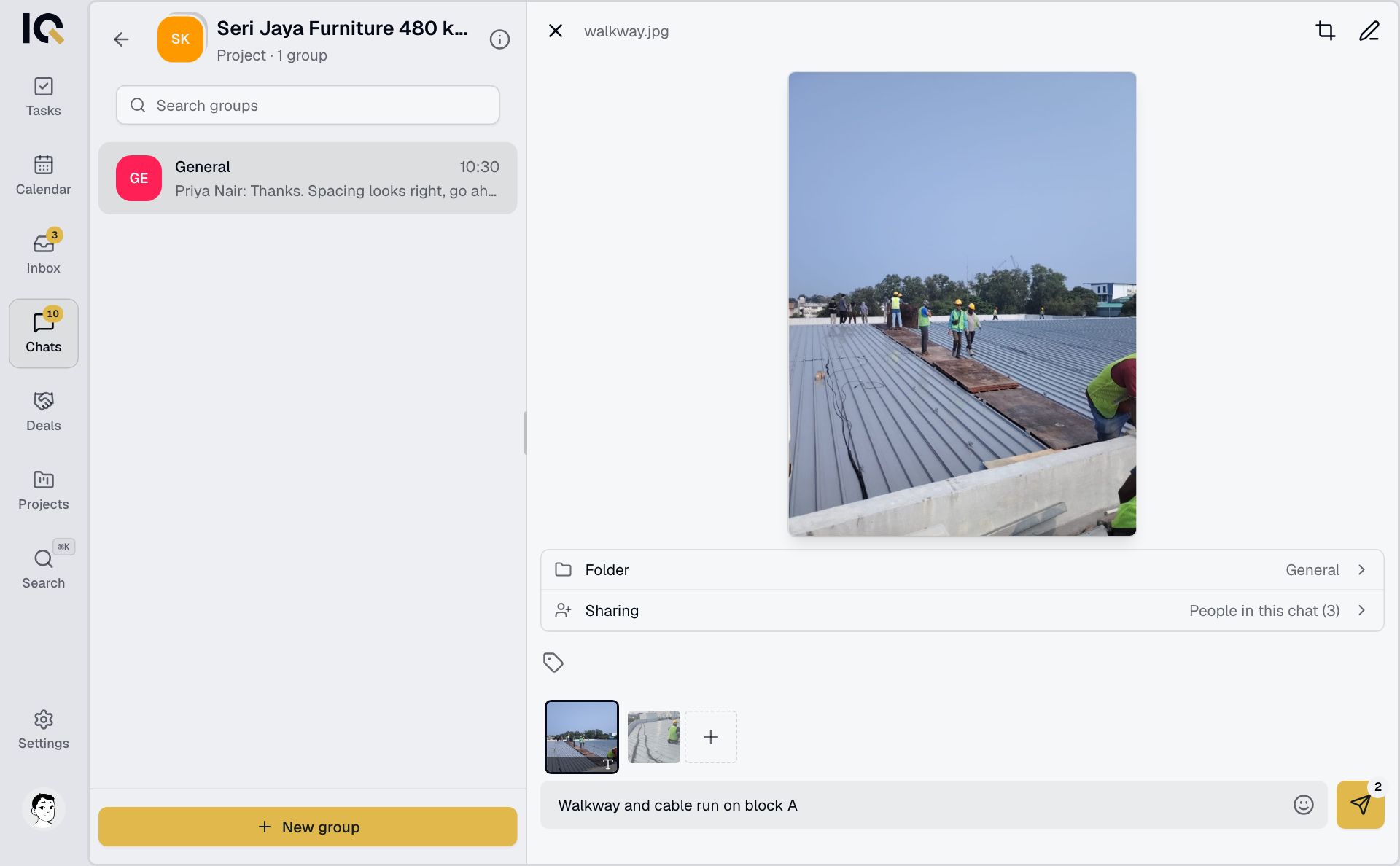
Send a site photo
- Open Chats, choose your project and open General.
- Tap +, then Camera or Photos.
- Add a caption if needed and send.
Add RooftopIQ to your phone's home screen to open it like an app and receive notifications.