Inbox and notifications
Catch up on invitations, mentions and work that needs attention.
Open your Inbox
On a computer, select Inbox in the menu. On a phone, tap the Inbox button at the top left.
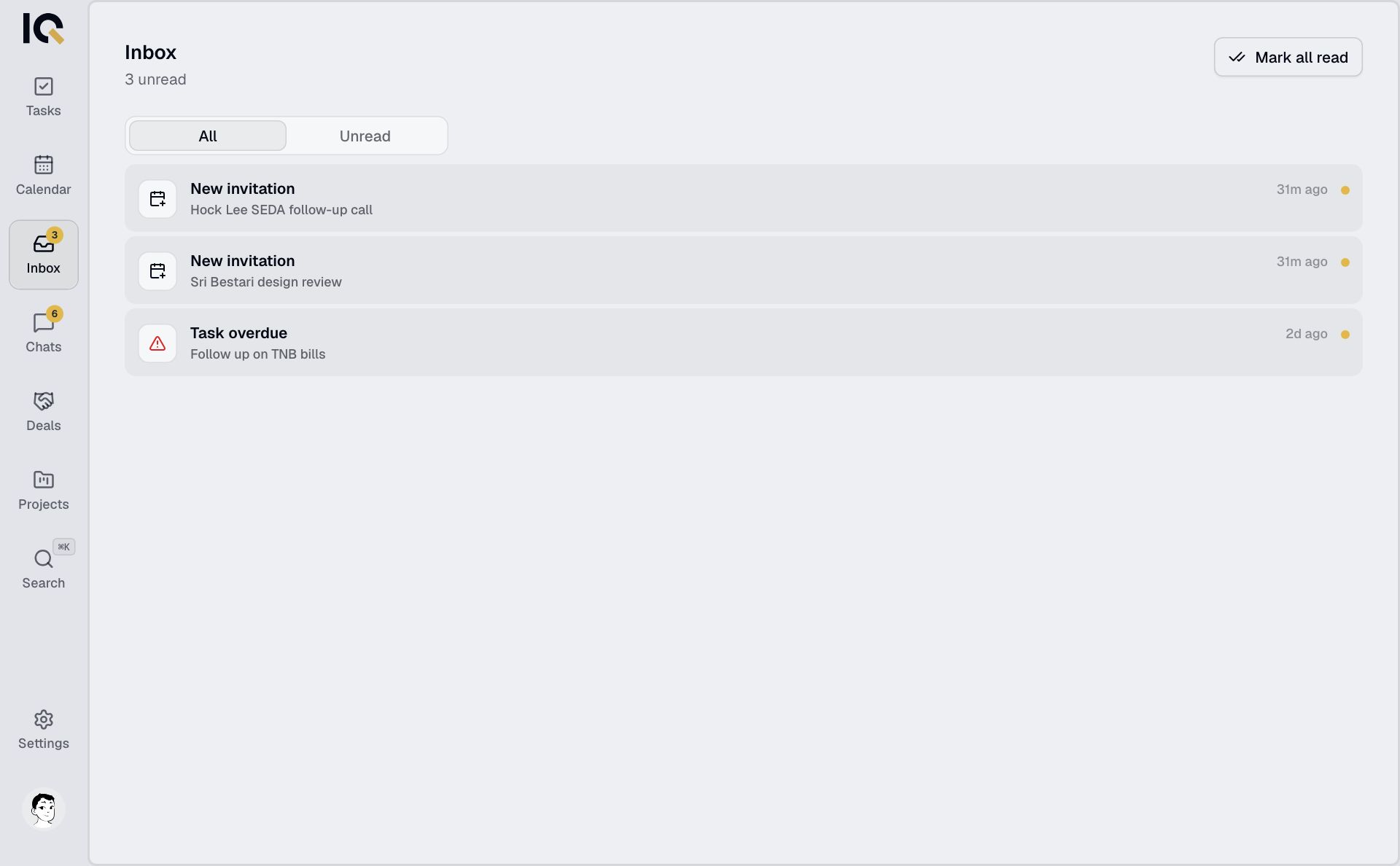
Tap a notification to open the task, chat or invitation it refers to. Use Unread to see what you haven't opened.
Inbox includes mentions, event and project invitations, task reminders and approval requests. New chat messages appear in Chats.
Turn on push notifications
- Open Settings. On a computer, choose Notifications.
- Turn on Push notifications and allow them when your browser asks.
- Use Send test push to check they arrive.
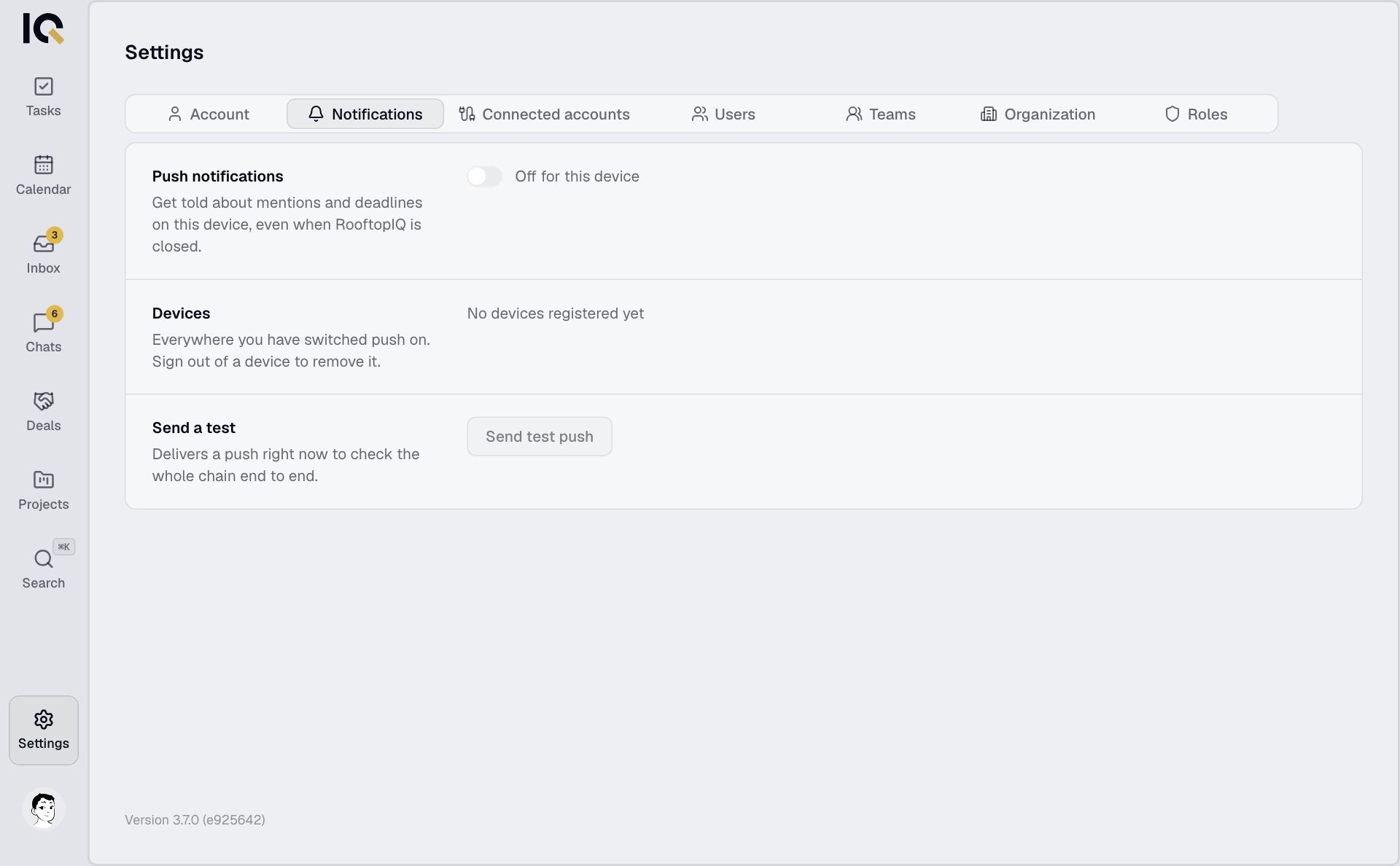
Notifications are set for each device. On iPhone or iPad, add RooftopIQ to your home screen and open it from there first.
If notifications are blocked, allow them in your phone or browser settings before trying again.