Make it a task
Assign it right in the chat, and it lands on the project's task list.
In the chat
TaskSunway Pyramid — C&I Rooftop
Sort the gate pass for Friday's crane
MediumHZHakimFri, 31 Oct
Call Sunway FacilitiesSend the crane permit
Keeps every chat in one place
RooftopIQ is the place for your organisation to run field work.Work with anyone for free.


Running a solar installation takes too much chasing.
Video coming soon
The problem
Between WhatsApp groups, spreadsheets, emails and calls, work slips through the gaps. RooftopIQ takes on the three jobs that fall in between, so what's agreed on site ends up in the project without anyone typing it up again.
Reaching everyone on the job
Site crews, subcontractors and clients, not only the office
Logging what gets said
Issues raised in chat become tasks as they come up
Keeping the context
Decisions, photos and files stay with the project, not in people's heads
Back to the build
With the chasing handled, your team's time goes into installing, not following up.
The solution
Assign it right in the chat, and it lands on the project's task list.
Sort the gate pass for Friday's crane
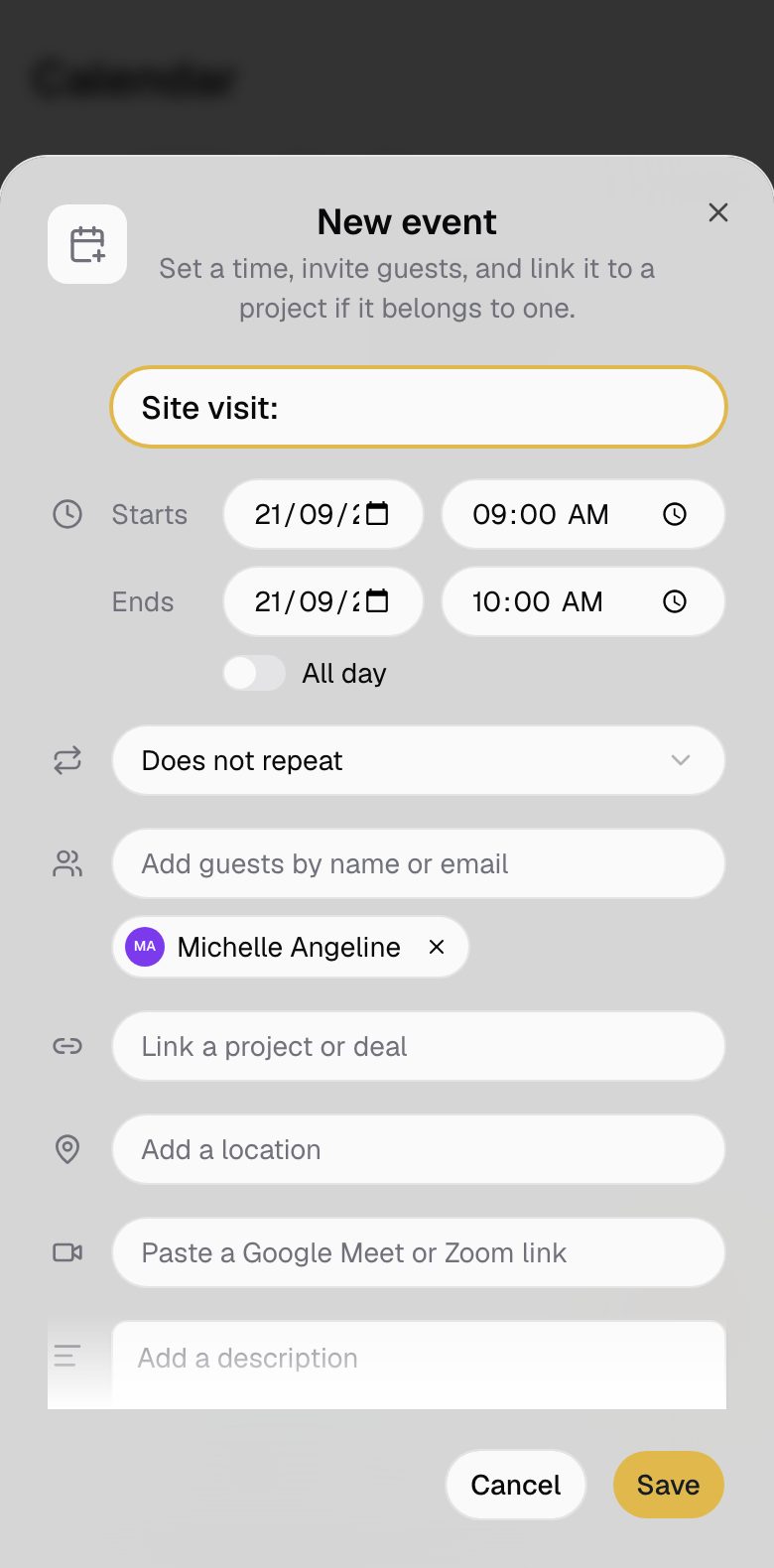
Agree a site visit in the chat, and it lands in everyone's calendar.
Site visit with Sunway Facilities
Keep a measurement or a decision, and it lands in the project notes.
Roof is 42 m by 18 m usable, parapet 1.1 m
Chat, tasks, the calendar, files and notes, shared with everyone on the job, subcontractors included.
Talk it through
Every chat has a workspace with its tasks, files and notes. Nobody types anything twice.
Project chats and groups
One chat per project, with a group for each team.
Mentions, photos and files
@mention the person who needs to act, and share drawings and site photos.
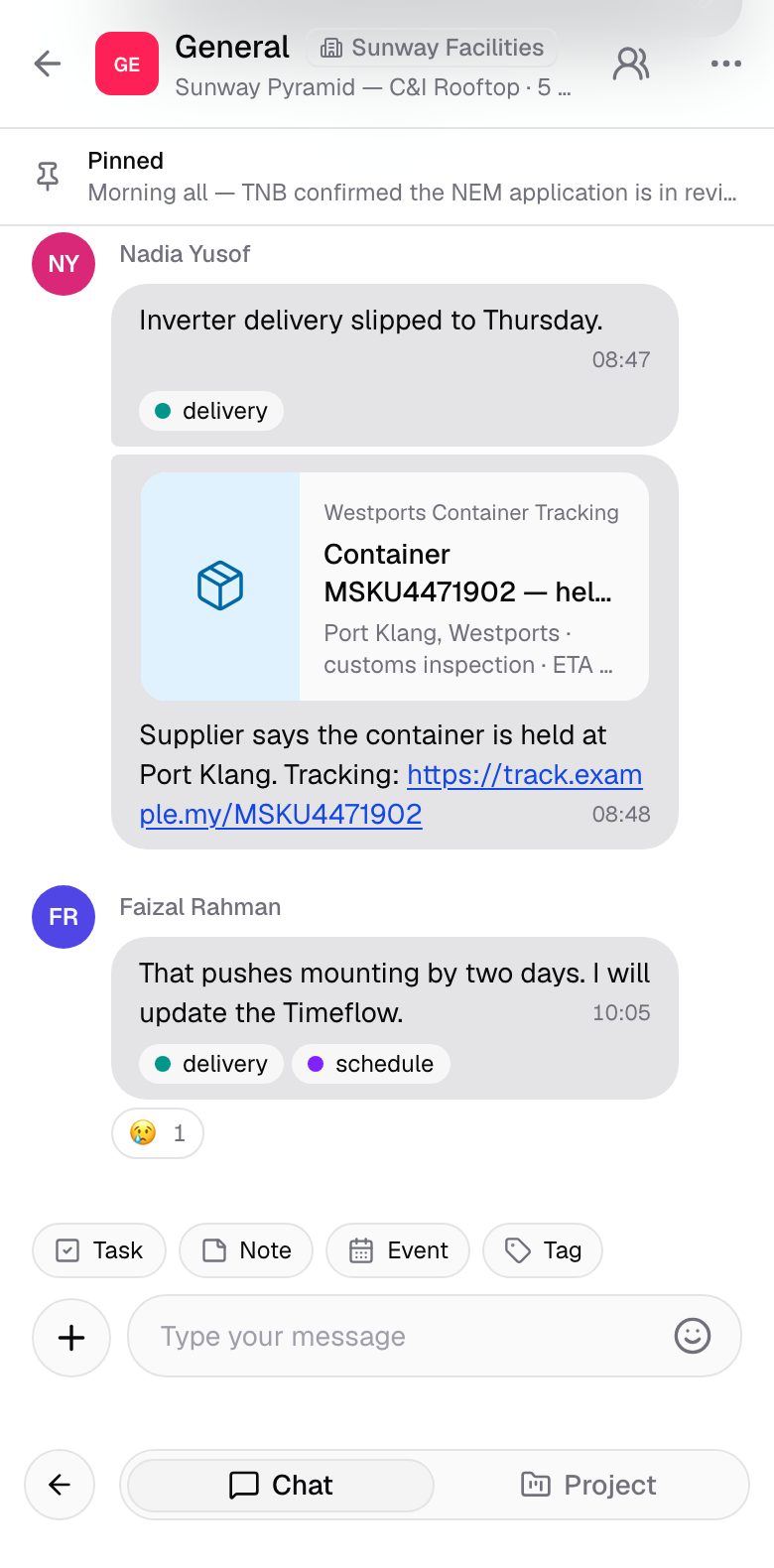
Any message can become a task
Turn what was agreed into a task without leaving the chat.
Invite people as you start a chatSoon
Add your team and subcontractors when you create the chat.
A message about the crane becomes a task for the project.
Assign and follow up
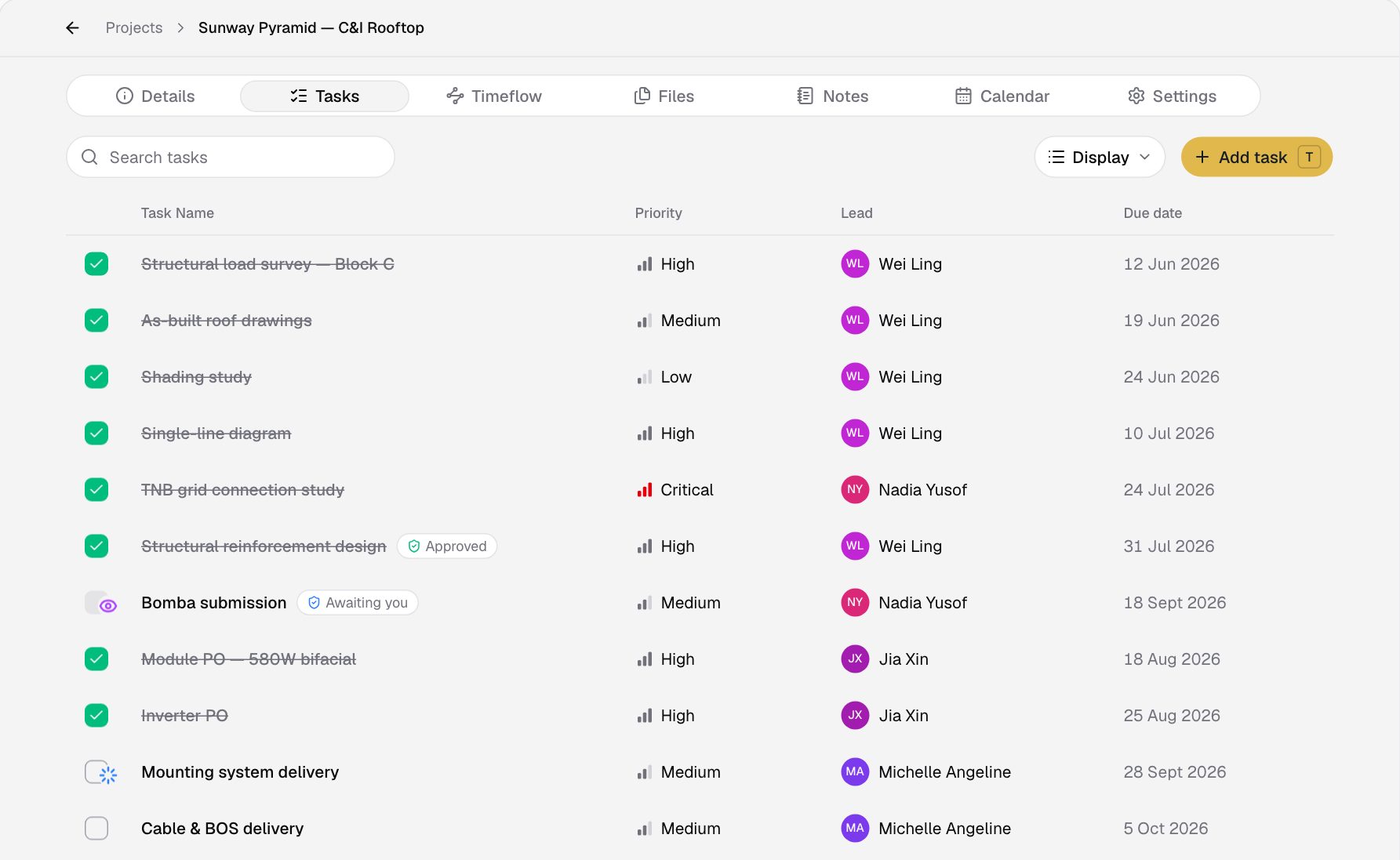
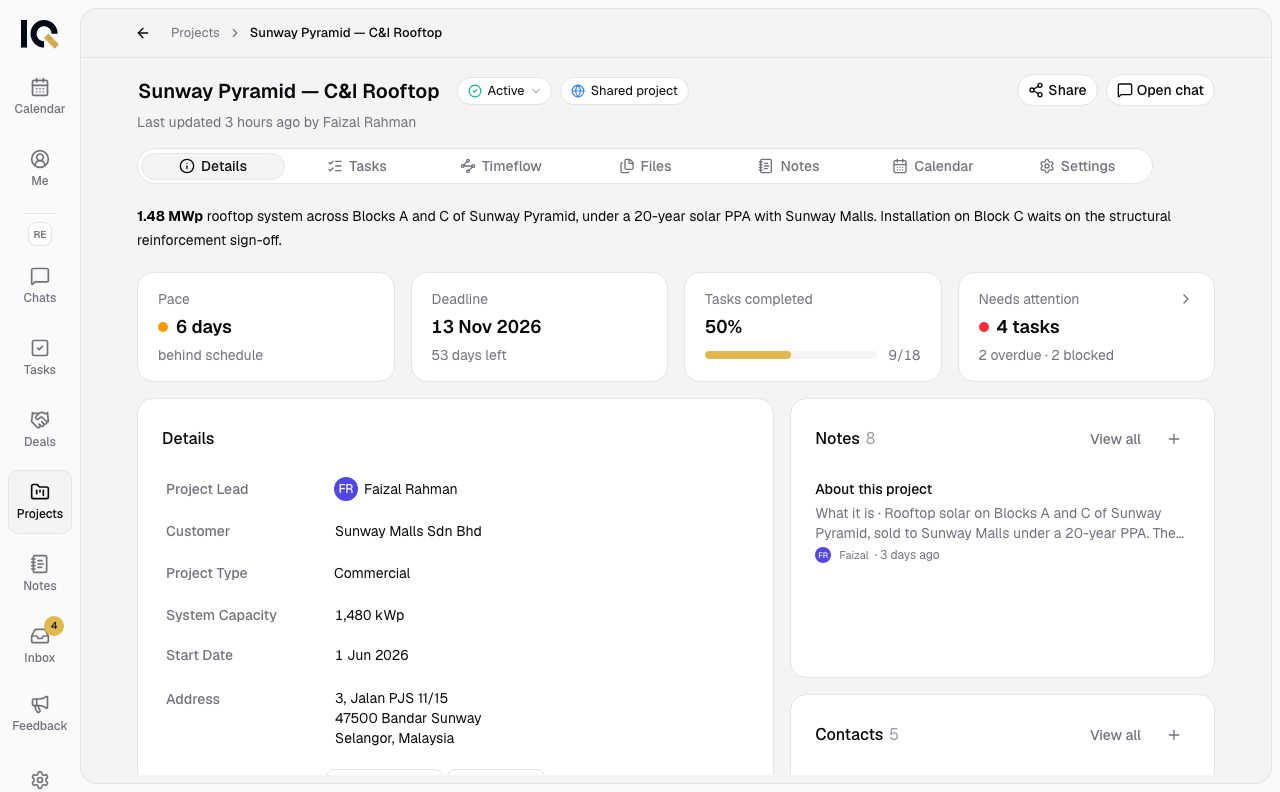
Tasks, checklists and approvals sit on the project, so everyone sees what is left and who has it.
Owners, priorities and due dates
Each task shows who has it and when it is due.
Timelines
See each task's dates on the project timeline.
Dependencies
Link tasks that wait on each other and follow what is blocked.
Templates
Start a new project from a plan your team has run before.
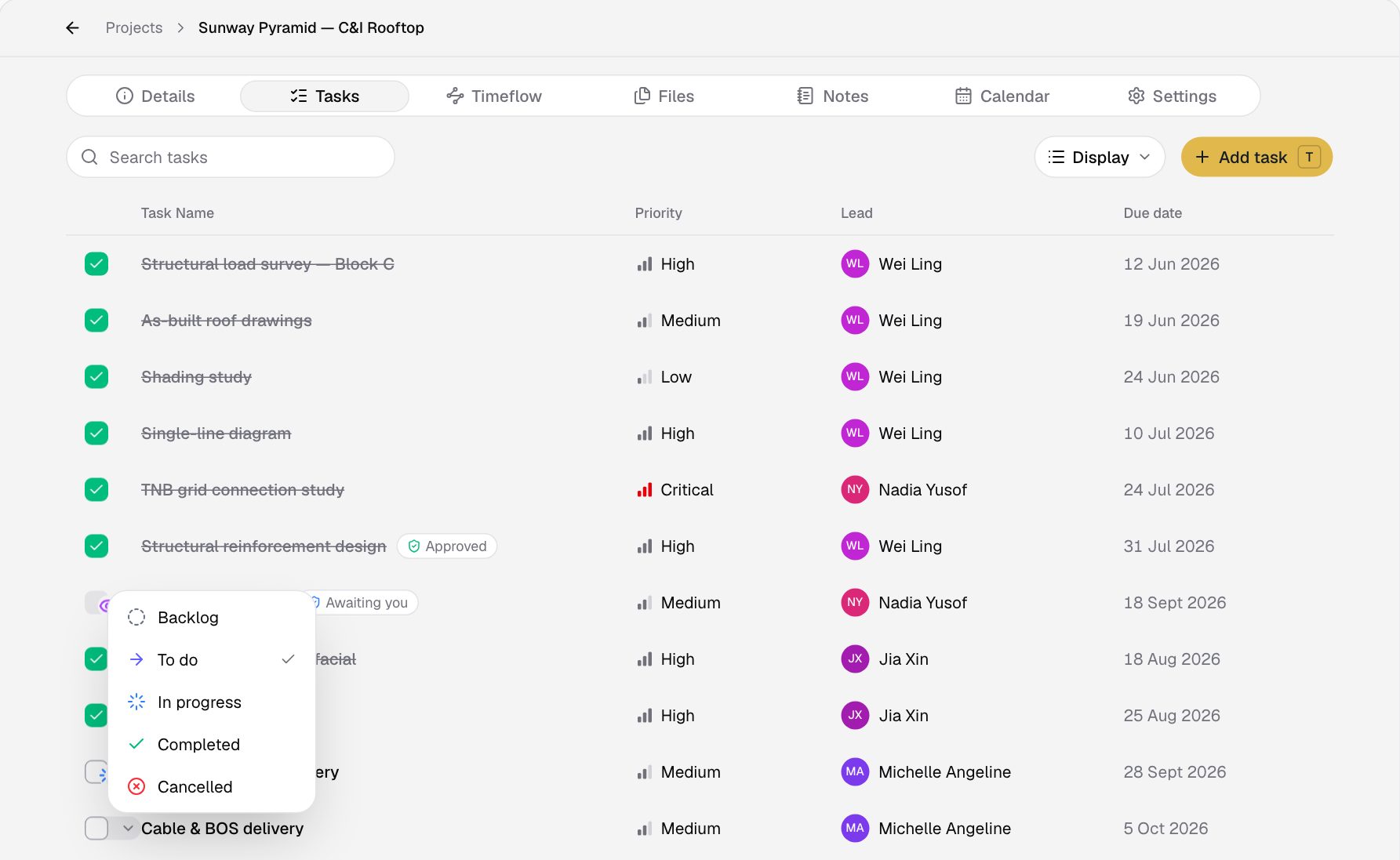
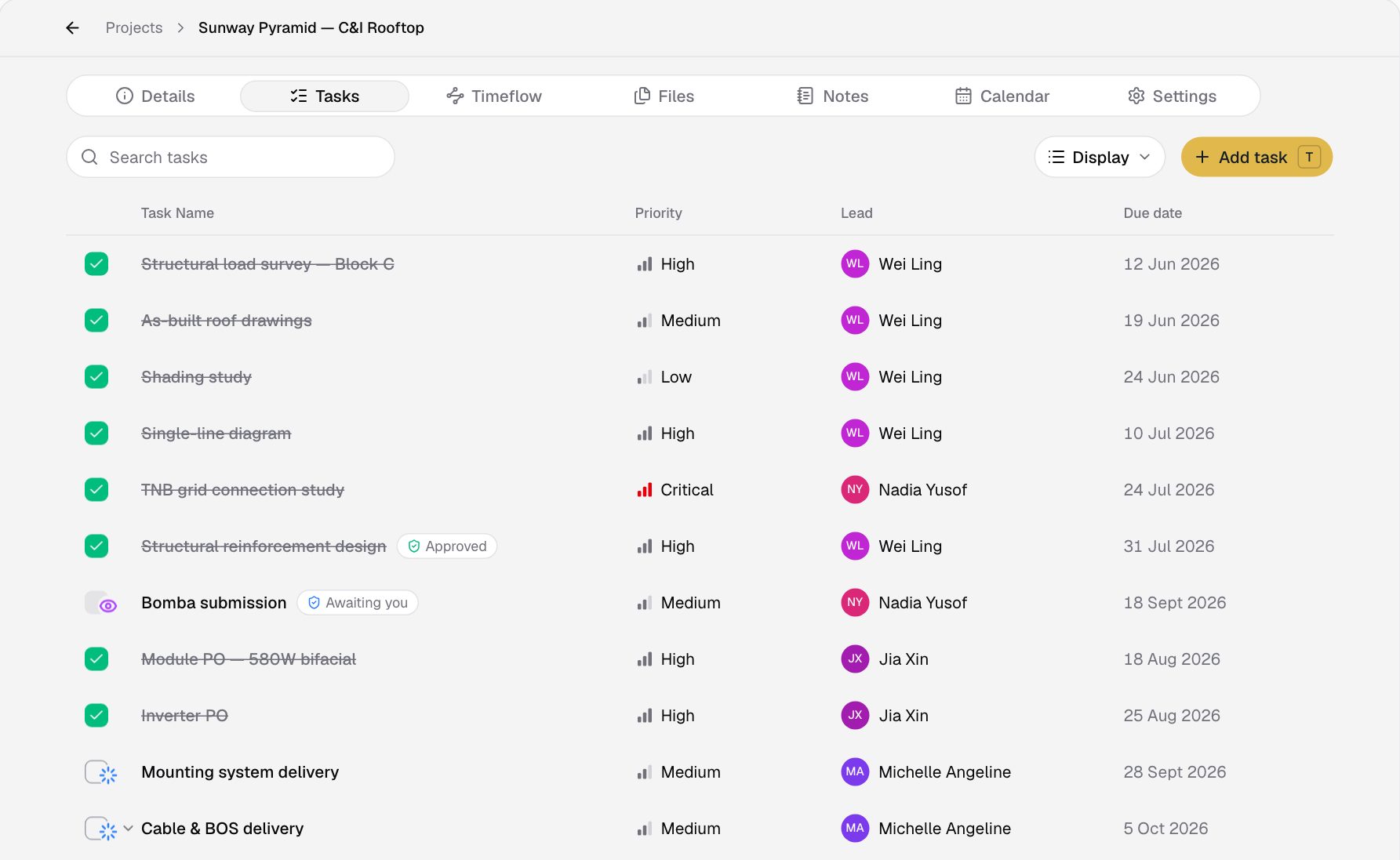
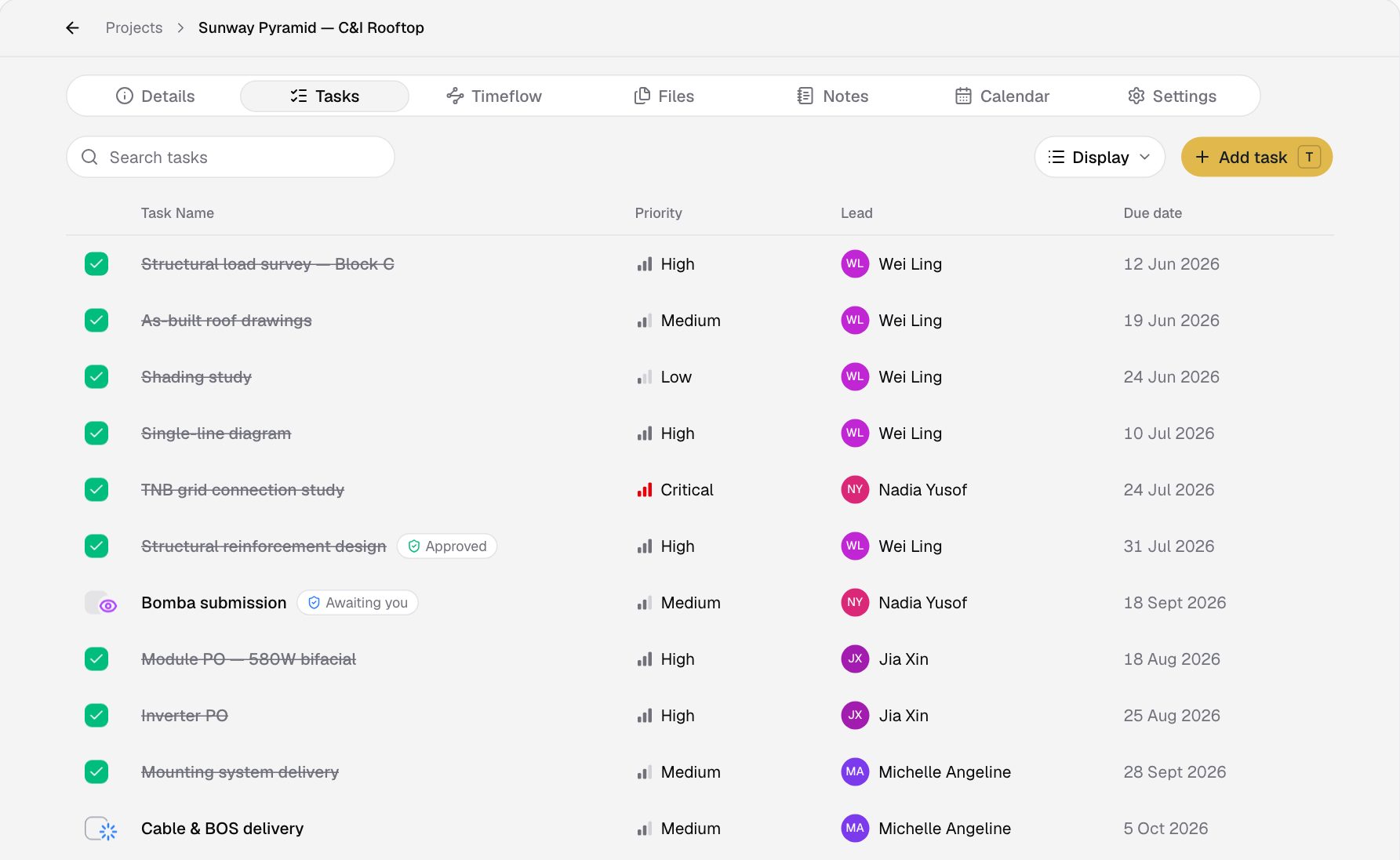
Move a task along, or tick it off when it is done.
Plan the site visit
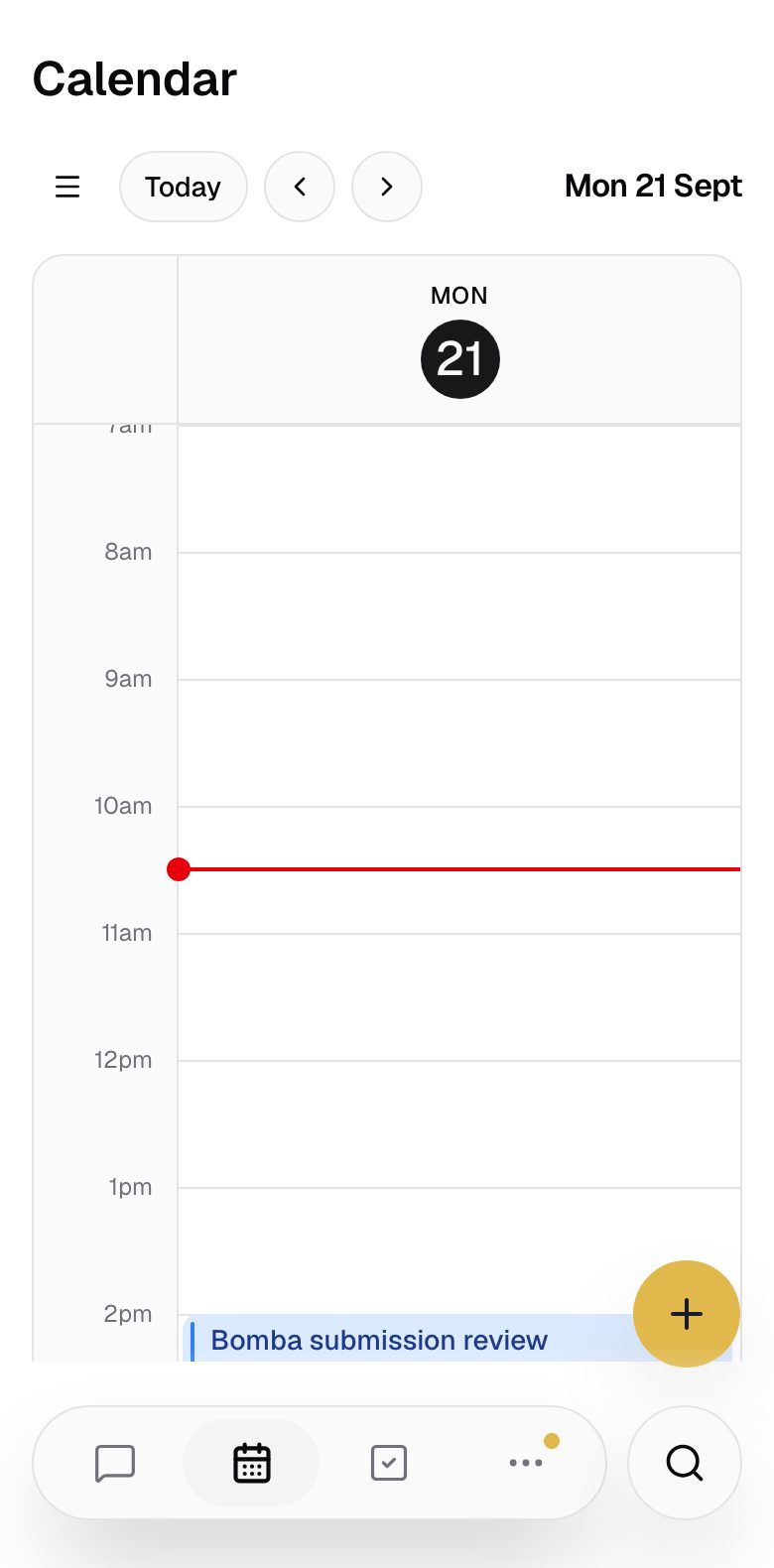
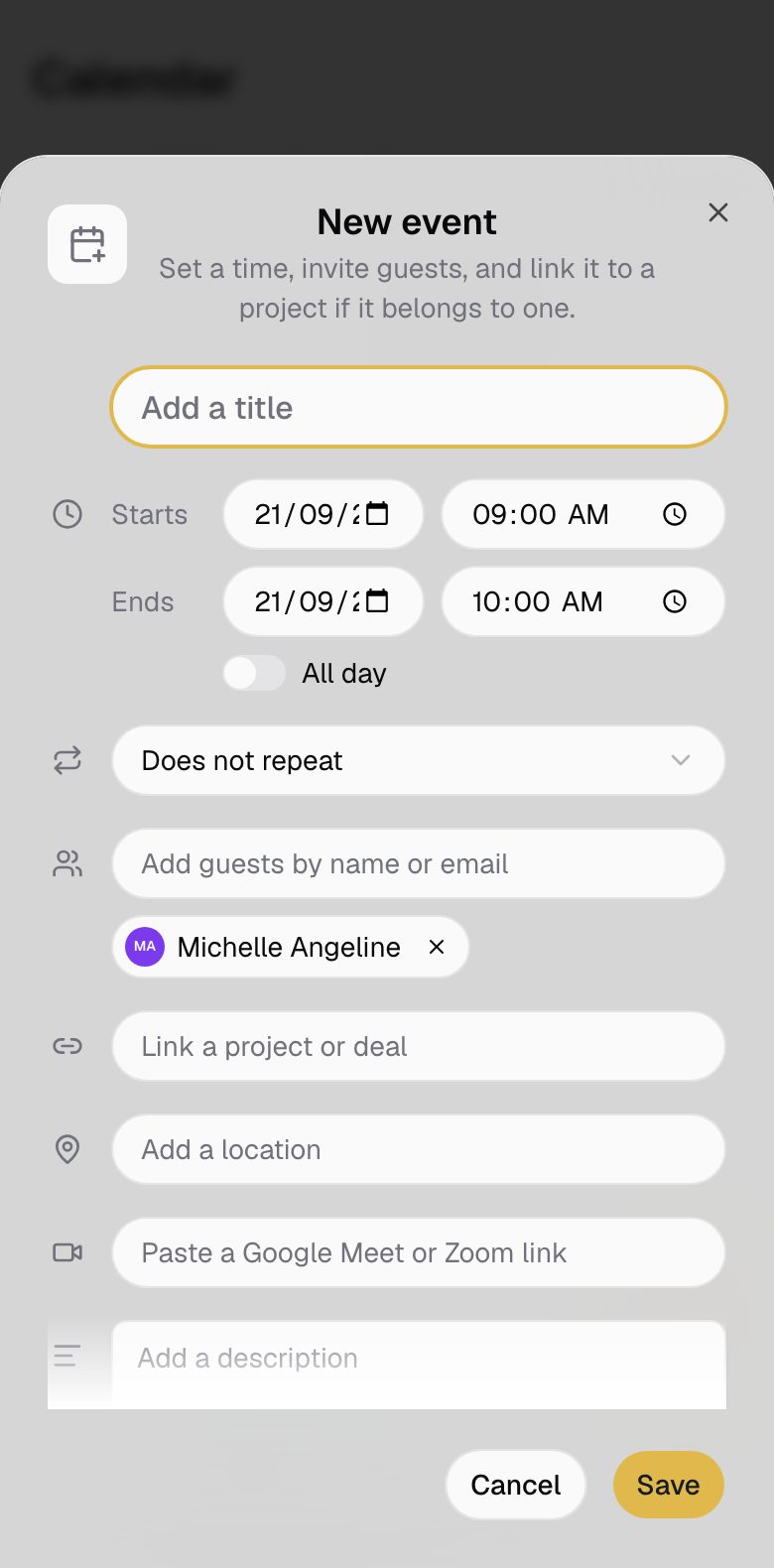
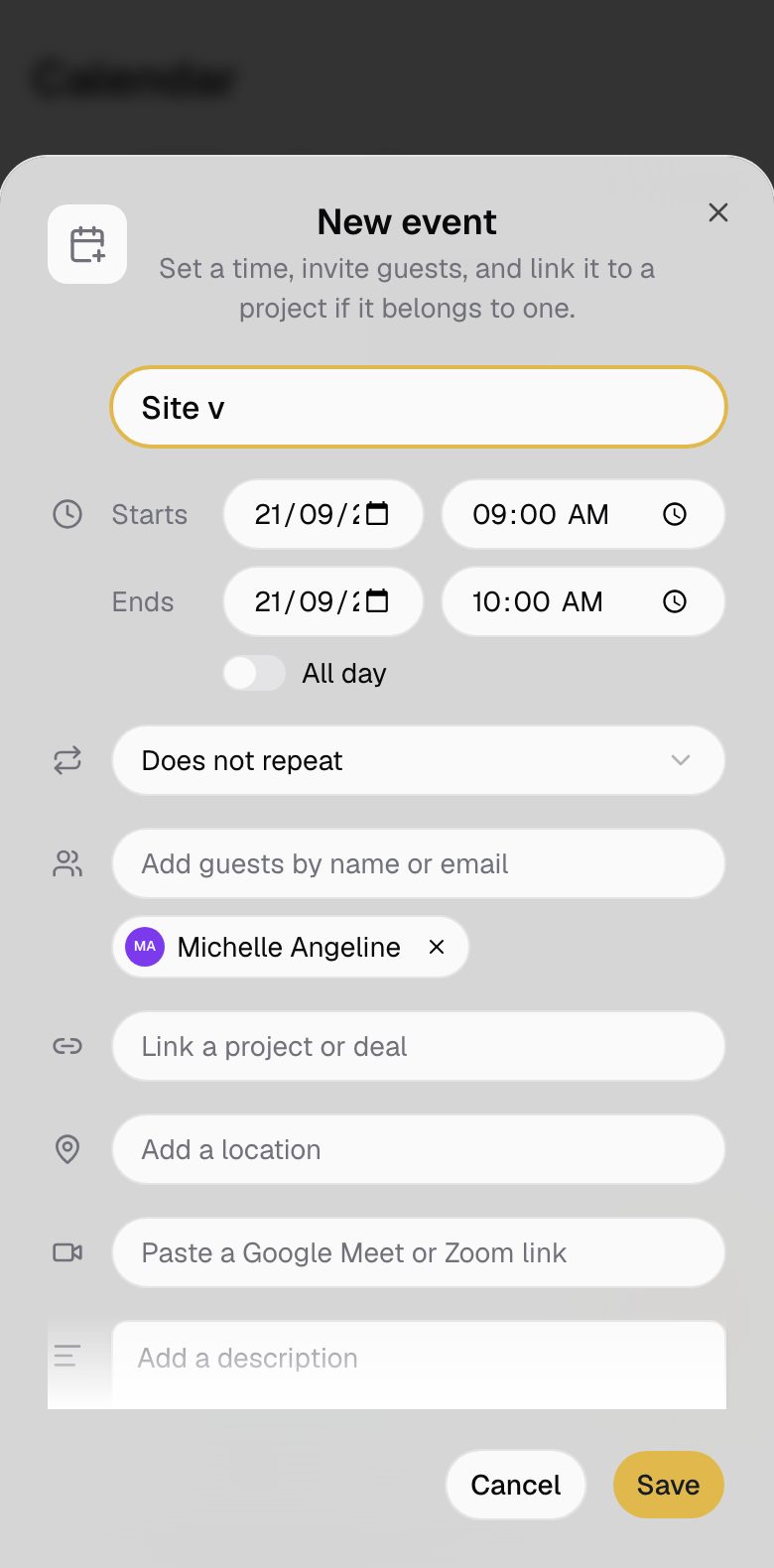
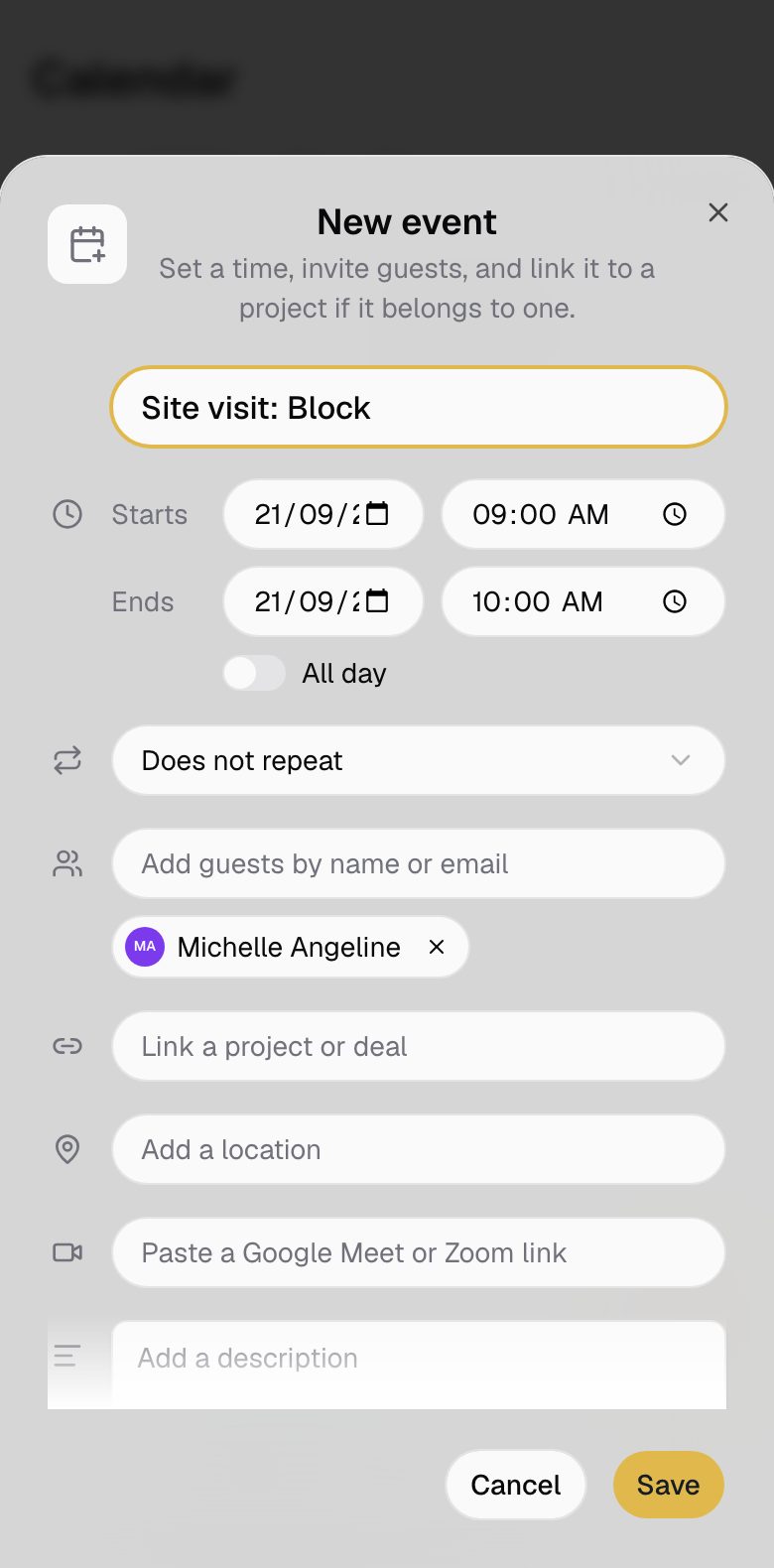
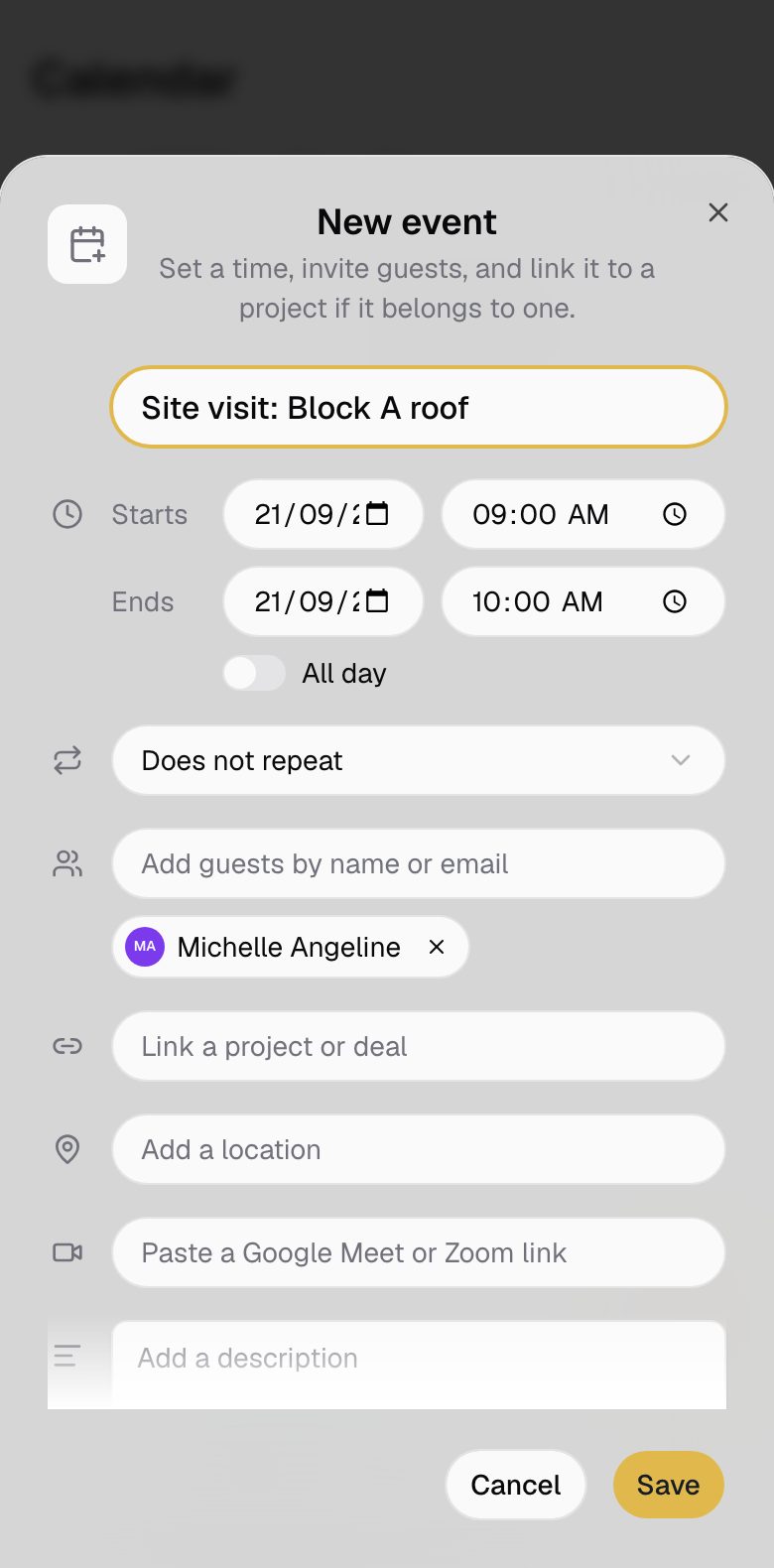
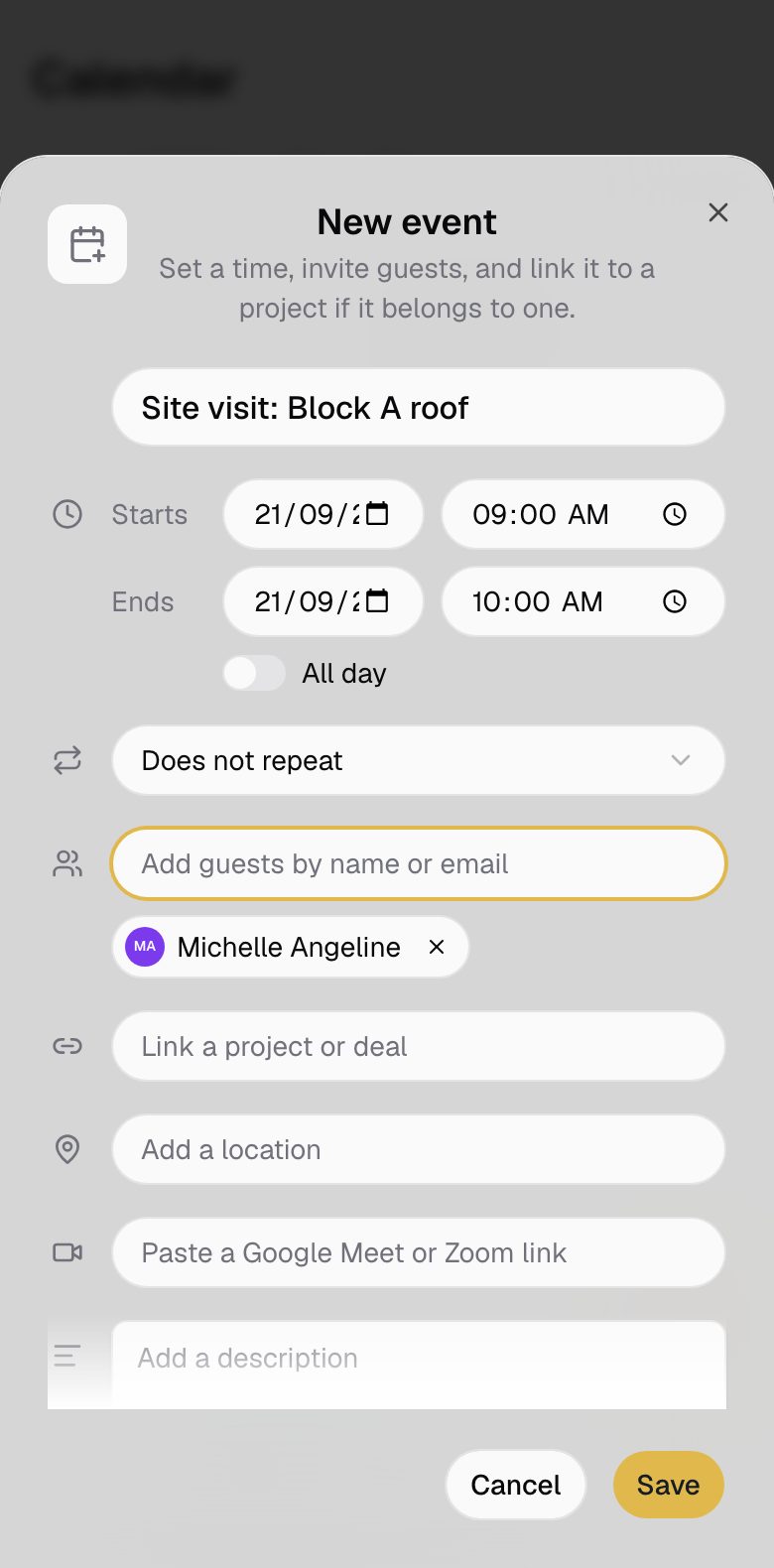
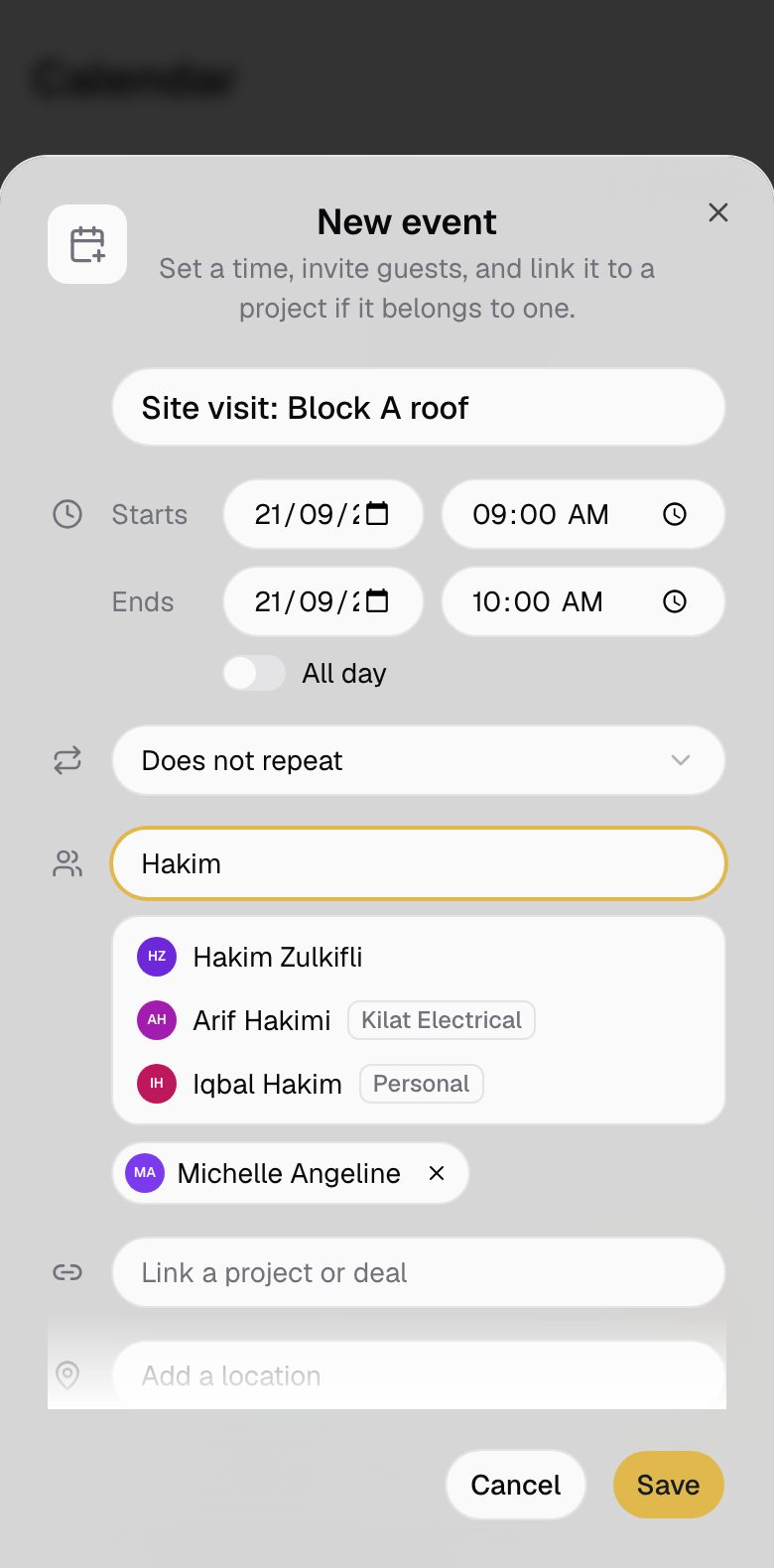
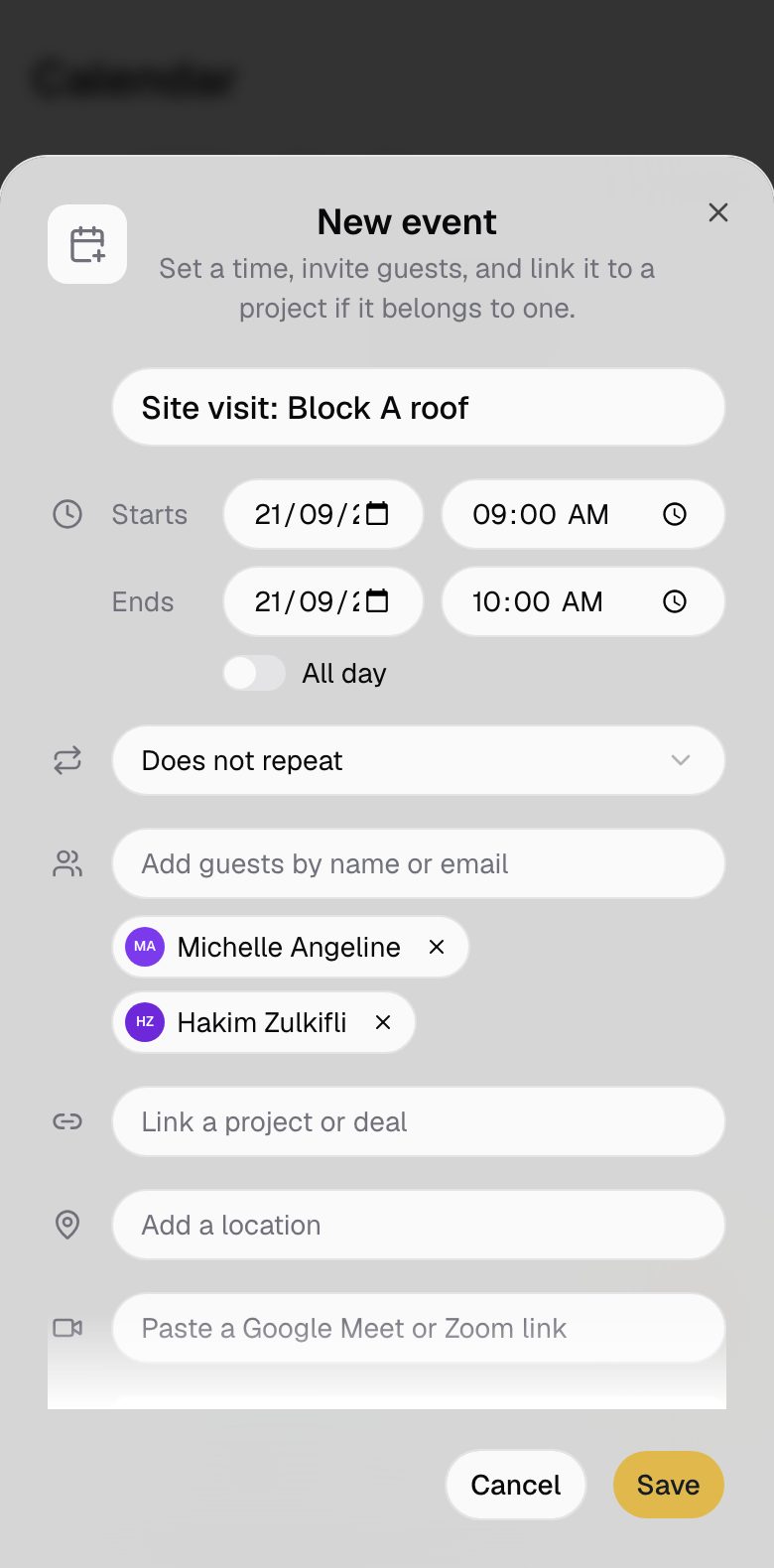
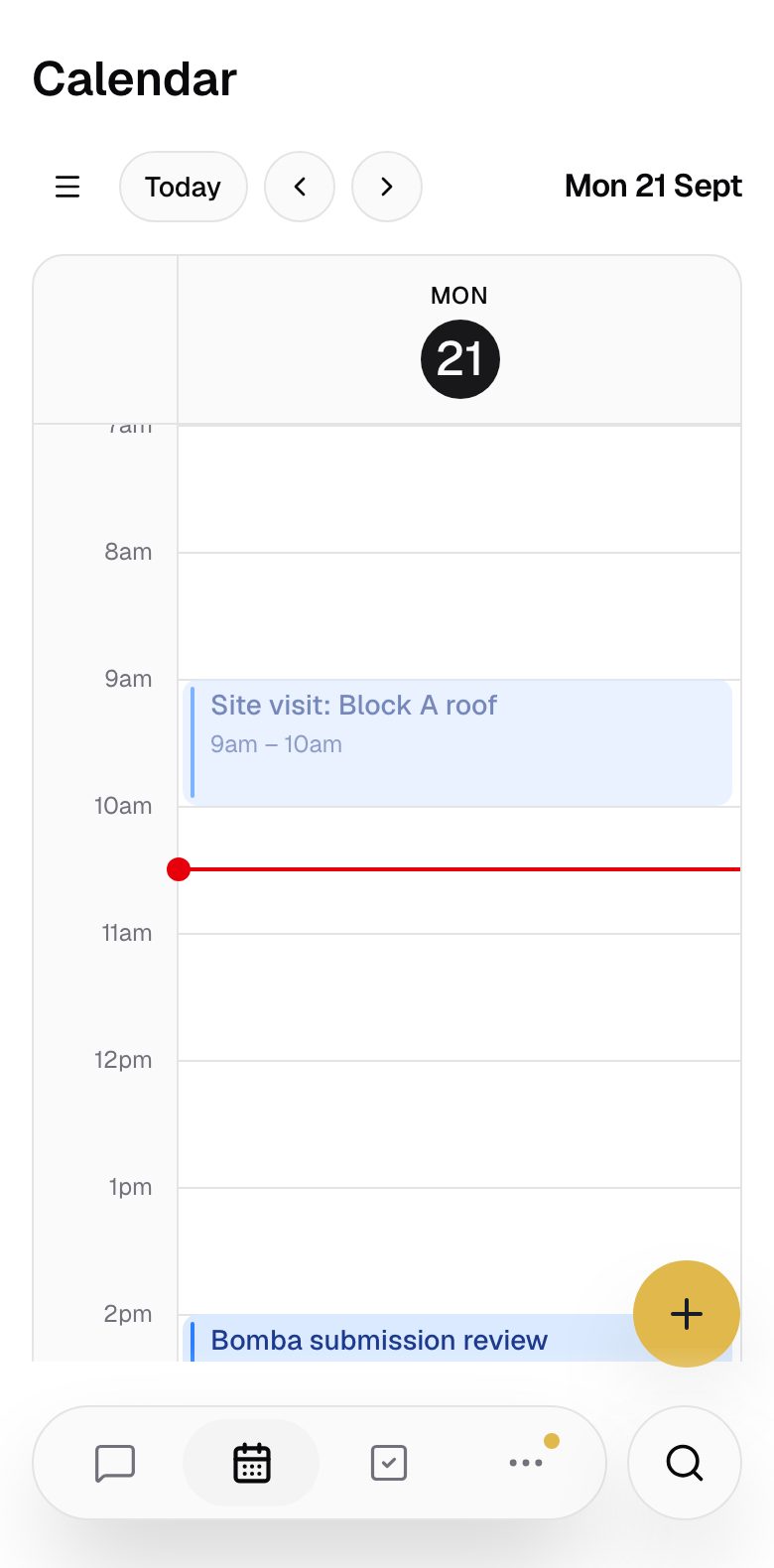
Schedule a visit, invite the team, and it shows in everyone's calendar.
Site visits with guests
Set the time and place, and invite the people who need to be there.
In everyone's calendar
Each guest sees the visit on their own calendar.
Tasks on the calendar
Task due dates sit beside your events.
Make an event from a messageSoon
Agree a visit in the chat and turn it into an event.
A site visit added from a phone, with Hakim invited.
Find the latest drawing
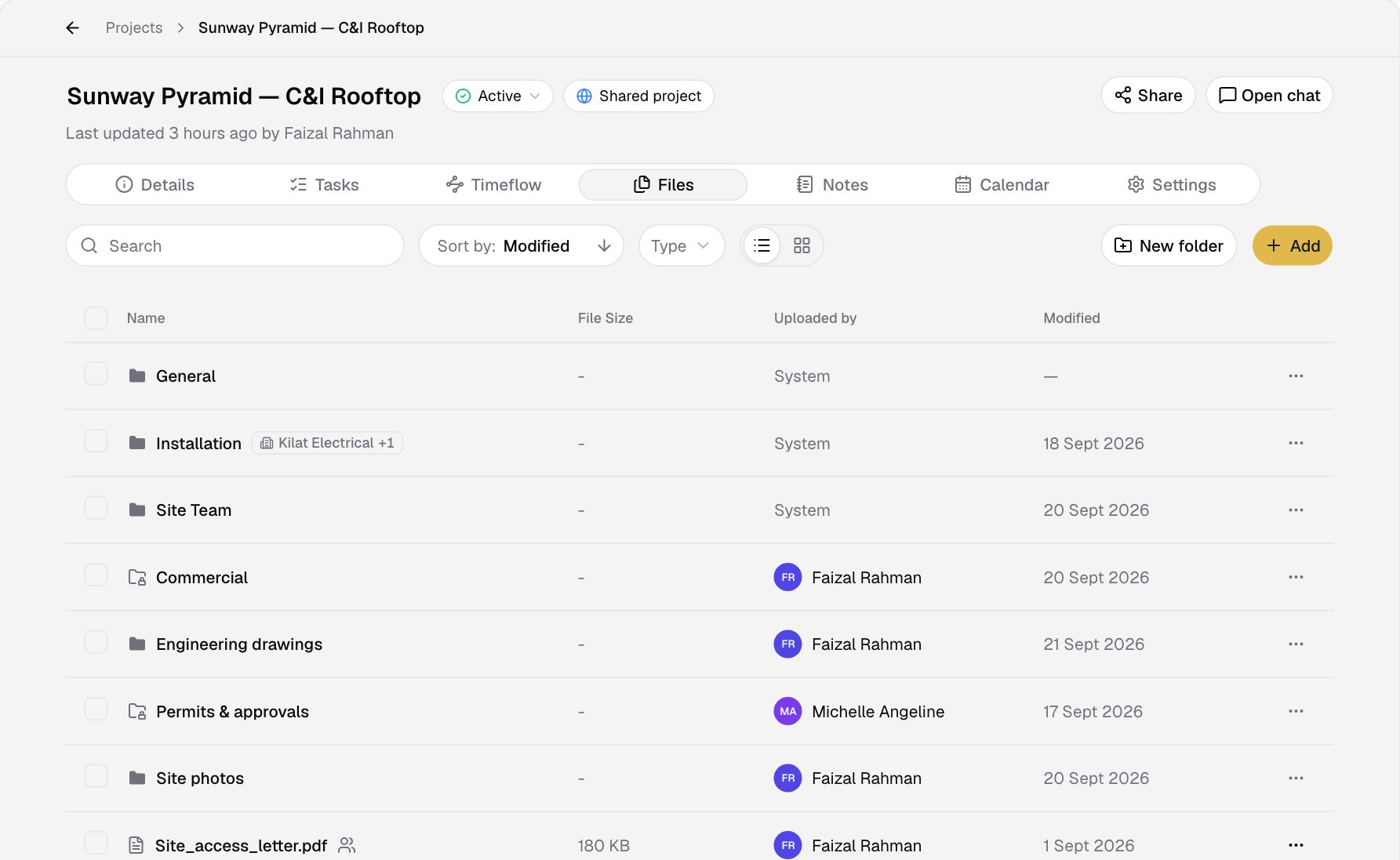
Photos, drawings and documents shared in the chat are kept with the project.
From the chat
A drawing sent in the chat is in the project files.
Folders
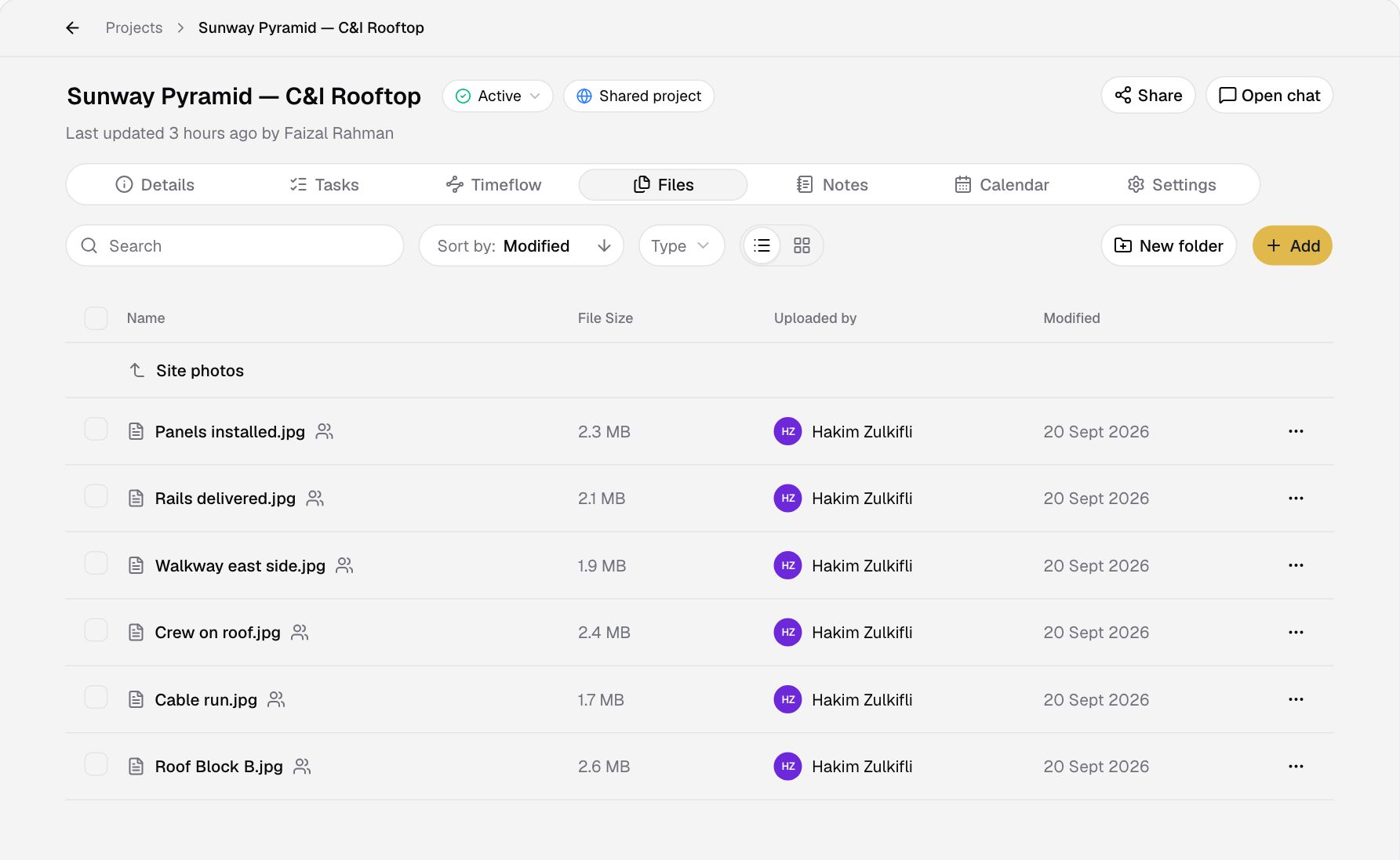
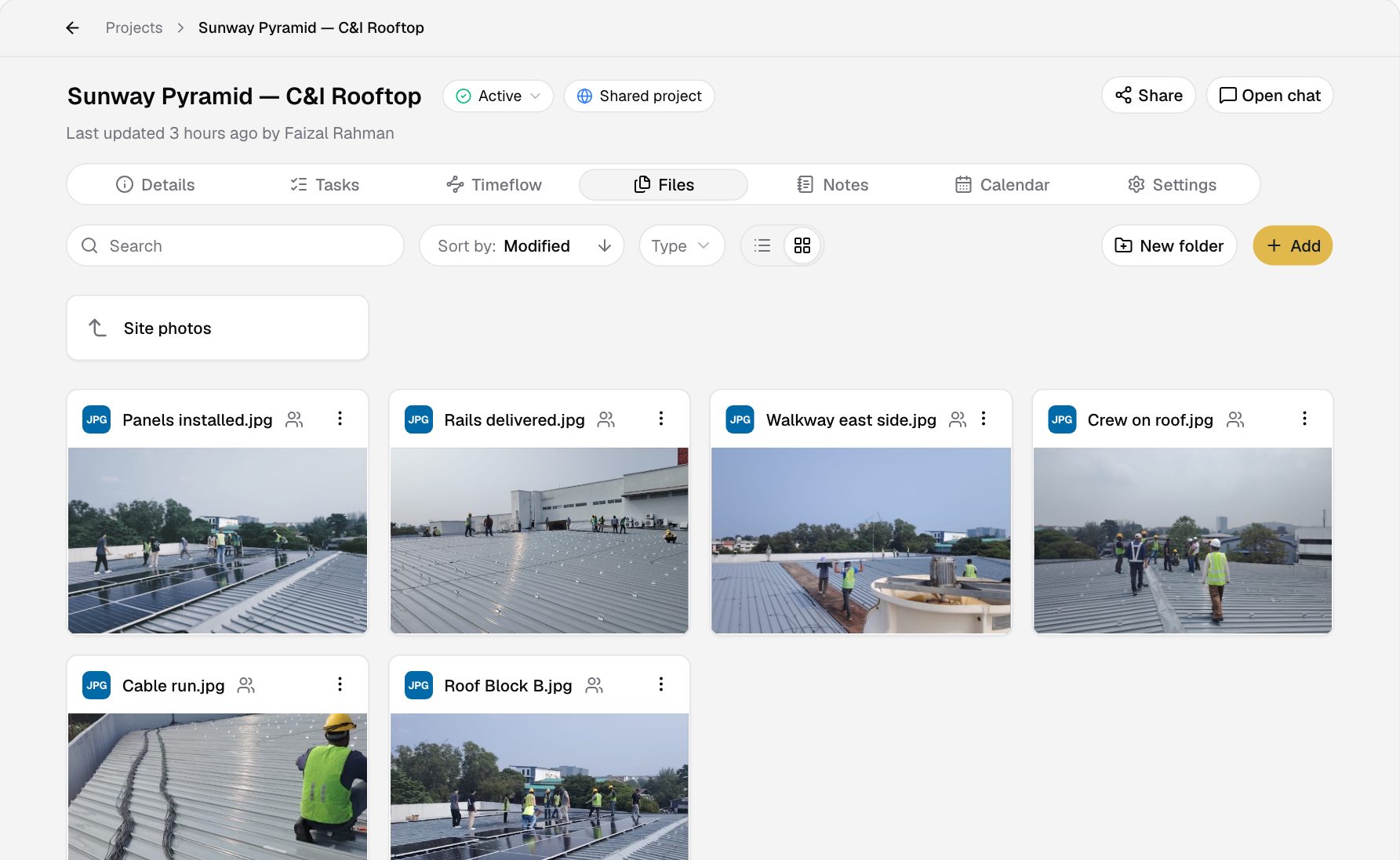
Sort drawings, permits and site photos into folders.
The Site photos folder, from list to grid.
Keep what matters
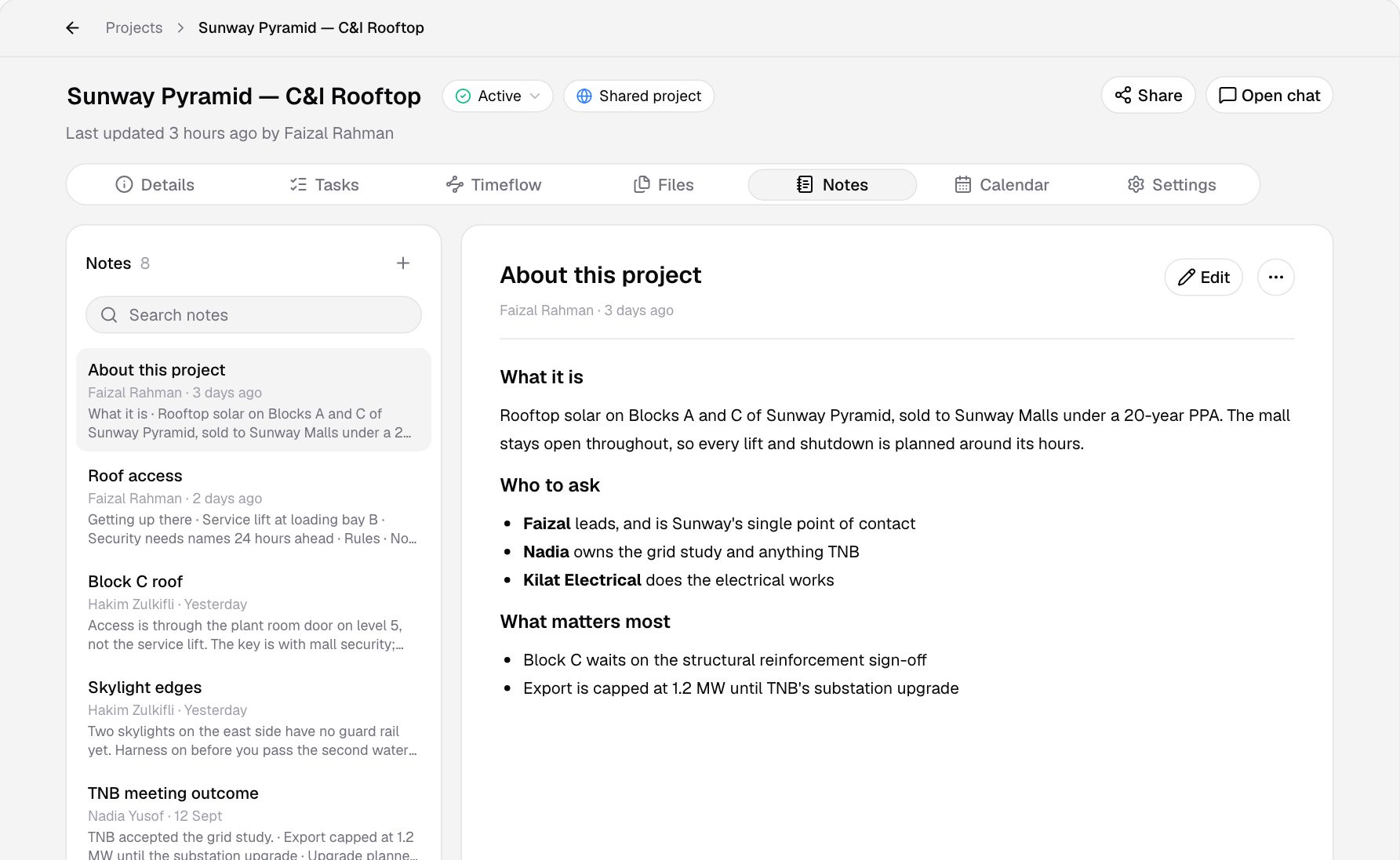
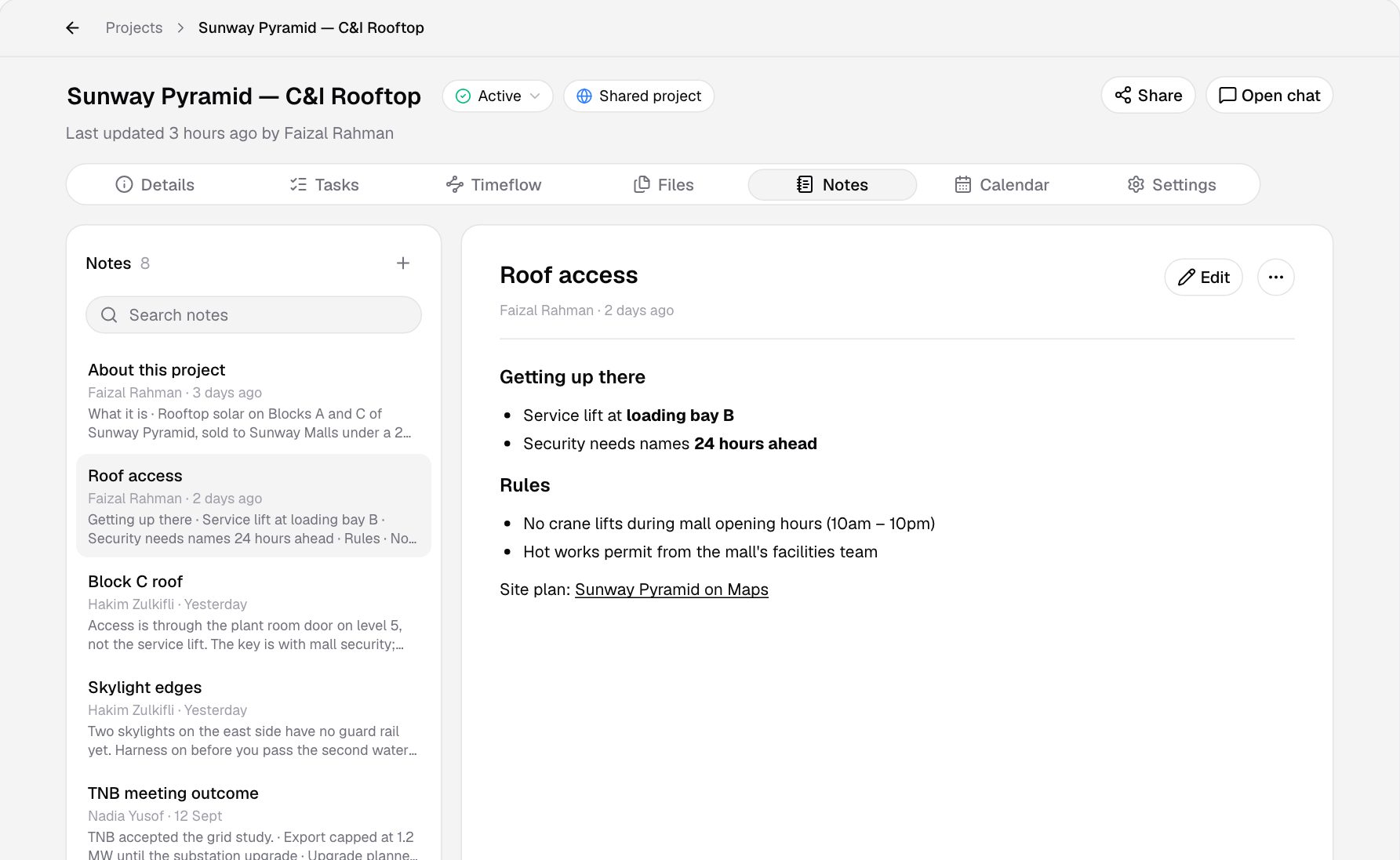
Roof access, permit rules and meeting outcomes live in the project's notes.
From a message
Save a measurement or a decision from the chat as a note.
For anyone joining
New people read the notes to catch up on the project.
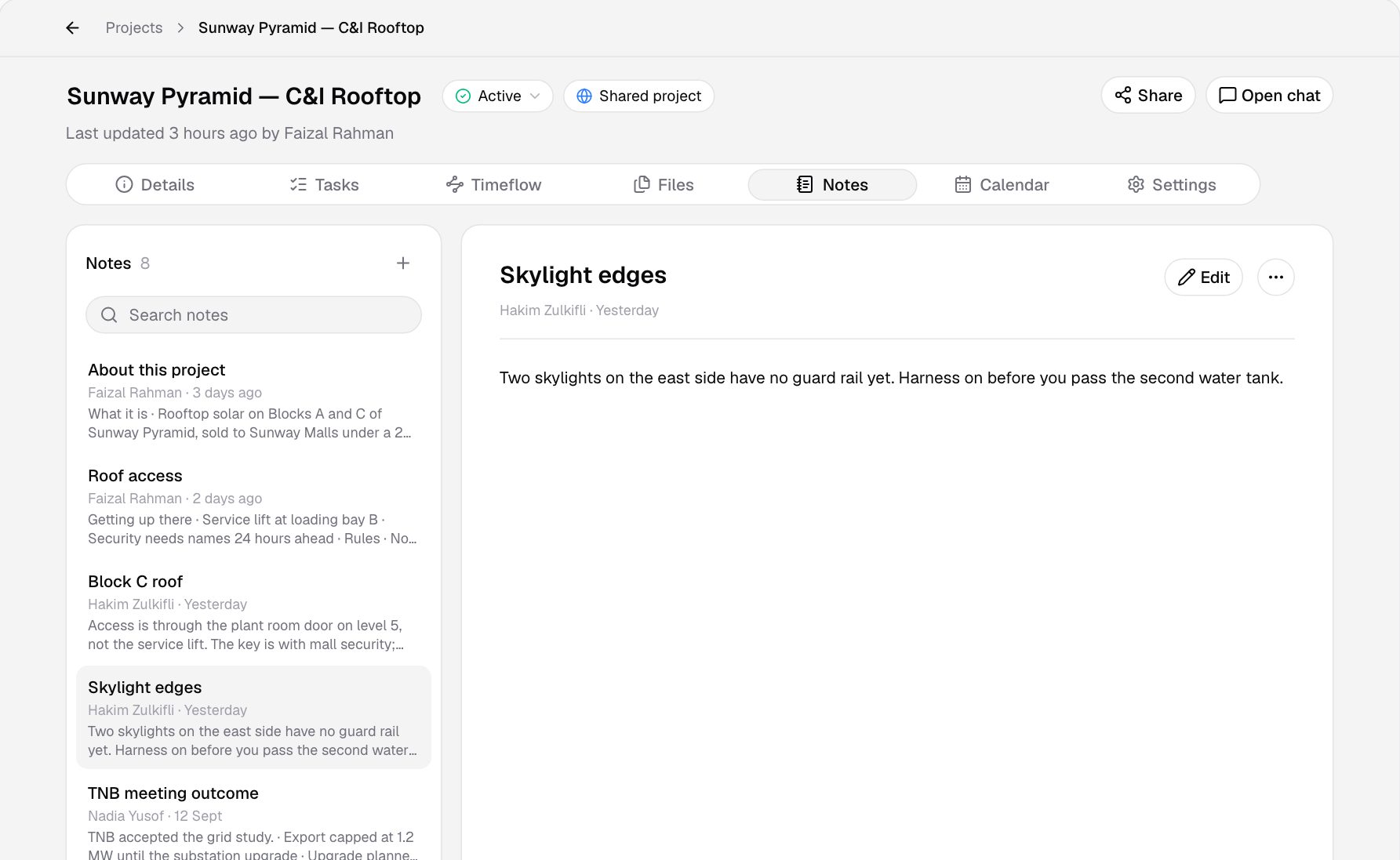
Roof access and skylight safety, a click apart.
Who it's for
Your whole company, and the subcontractors you work with.
Replaces
Tasks with owners and due dates
Turn what was agreed in the chat into a task, and see who has it and when it is due.
Approvals on the project
Approve a submission on the project, and its task is done.
Timelines and dependencies
See what waits on what, and what is blocked, before it slips.
Replaces
The same chats on site
RooftopIQ works on the phone, with the same chats and projects as the office.
Photos as proof
Share site photos in the chat, and they are kept in the project files.
The day's visits
Site visits you are invited to show on your own calendar.
Replaces
Drawings from the chat
A drawing sent in the chat is kept in the project files.
Folders for permits
Sort drawings, permits and site photos into folders.
Notes for the details
Save a roof measurement or a decision from the chat as a note.
Replaces
Site visits with guests
Set the time and place, and invite the people who need to be there.
One shared calendar
Task due dates sit beside your events.
Follow-ups as tasks
Confirm a delivery or chase a permit as a task with a due date.
Replaces
In the project chat
Talk to the office and the site team in the same chat.
Their own tasks and visits
See the tasks assigned to them and the visits they are invited to.
Catch up from the notes
Read the project notes to catch up when they join.
The team
We build RooftopIQ at Rooftop Energy in Petaling Jaya, alongside the solar team who use it every day.
Tap someone to meet them
FAQ
Something else on your mind? Email info@rooftop.my and we will get back to you.
Solar EPC teams. The office, the site crews and the subcontractors you work with share one place for the chat, the tasks, the calendar, the files and the notes on each project.
Yes, while it's in beta. Some features may be paid later, and we'll tell you before anything changes.
No. Anyone you invite from outside your company joins your projects for free.
That is the idea. Each project has its own chat, like a group, but what gets agreed there becomes a task, an event or a note on the project, so nothing is lost in the scroll.
Yes. RooftopIQ works on the phone on site and on the computer in the office, with the same chats and projects on both.
Sign up at app.rooftop-iq.com/signup, or book a demo and we will set your team up.
Rooftop Energy, a solar EPC in Petaling Jaya. We built RooftopIQ with our own project team as the testbed, and they use it every day.
We refined RooftopIQ with our own EPC team as the testbed. Now it's open to every EPC. Run your office and your site as one team.
RooftopIQ is free while it's in beta. Some features may be paid later, and we'll tell you before anything changes.