Hand over to a project
Start delivery with the details from a won deal.
Use a computer to hand over a deal. Its status must be Active.
Create the project
- Open the deal's ⋯ menu and choose Handover to Project.
- Check the project name and team, choose a project lead and add dates if needed.
- Choose which contacts, files and notes to include as you move through the steps.
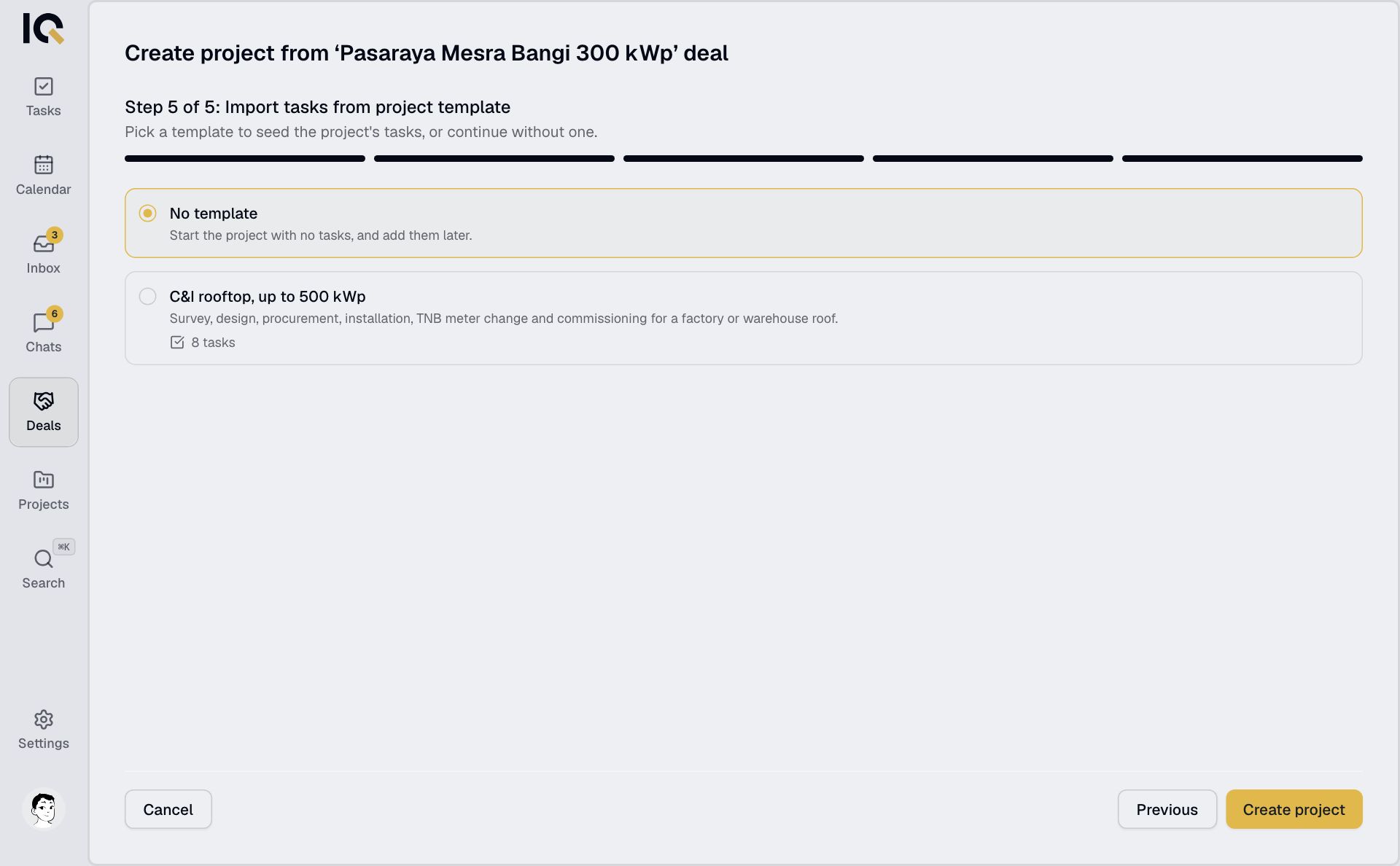
- Pick a project template to add its tasks, or choose No template.
- Select Create project.
After handover
The new project starts as Pending. The deal becomes read-only, with a link to the project in its Details panel. Each deal can be handed over once.
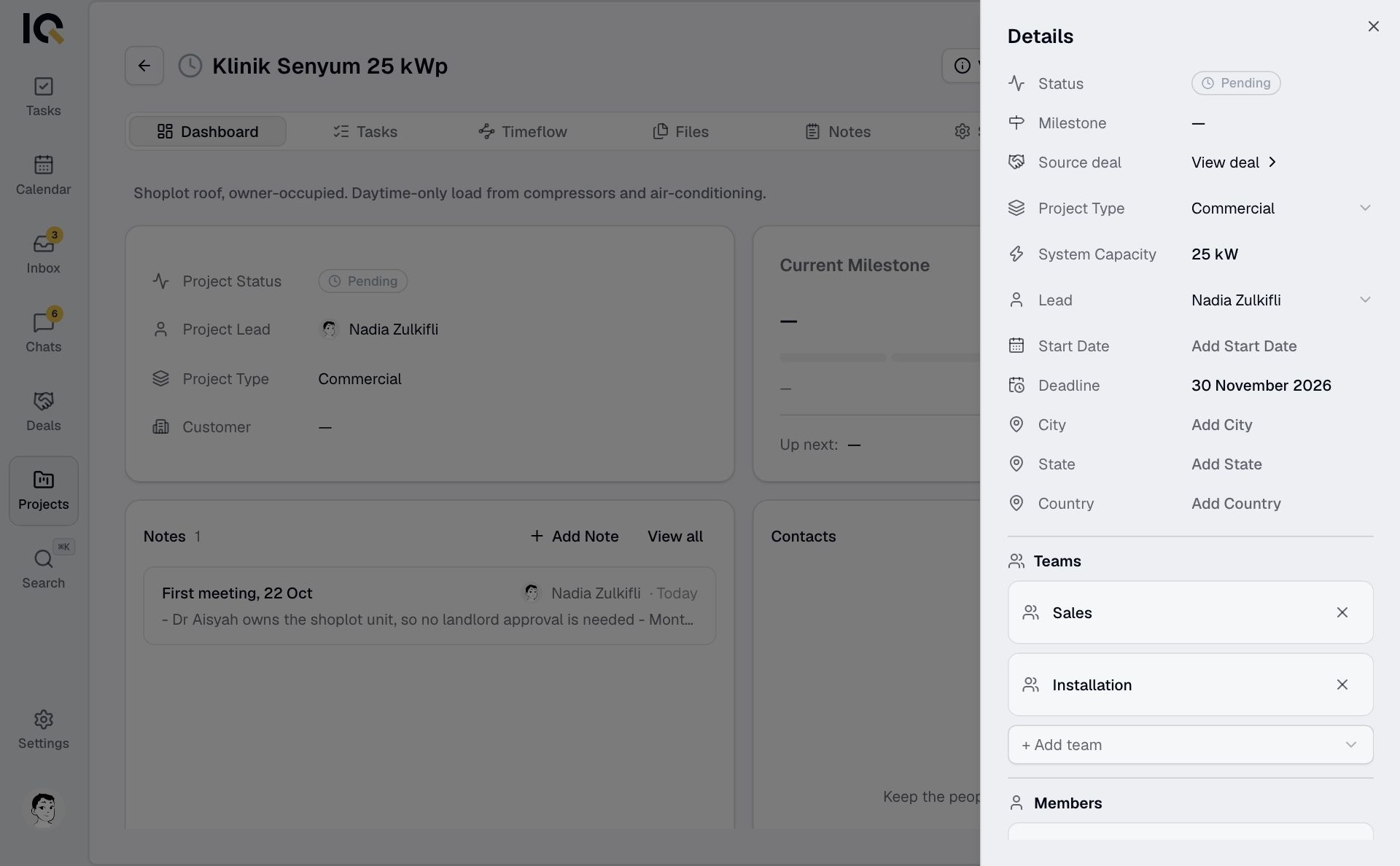
Deal tasks are not copied. The new project's tasks come from the template you chose. Check the project's lead and team, as the deal's owner and individual members are not added automatically.
Selected files stay on the deal and appear in the project too. Private files keep their access restrictions; the project lead can share them.