Your account
Update your profile, change the theme or log out.
Open Settings from the menu on a computer, or by tapping your photo on a phone. Your profile is under Account.
Change your name
Tap the pencil beside your name, edit it and tap the tick to save.
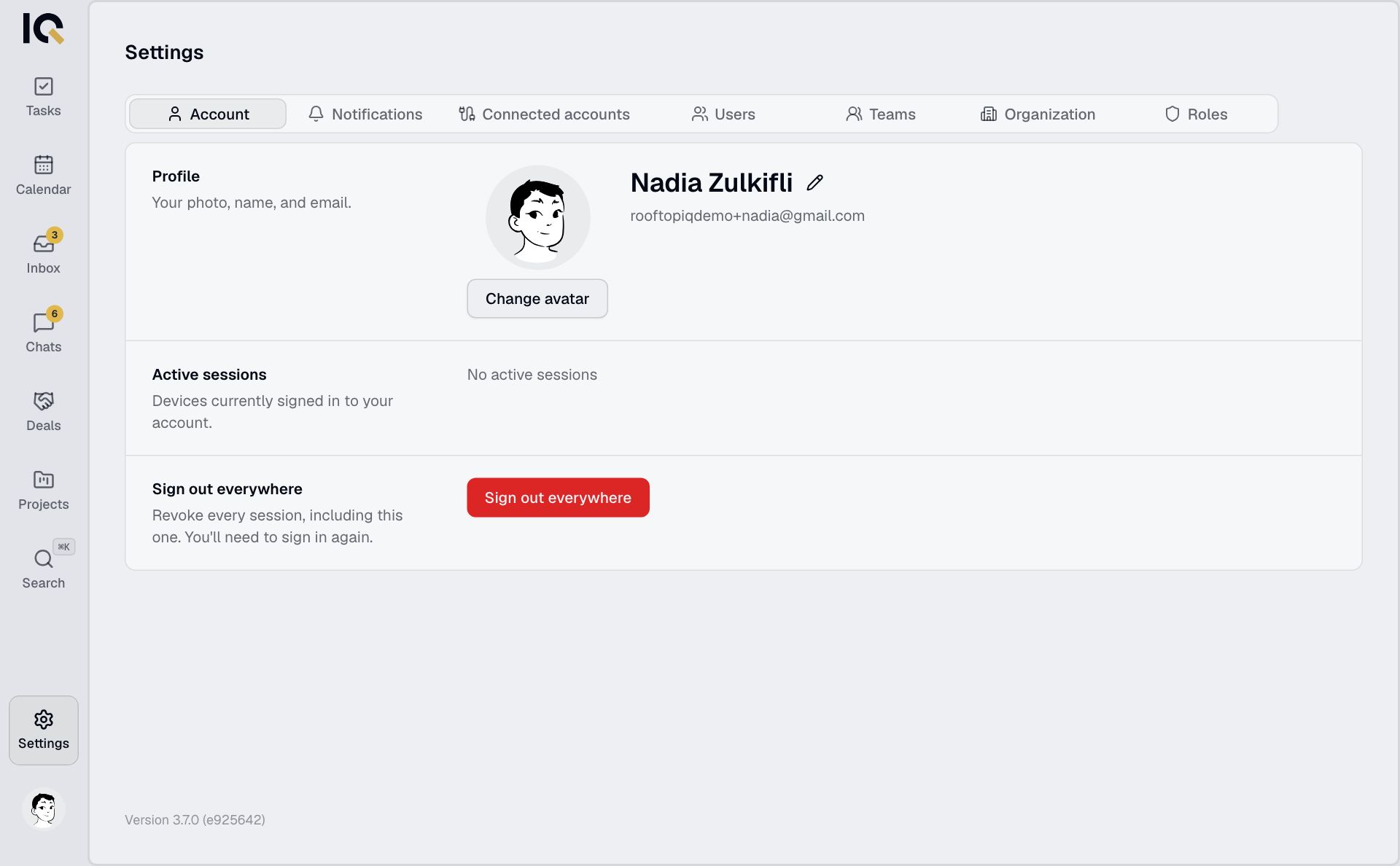
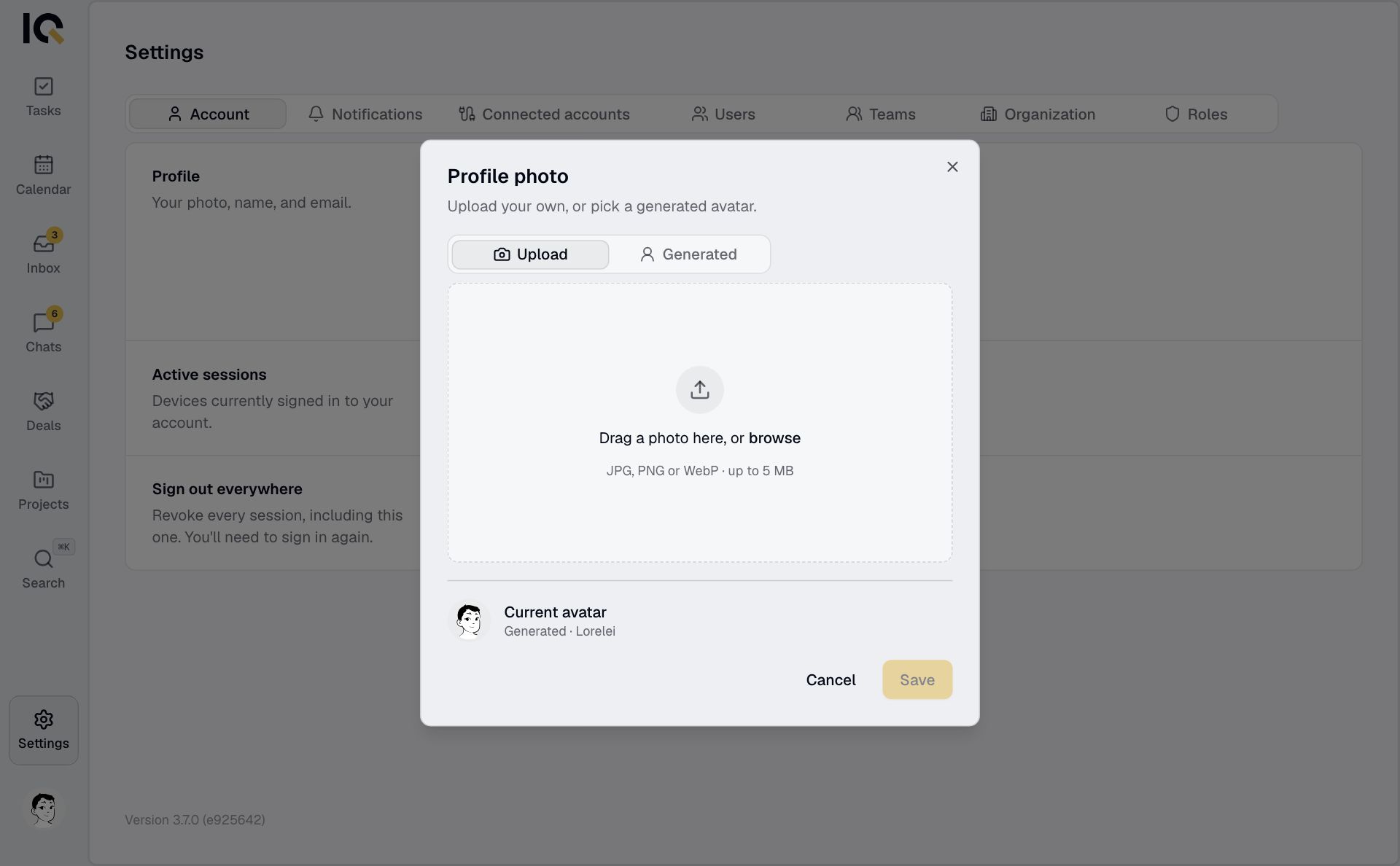
Change your photo
Tap Change avatar, upload a photo or choose a generated avatar, then tap Save.
Switch between light and dark
On a computer, select your photo at the bottom of the menu, then Light or Dark. On a phone, use the sun or moon at the top of Settings.
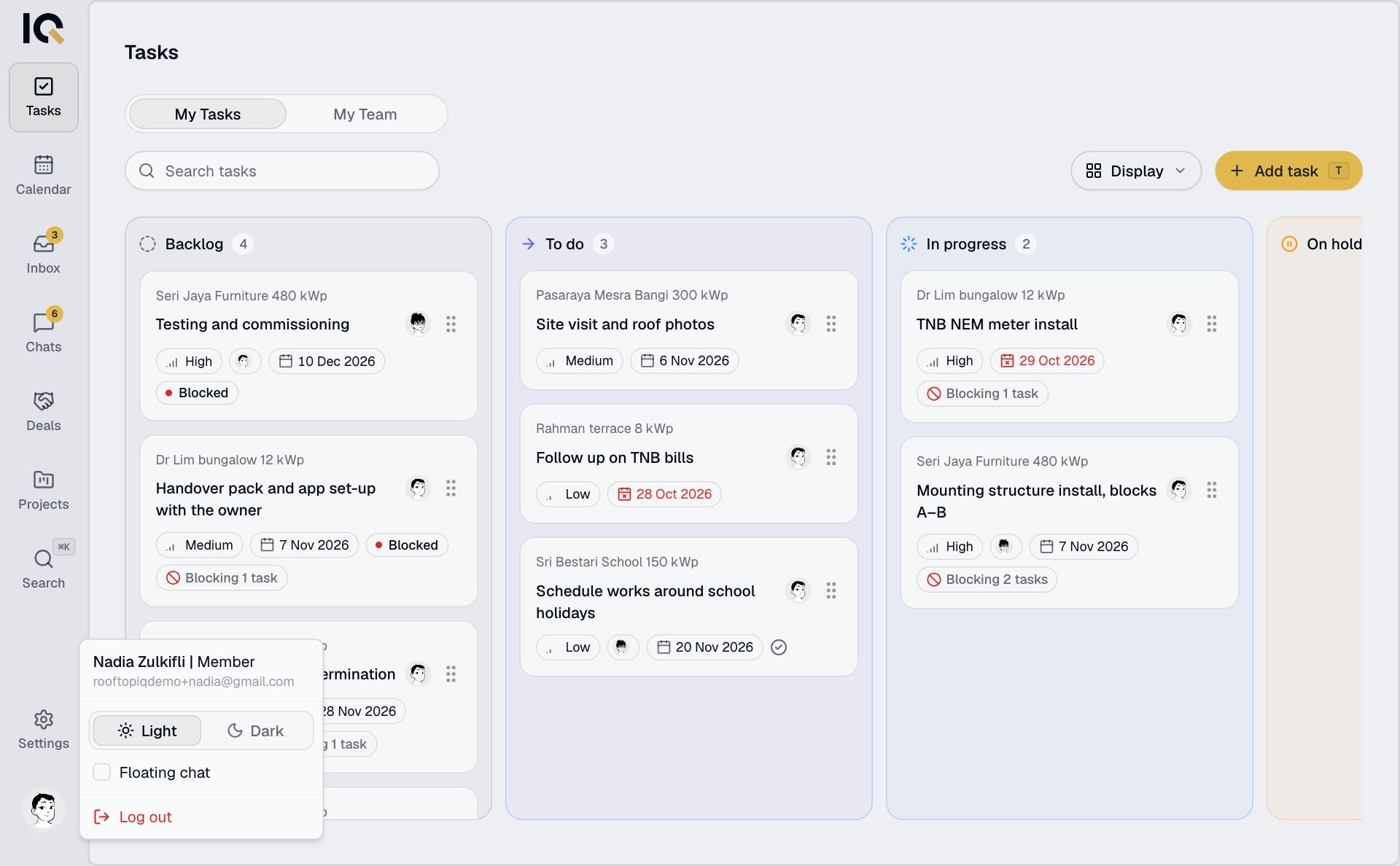
Log out
On a computer, select your photo, then Log out. On a phone, Log out is at the bottom of Settings. Logging out stops notifications on that device.
To reset your password, see Sign in. To change your sign-in email, contact support.