Sign in
Sign in or reset your password.
Use the email address your RooftopIQ invitation was sent to. If you haven't joined yet, open your invitation first.
Sign in
Choose one of these options on the sign-in page:
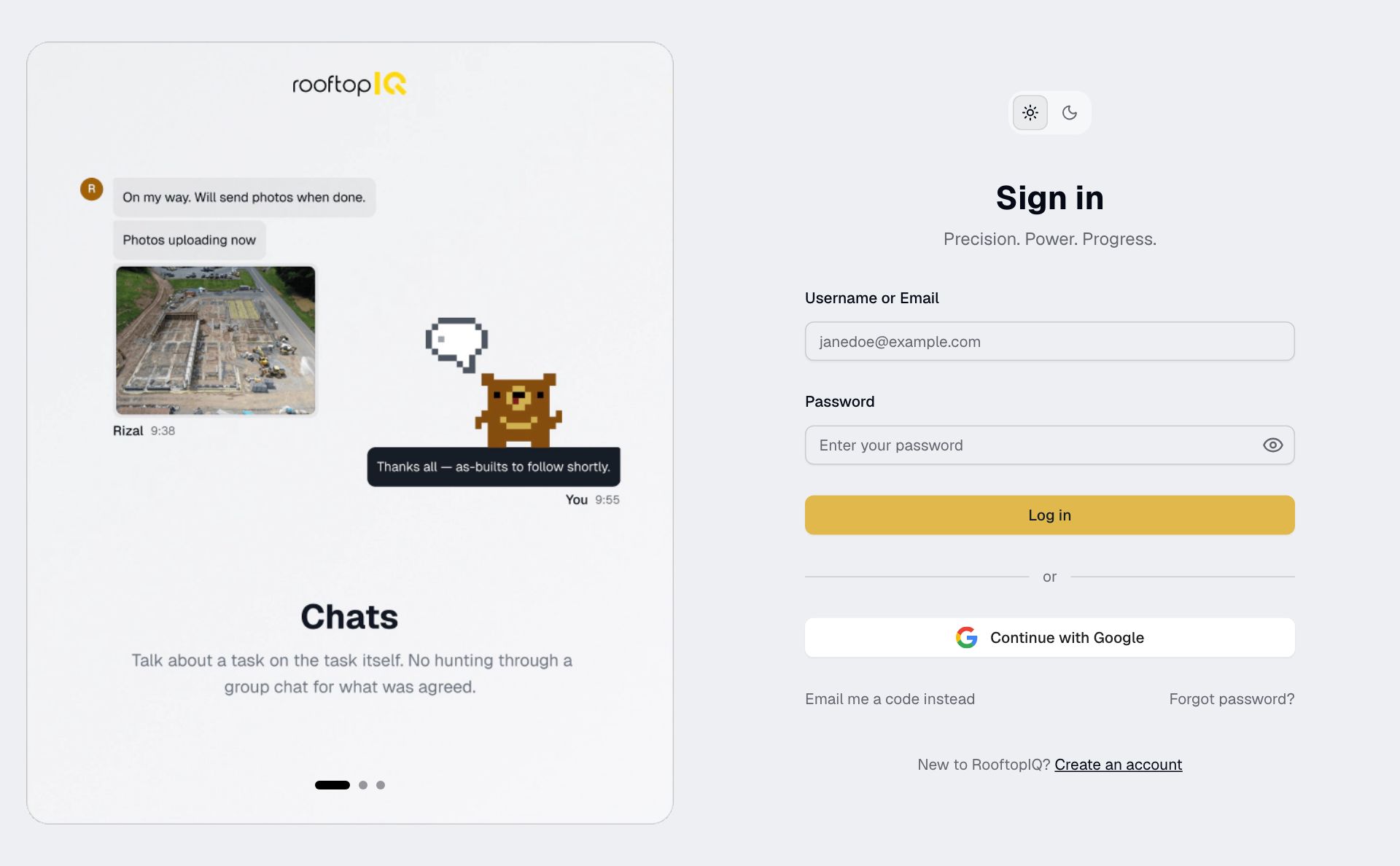
- Enter your email and password, then tap Log in.
- Tap Continue with Google and choose the account with the same email.
- Tap Email me a code instead, enter your email and request a code. Enter the code from your email, then tap Verify.
Reset a forgotten password
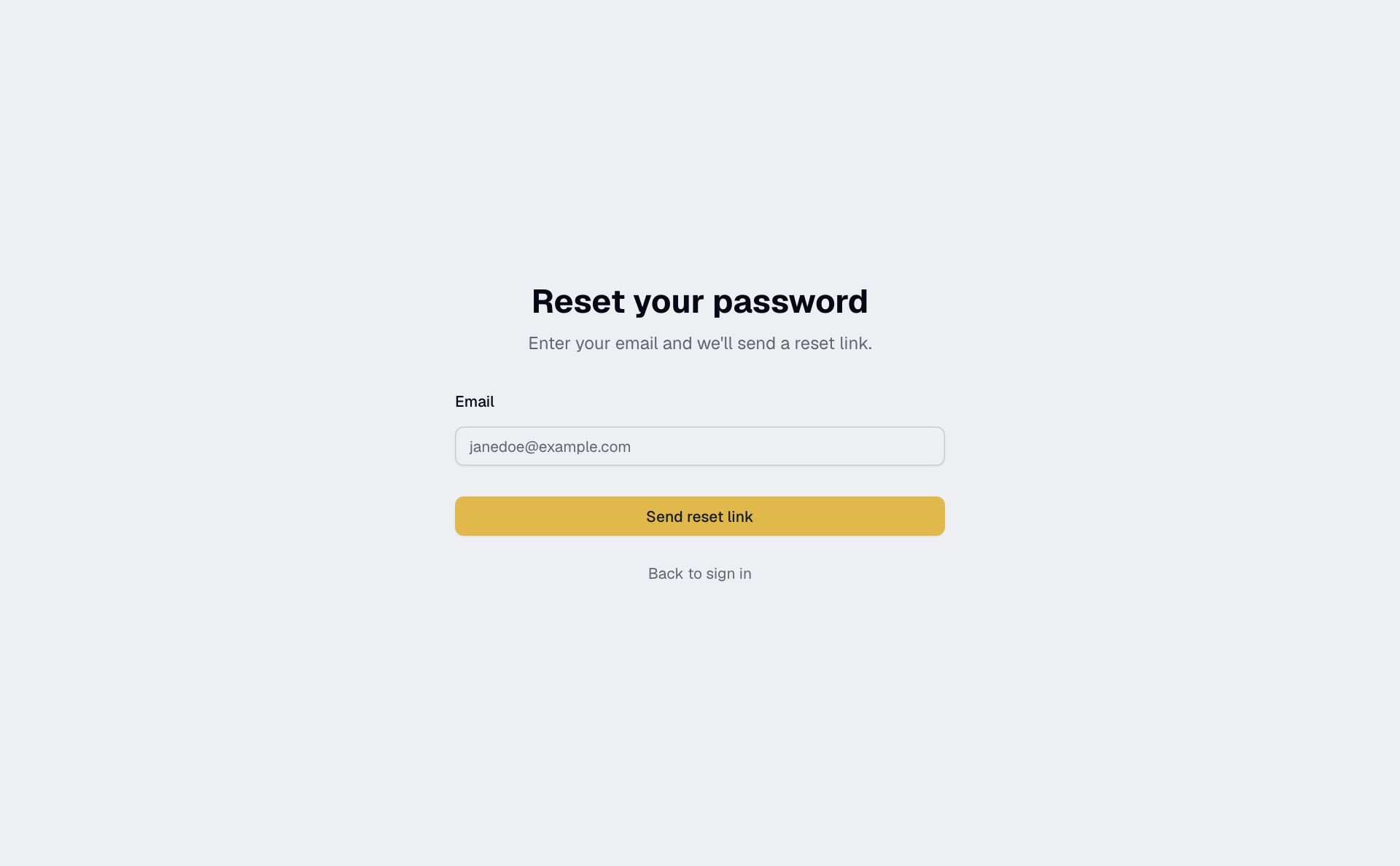
- Tap Forgot password? on the sign-in page.
- Enter your email and tap Send reset link.
- Open the link in your email, choose a new password and tap Reset password.
- Sign in with your new password.
Resetting your password signs you out on every device. If the link has expired, request another.
If you can't sign in
Check that you're using the email you were invited with. If your invitation has expired or your account is deactivated, ask your admin.
If too many attempts have locked the password button, wait for the countdown or use an emailed code. For anything else, contact support.