My tasks
Find your work and see what needs doing next.
Open Tasks from the main menu or the tabs on your phone. Tap any task to open it.
Your work and your team's work
My Tasks shows tasks you lead or help with. My Team shows work assigned to people on your teams.
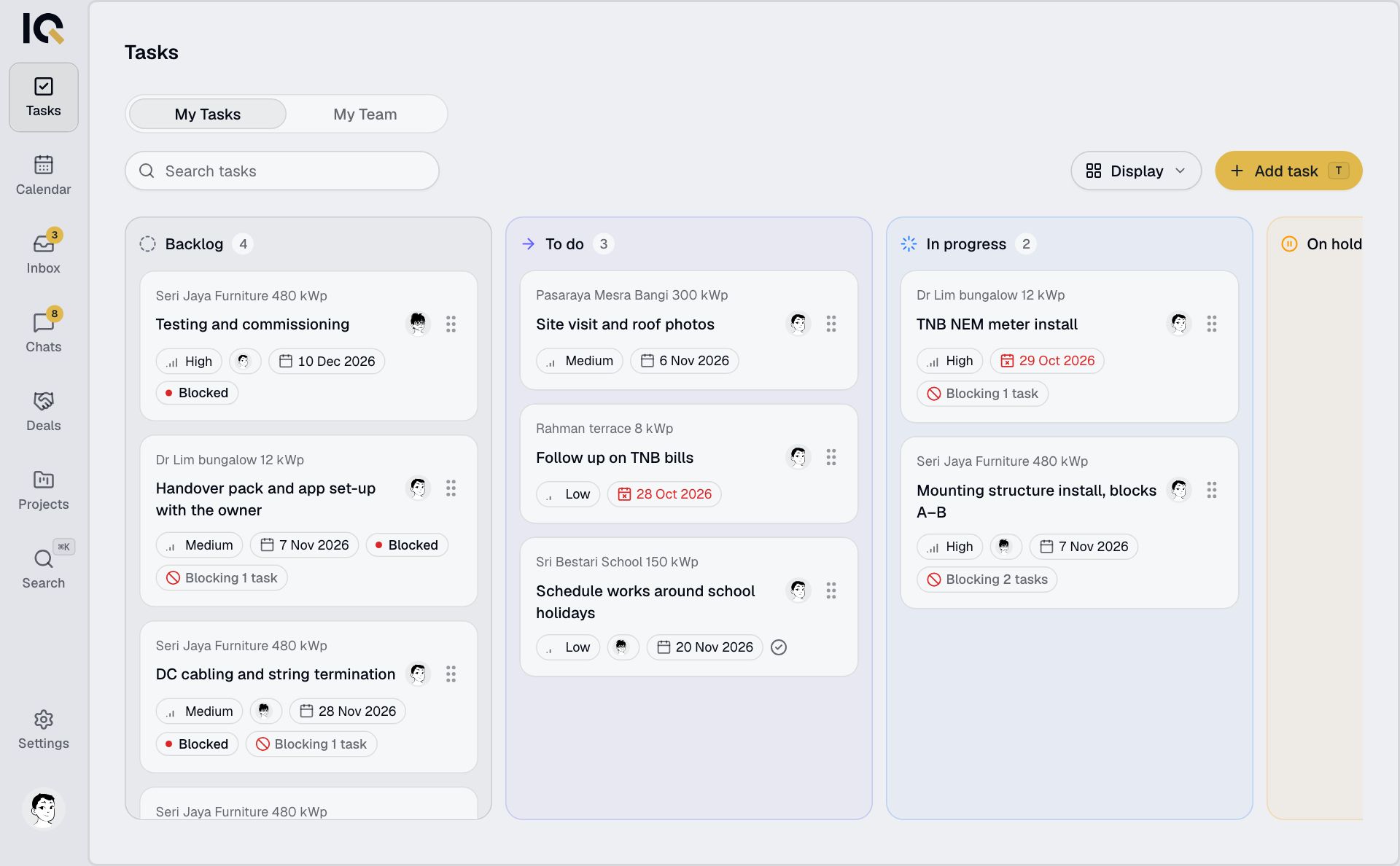
Use search to find a task. Open Display to group or sort the results, for example by project, priority or due date.
Choose a view
On a computer, open Display and choose List, Board or Table. A phone shows the list.
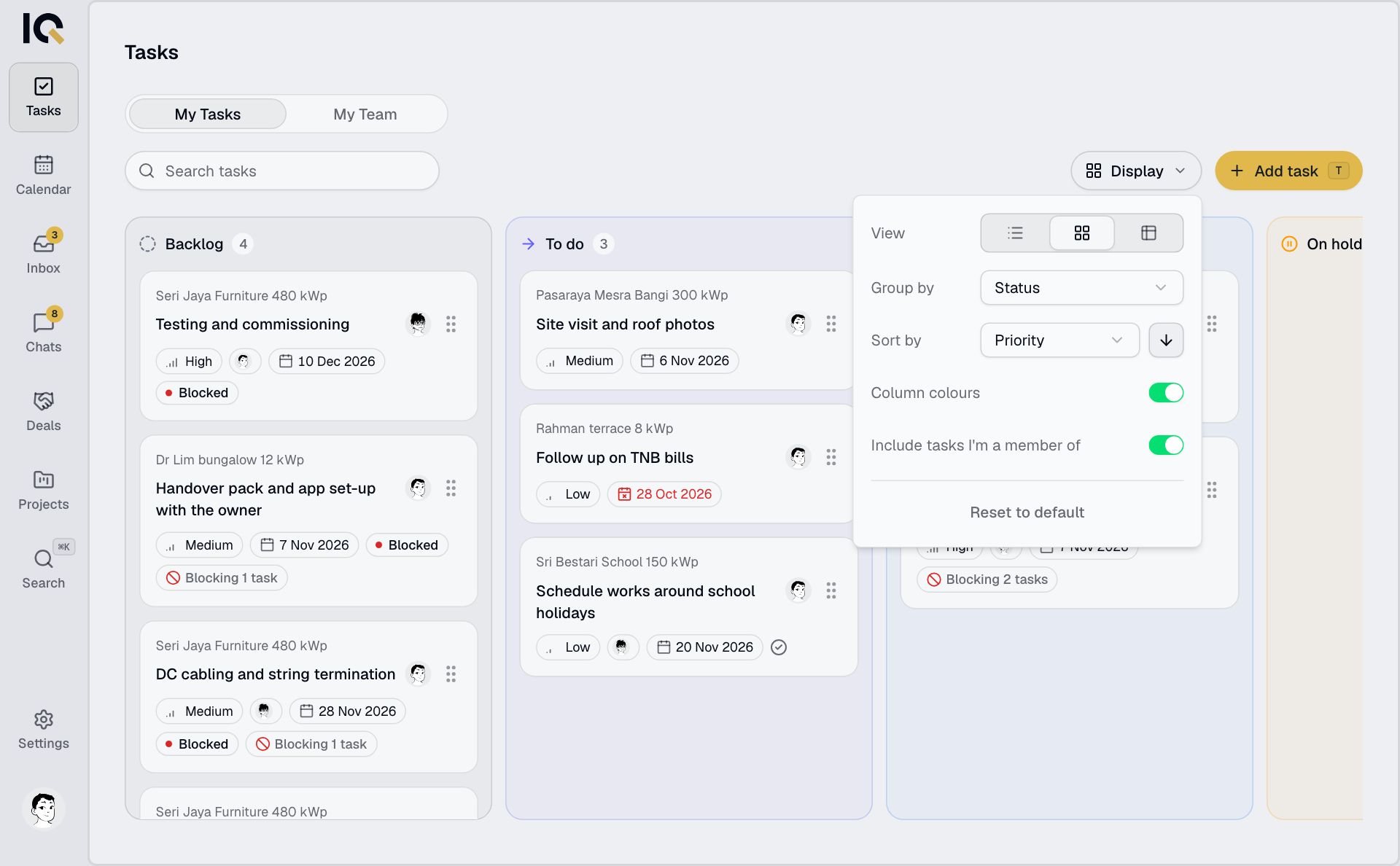
On the board, drag a task between columns to change its status, priority or lead, depending on how the board is grouped. RooftopIQ tells you if a change isn't allowed.
A Blocked task is waiting for another task to finish. Open it to see what it needs. See Work on a task.
Tasks within a project
Open a project or deal and choose Tasks to see just that job's work.
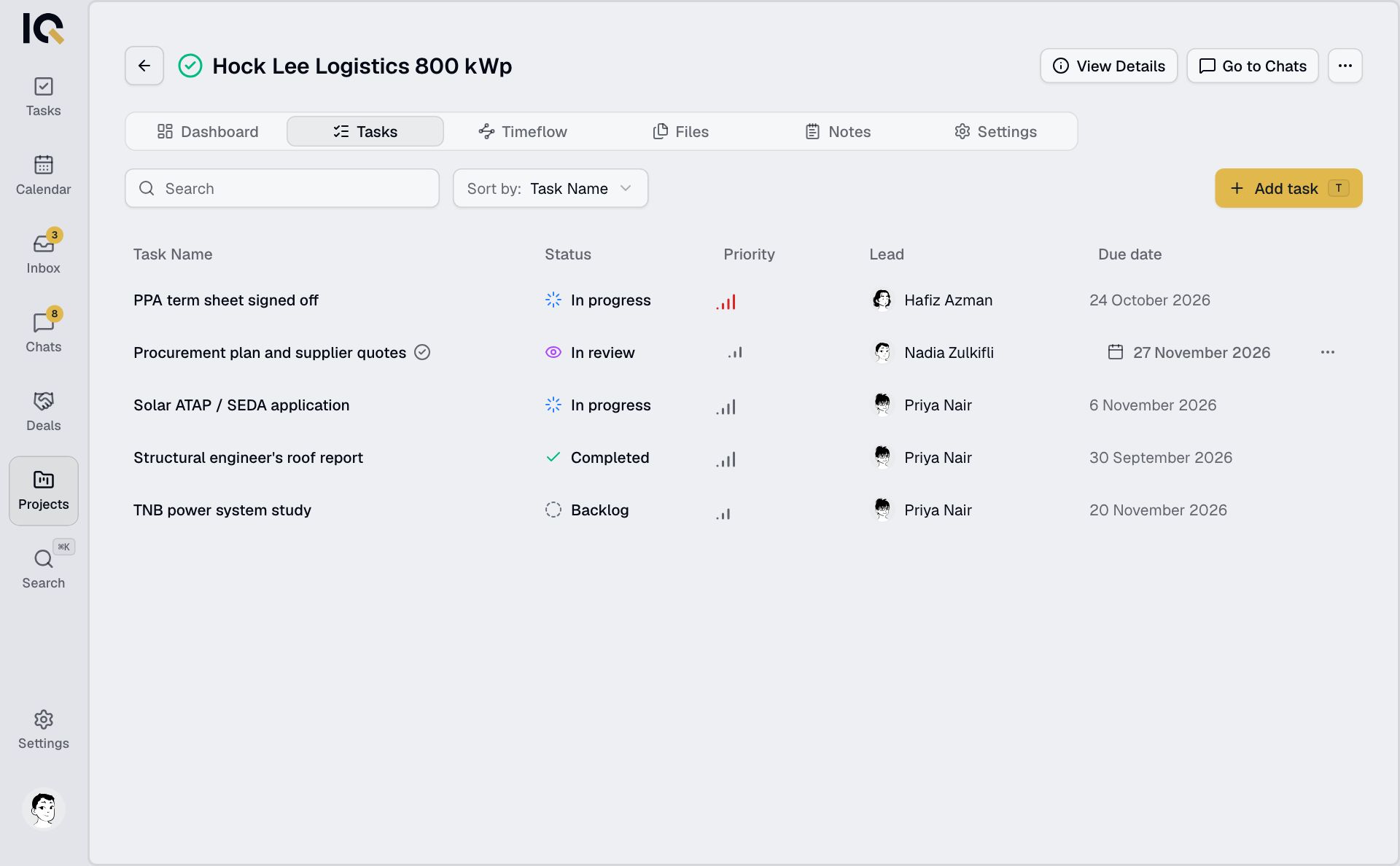
If you're a guest, the filters at the top of Tasks let you choose which company's tasks to see.