Docs
TasksCreate a task
Create a task
Give a task a name, an owner and a due date.
Create a task
- Open Tasks and tap Add task.
- Enter a Task Name and a description if needed.
- Tap show more to choose a lead, due date and project or deal.
- Tap Create Task.
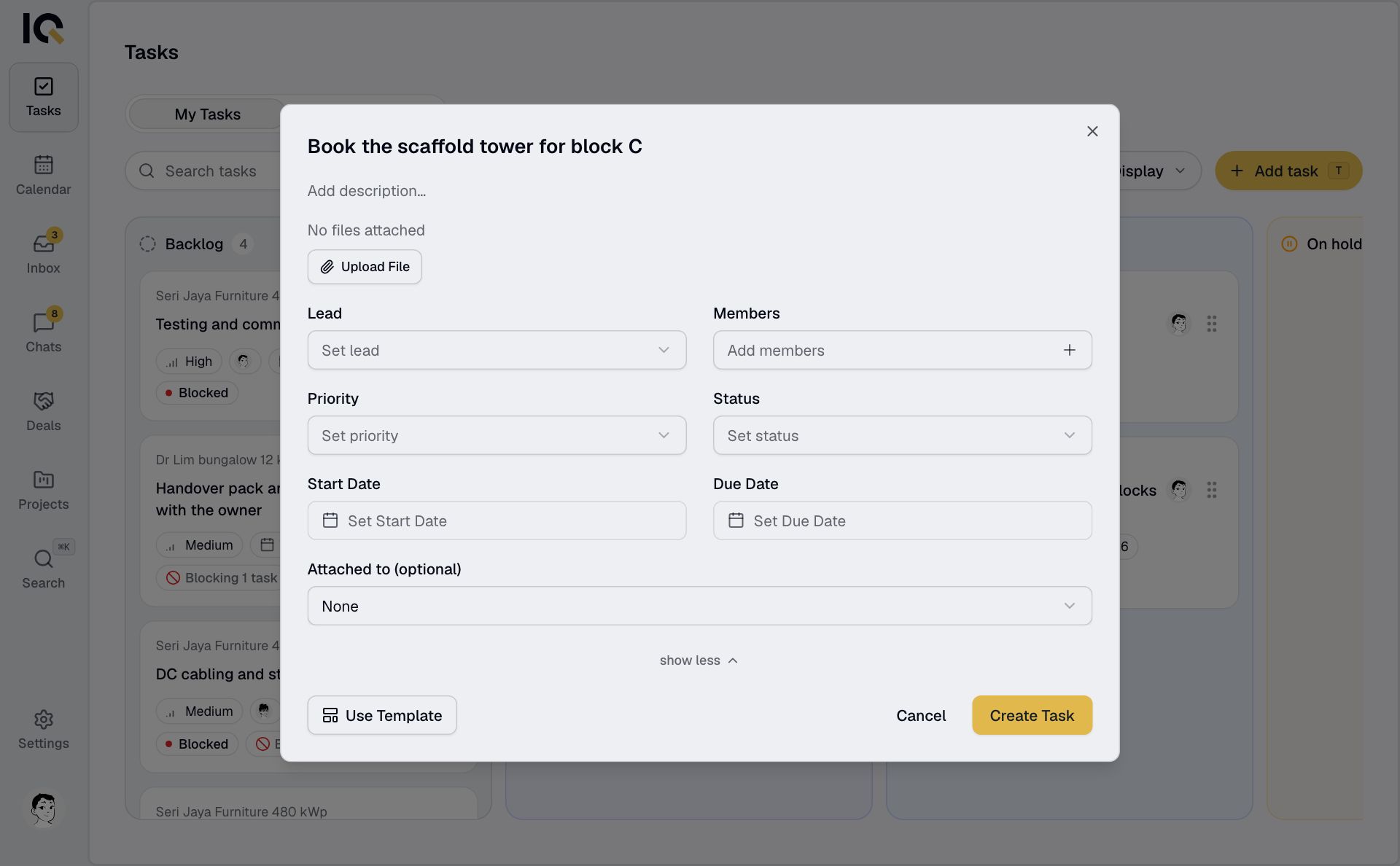
Only the name is required. If you leave the lead empty, the task is assigned to you.
A task with no project or deal can be opened by anyone in your company.
Add a task to a project or deal
On a computer, open its Tasks tab and select Add task. The new task belongs to that project or deal.
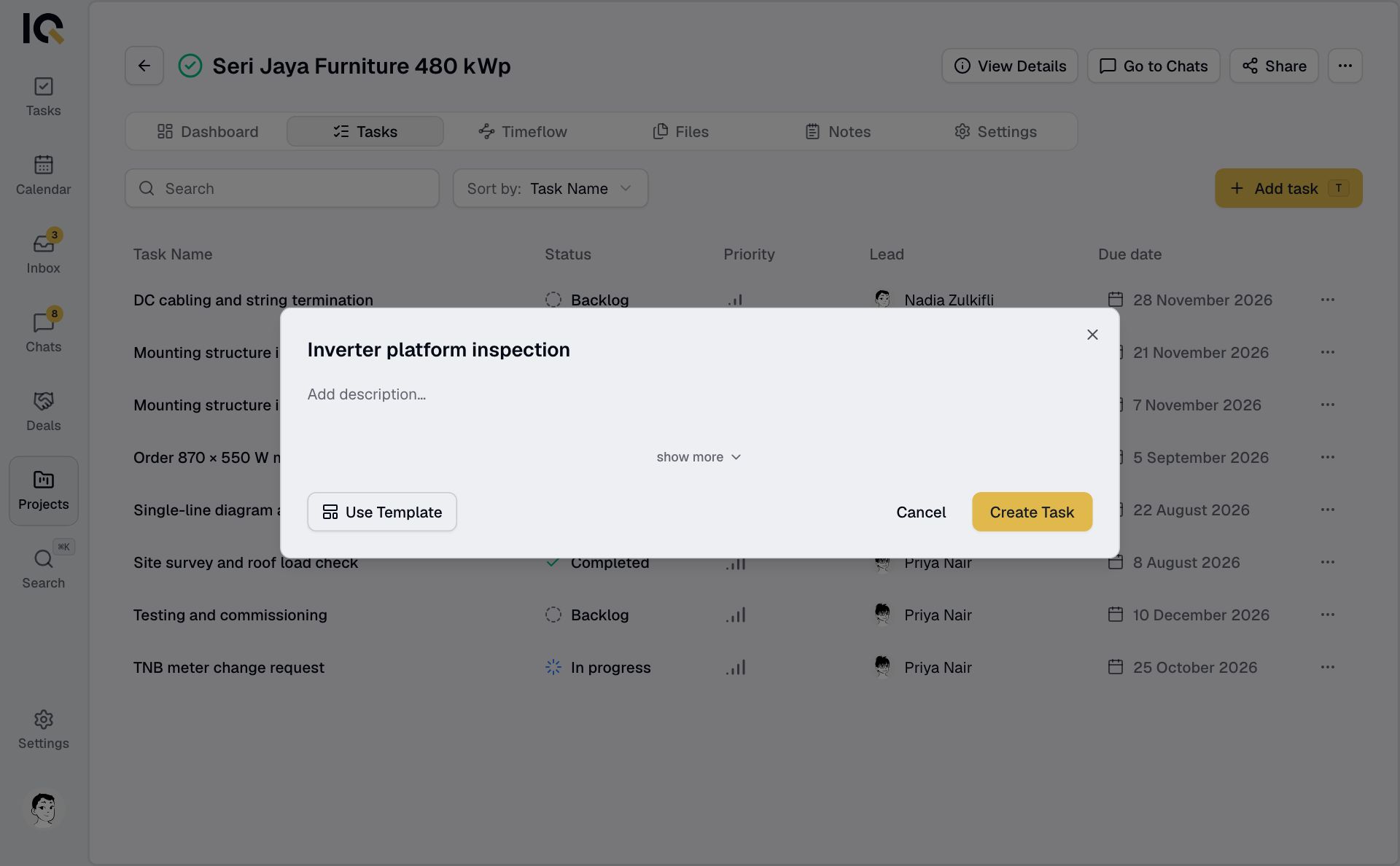
On a phone, create it from Tasks and choose the project or deal under Attached to (optional).
You can also create a task in chat.
When the work needs a review
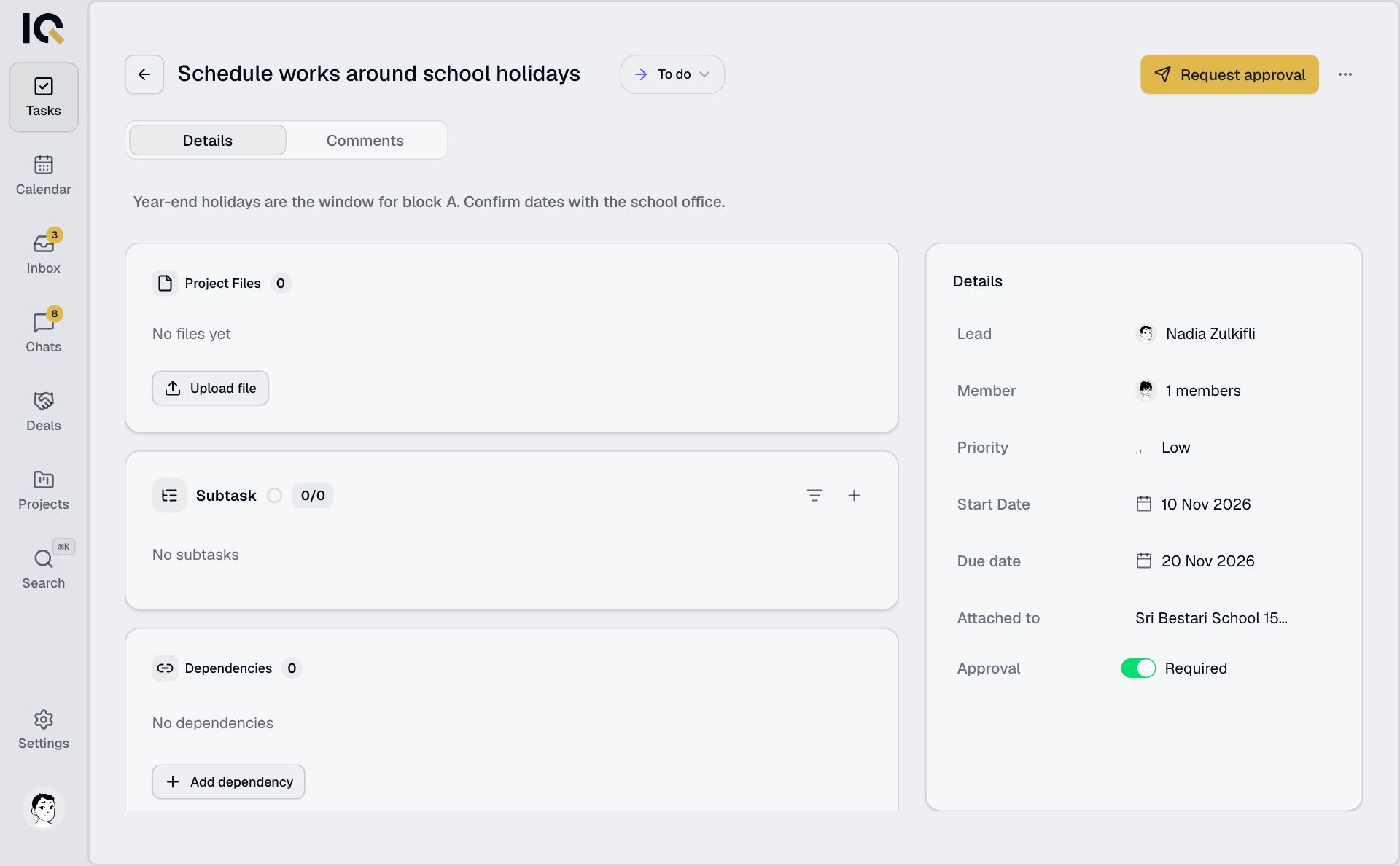
For a project task, turn on Approval Required. The task will need a review before it can be completed. See Work on a task.