Docs
DealsCreate a deal
Create a deal
Add an opportunity to your sales pipeline.
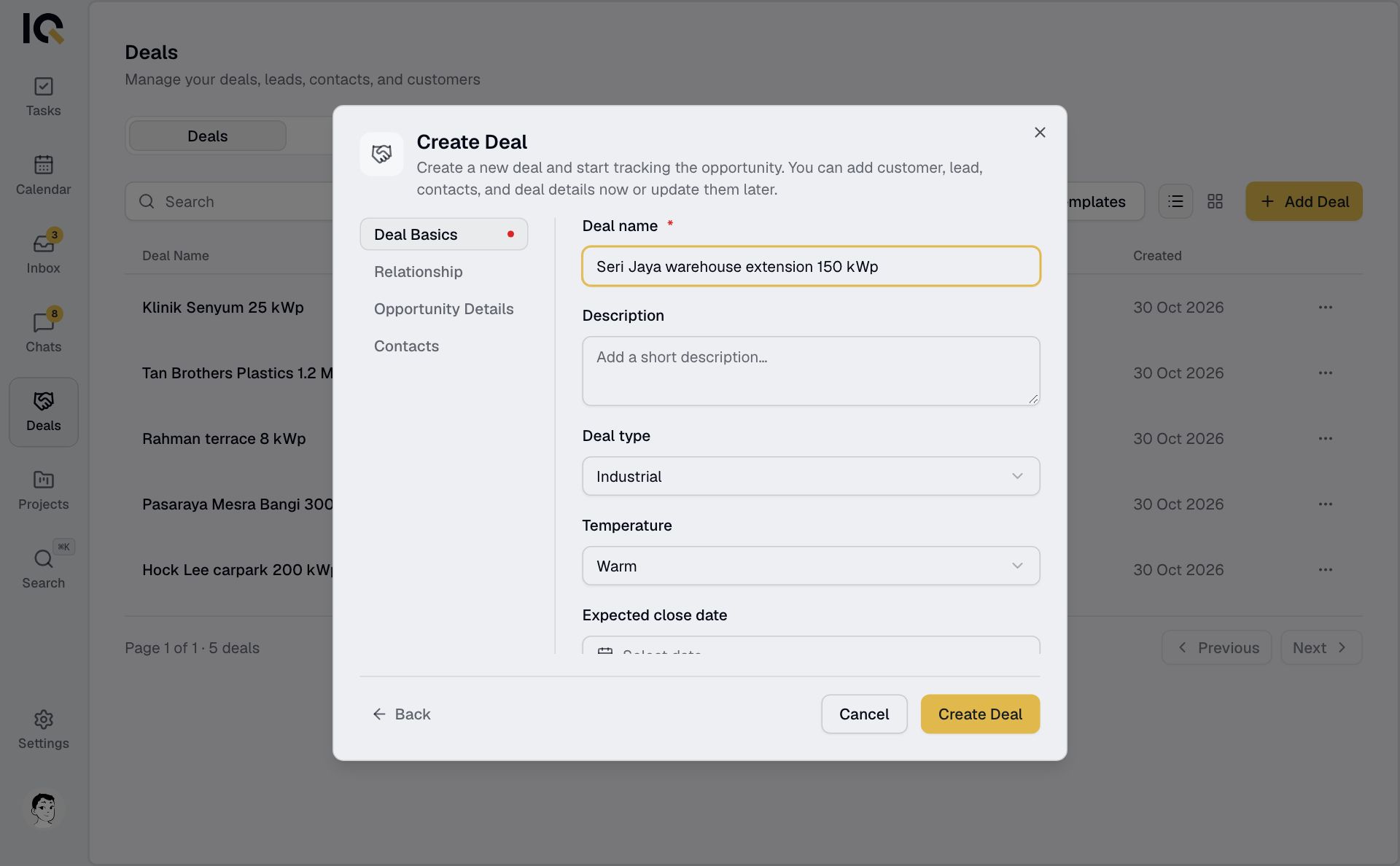
- Open Deals and select Add Deal.
- Choose Start Deal, or Use Template to fill in some details for you.
- Enter a Deal name, choose at least one team and pick a Deal Owner.
- Check the deal type and temperature. Add the value, expected close date and contact details if you have them.
- Select Create Deal. On a phone, tap Next through the tabs to reach it.
The new deal appears in the first stage of your pipeline. You can move it to another stage afterwards.
The teams you choose can see the deal and join its chat. If you change the teams before saving, pick the owner again.