Docs
DealsDeal pipeline
Deal pipeline
Move a deal forward and update its status.
Use a computer to change a deal's stage or status.
Move to another stage
Open the deal and choose a stage under Stages: on its Dashboard.
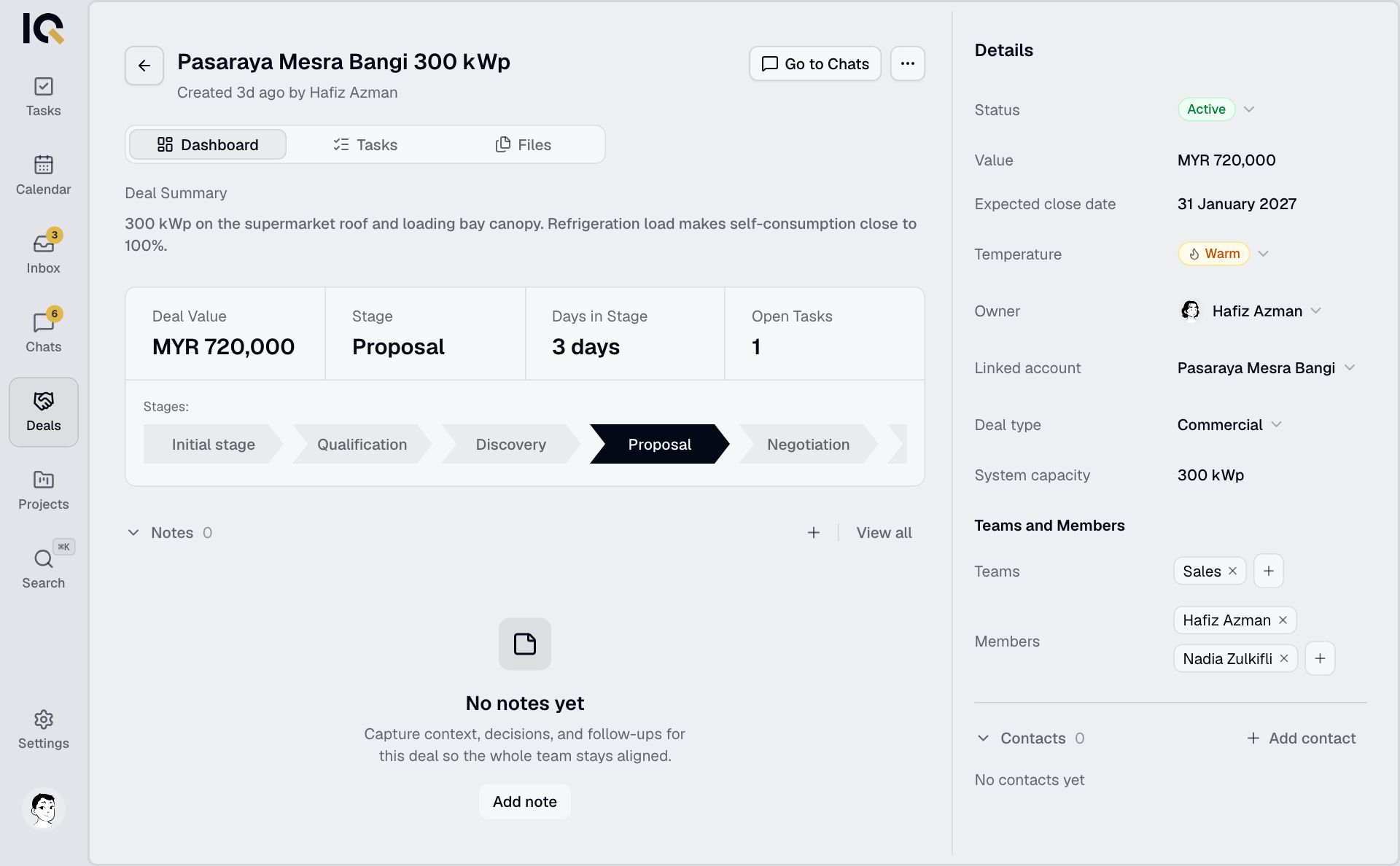
You can also select Board view in the Deals list, group by Stage and drag the deal into another column.
If the move is blocked by mandatory tasks, complete or remove those tasks first.
Update the status
Open the deal's Details panel and select Status. Choose Active, Lost or Closed.
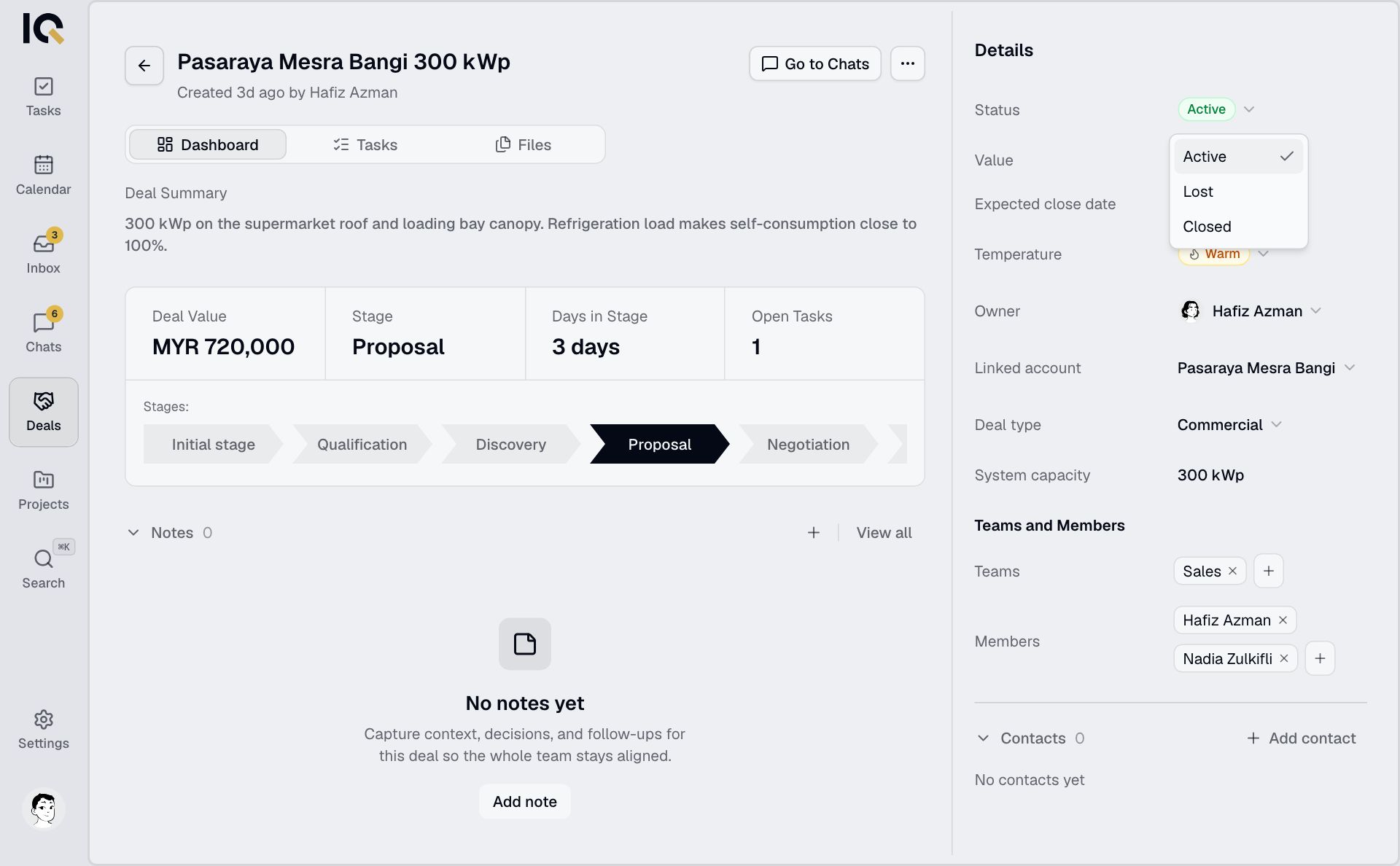
Stage and status are separate. Moving to Closing doesn't close the deal or create a project.
When the deal is won
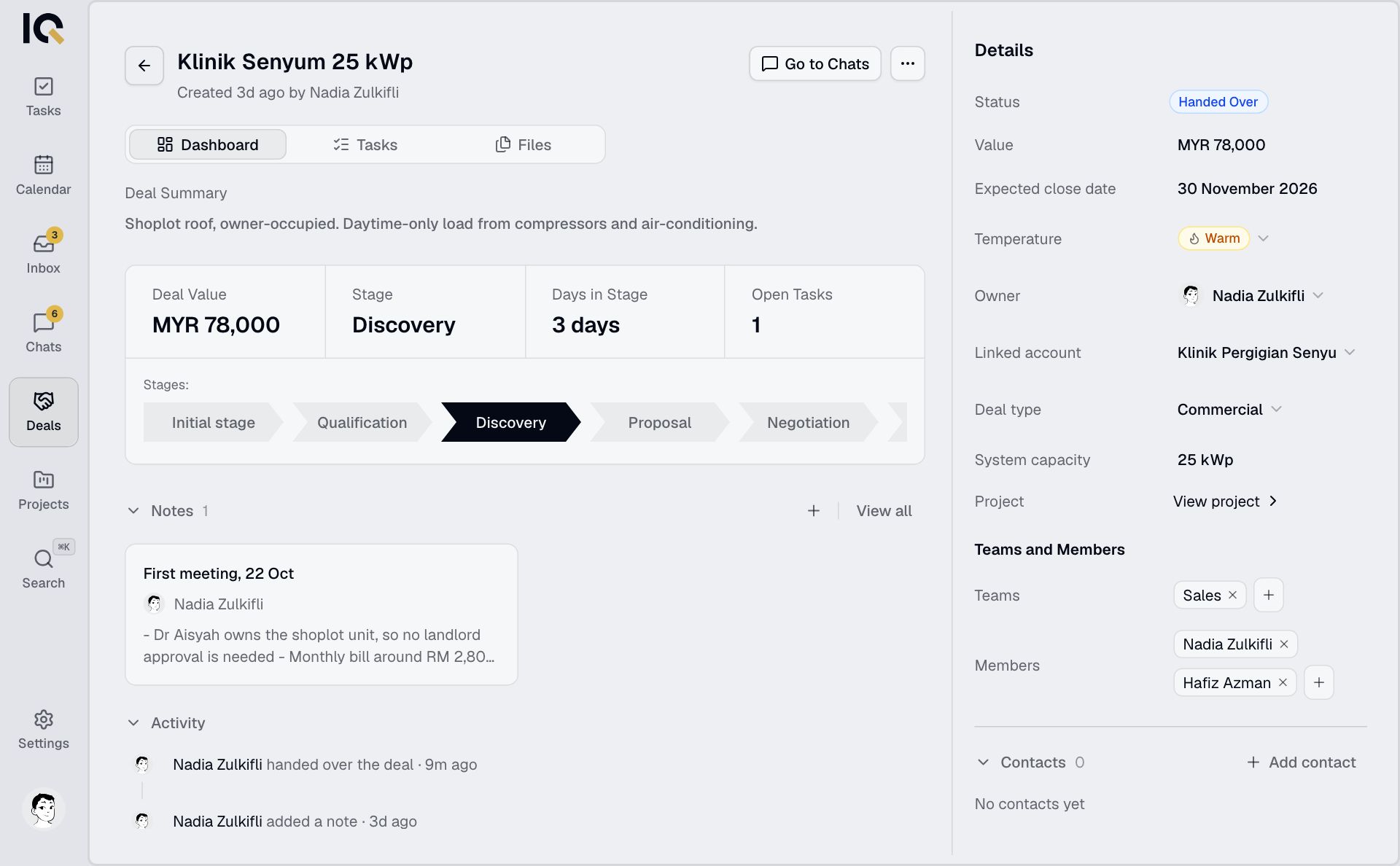
Keep its status Active and hand it over to a project. The deal then becomes Handed Over and read-only.