Project status
Start, pause or finish a project.
New projects start as Pending. A project becomes Active on its start date, or when you activate it yourself.
Change the status
On a computer, open the project's three-dot menu and choose the action you need:
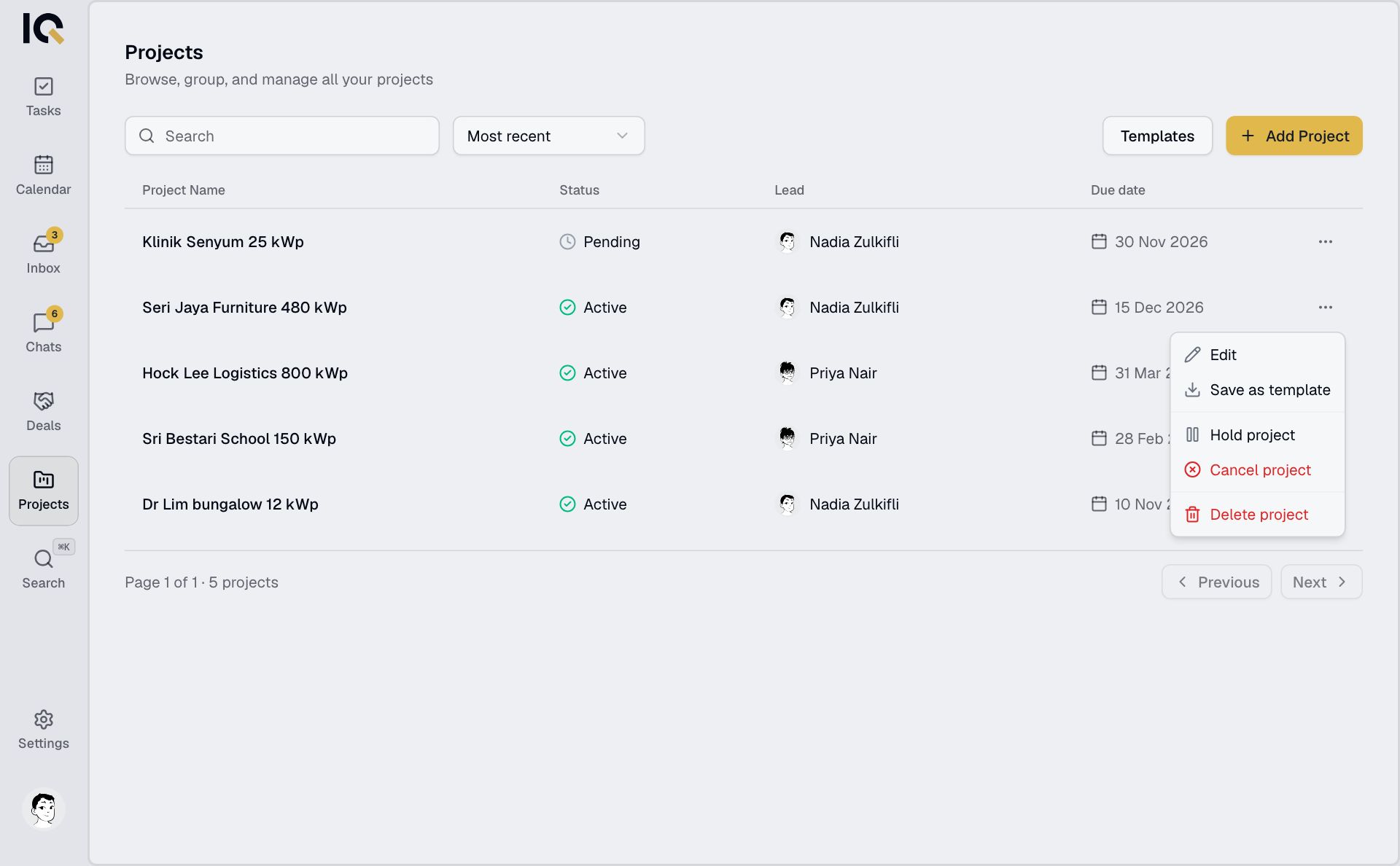
- Activate Project to start or resume work.
- Hold Project to pause it.
- Mark as Done to finish it.
- Cancel Project to stop it.
- Reactivate Project to reopen completed or cancelled work.
The menu shows the actions available for the current status. On a phone, you can hold or cancel a project from its menu in Projects. Use a computer to activate, finish or reactivate it.
What happens to the work
Putting a project on hold pauses its unfinished tasks. Resuming moves those tasks to To do.
Completing or cancelling a project makes its chat read-only. Reactivating it reopens the chat.
Delete a project
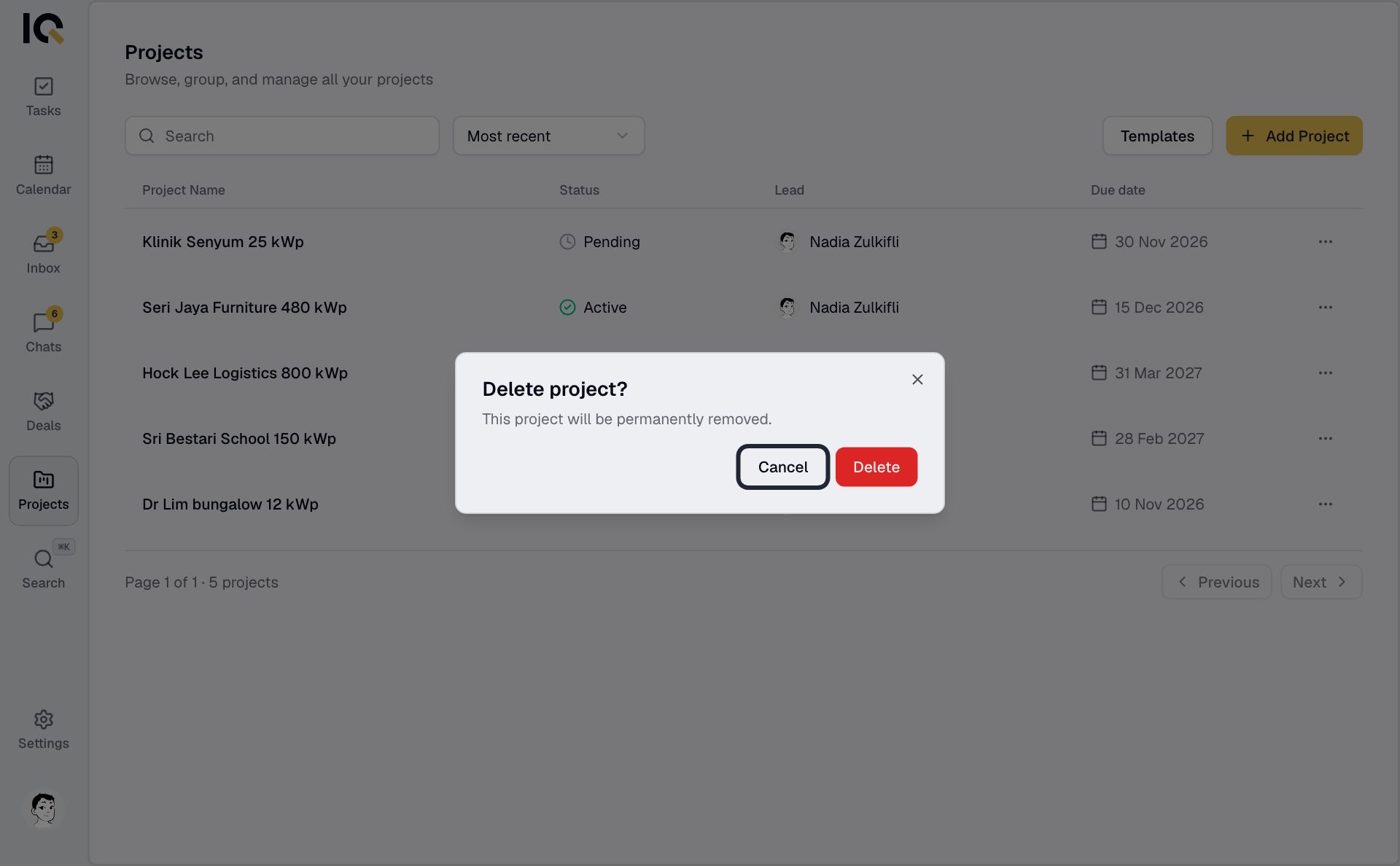
Choose Delete project from its menu in Projects and confirm. Deletion permanently removes the project and its tasks for everyone.
Partner companies can't change a shared project's status or delete it.