Projects
Find a project and open its work.
Open Projects and search for the project name. Select it to see its work. If a project is missing, ask its lead to add you.
Inside a project
- Tasks shows the work and who is responsible.
- Files holds photos, drawings and documents.
- Notes keeps decisions and follow-ups.
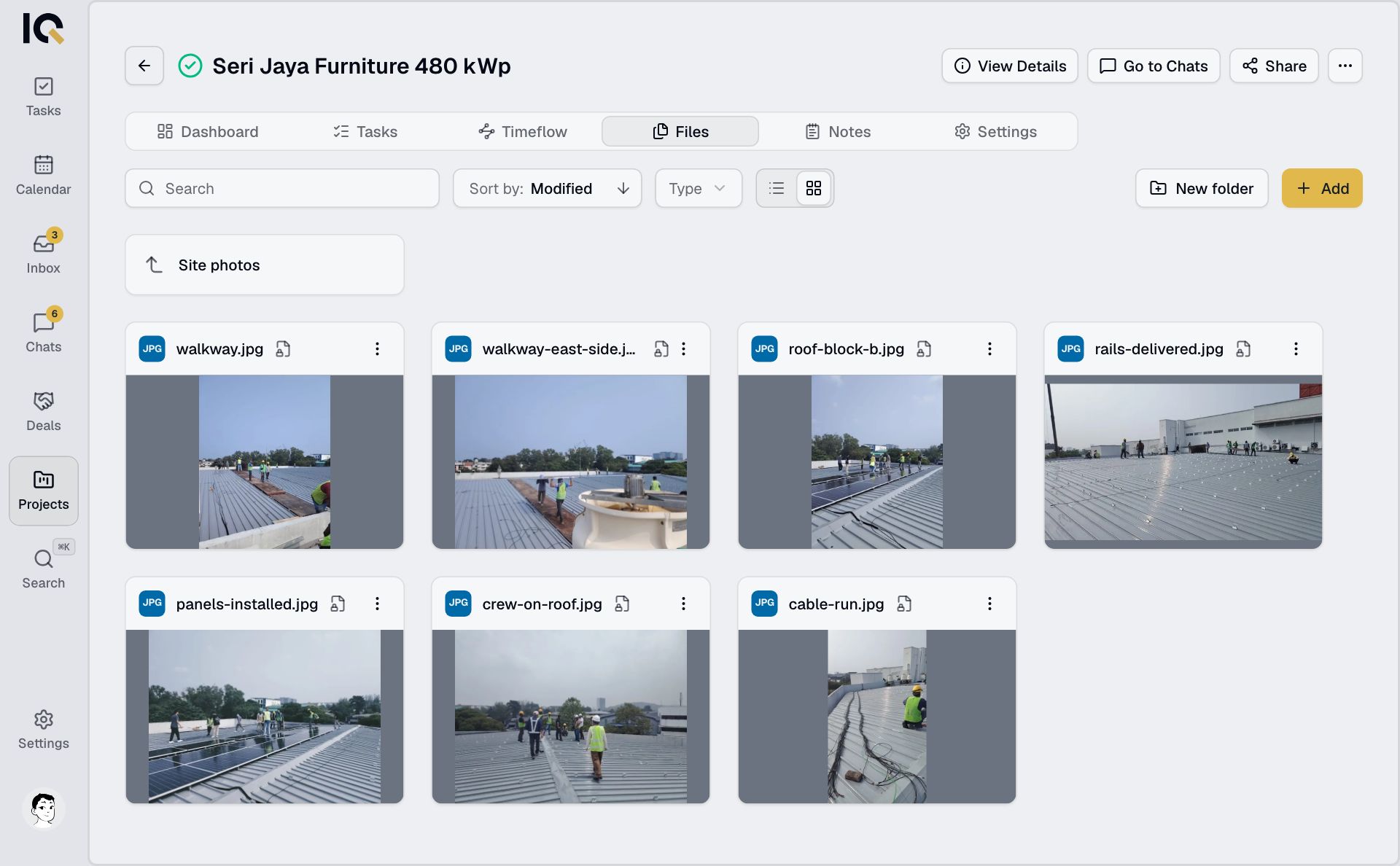
On a computer, Dashboard gives an overview. Timeflow shows progress and links between tasks. The project lead can manage task permissions in Settings.
Open the project chat
On a computer, select Go to Chats. On a phone, open Chats and choose the project.

View or edit details
On a computer, select View Details to update dates, the lead, teams and members. On a phone, the info icon shows a summary.
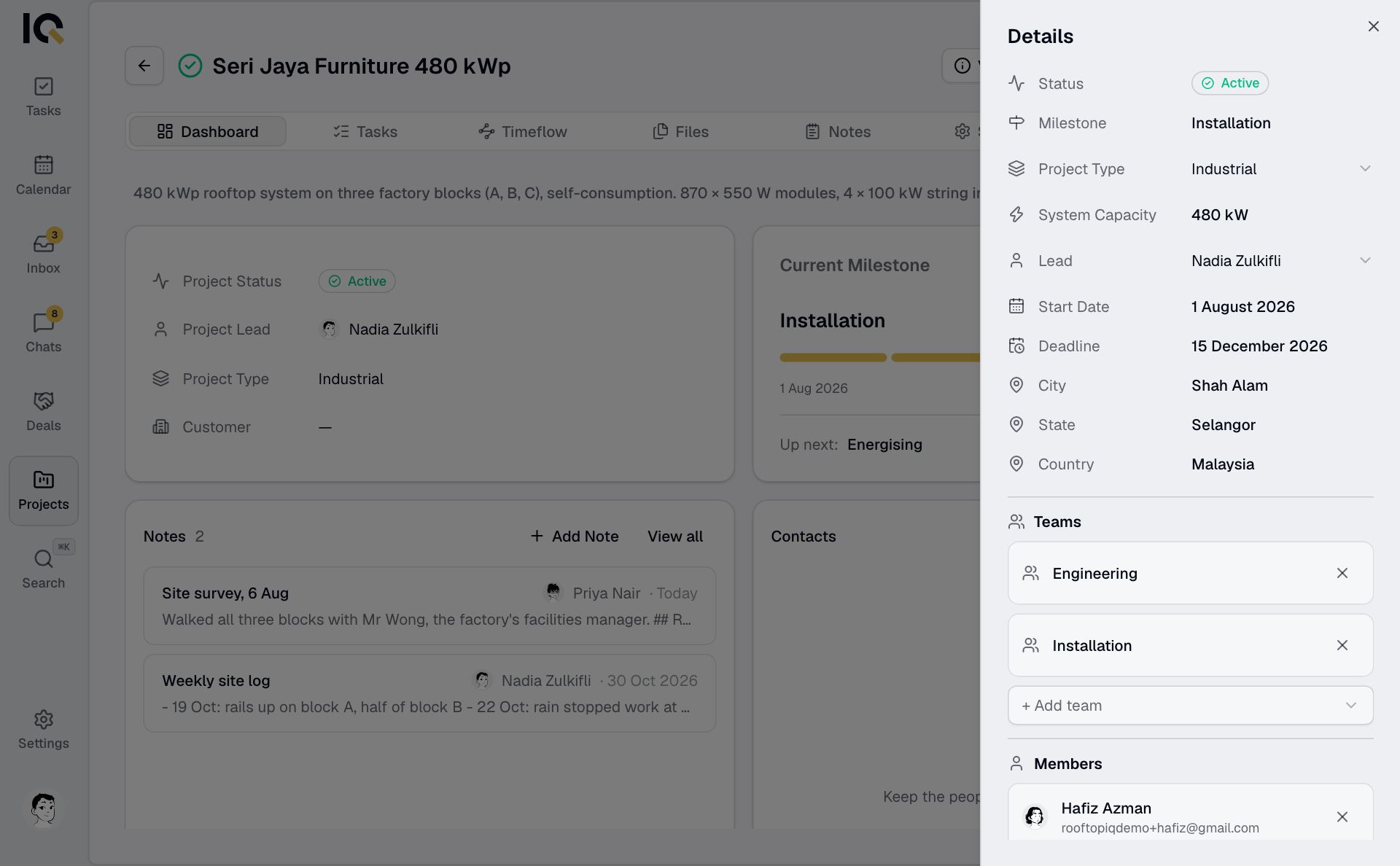
To change the name, description or address, open the project's three-dot menu in Projects and choose Edit.
A globe marks a shared project. See Working on a shared project for what partners and guests can do.