Docs
ProjectsCreate a project
Create a project
Set up a project for your team.
Start a project
- Open Projects and select Add Project.
- Choose Start Project.
- Enter a project name and type.
- Under Timeline & Teams, choose a team, then a project lead. Add dates if you have them.
- Select Create Project. On a phone, tap Next through the sections to reach it.
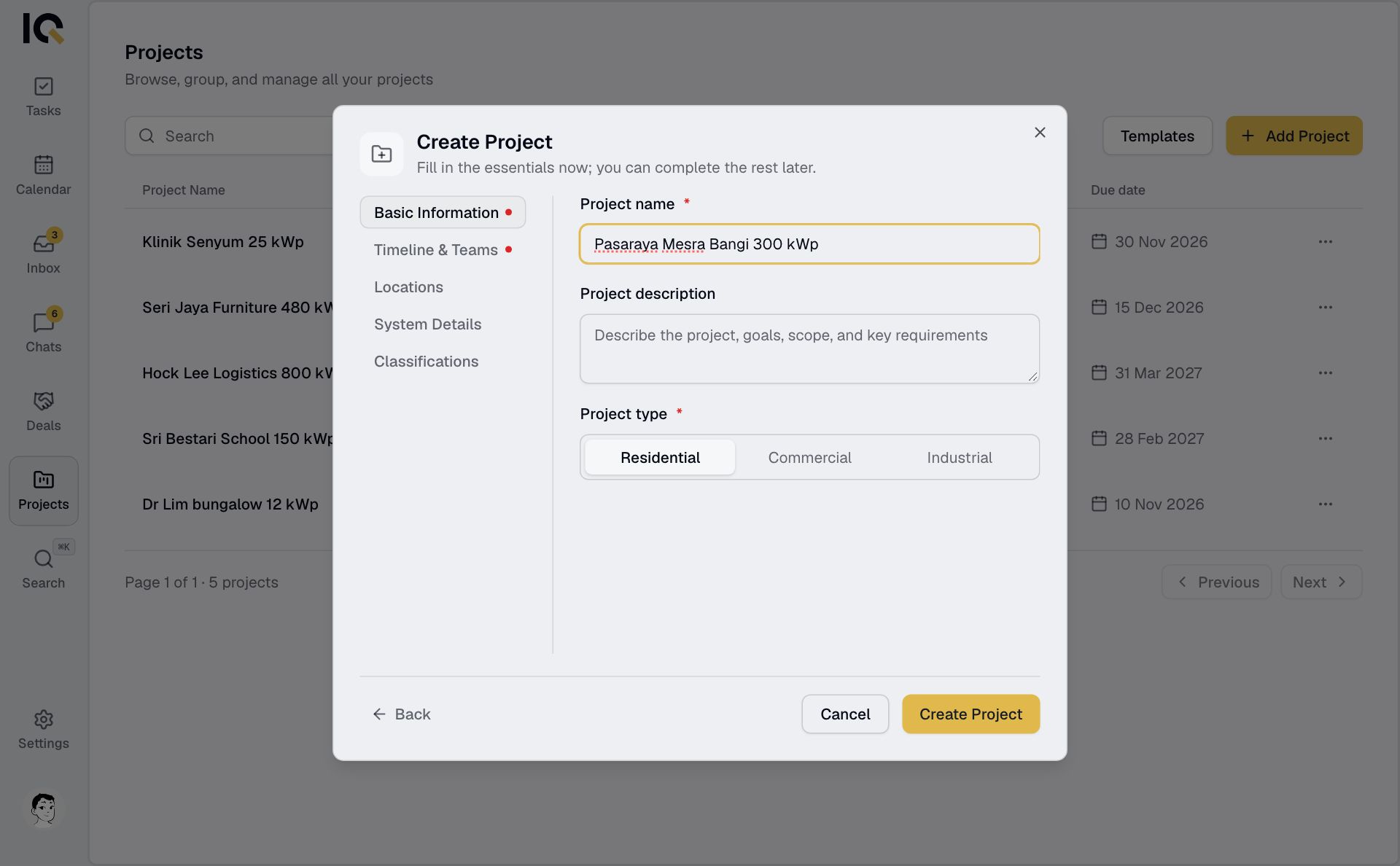
You can add the address and system details when you have them. Each project needs a unique name within your company.
Use a template
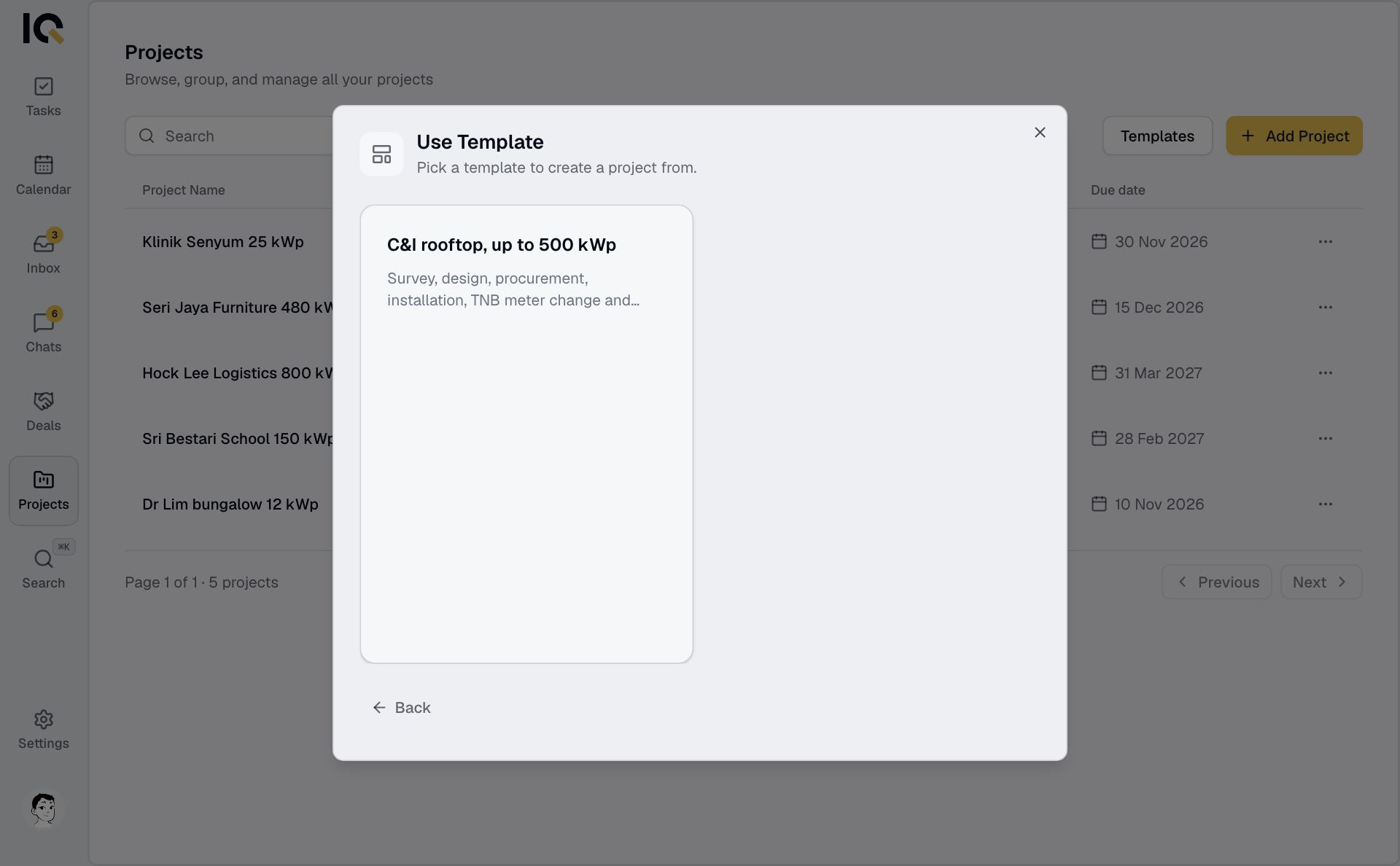
Choose Use Template when adding a project. Pick a template, check the name, type, team and lead, then select Create project. The project starts with the template's tasks.
Start the work
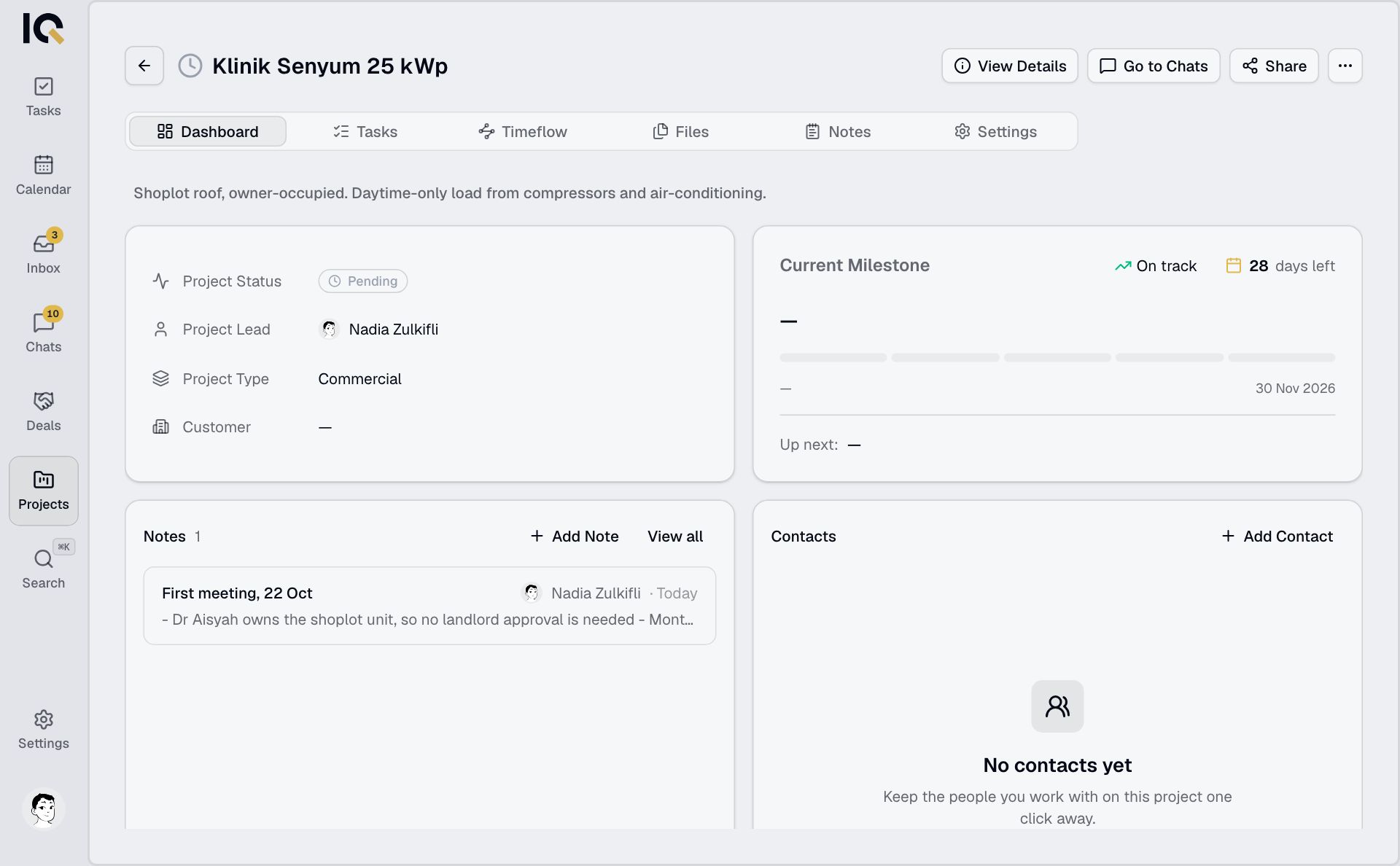
New projects start as Pending and get their own chat. Set a start date or activate the project when you're ready. See Project status.
If the job began as a deal, hand it over to a project.